
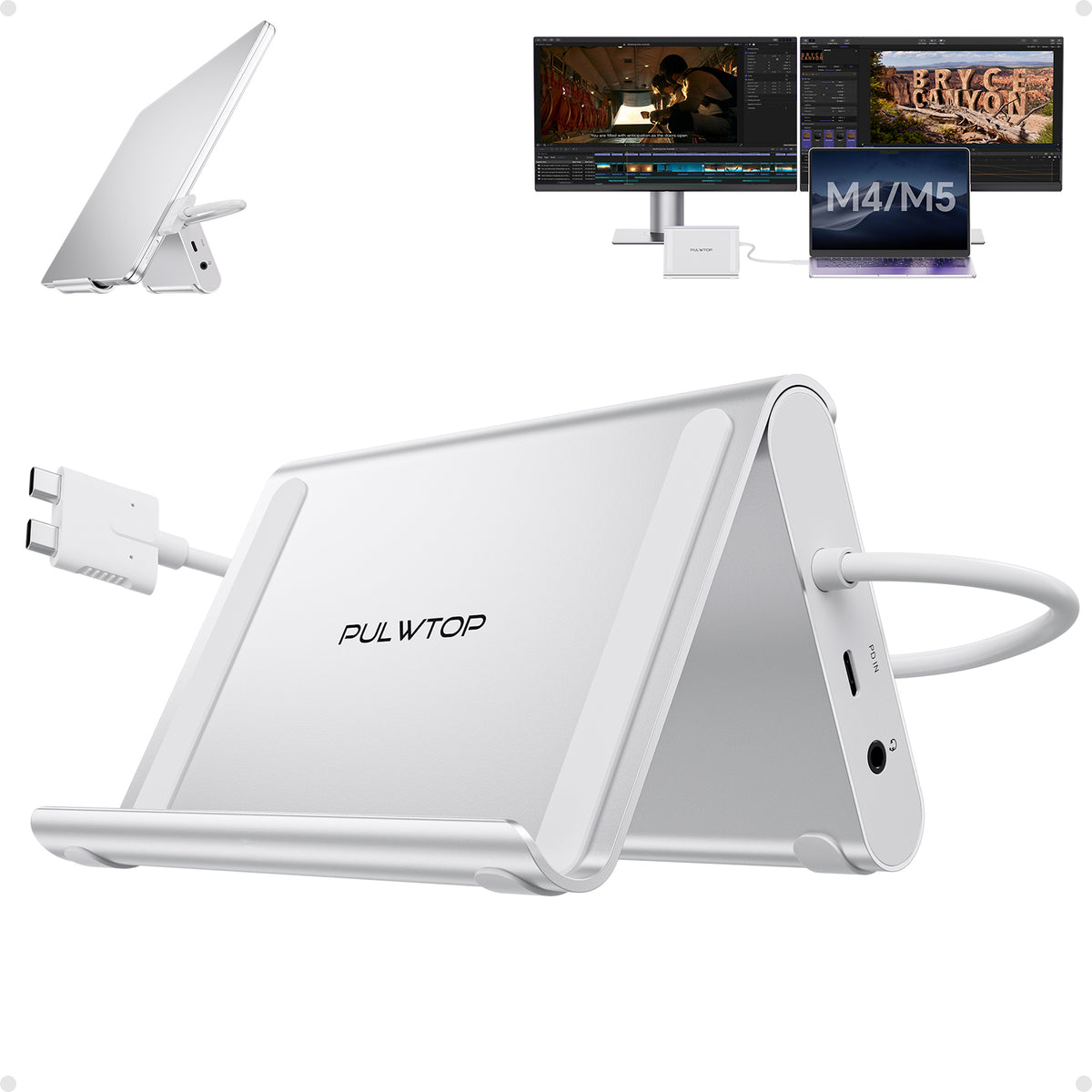
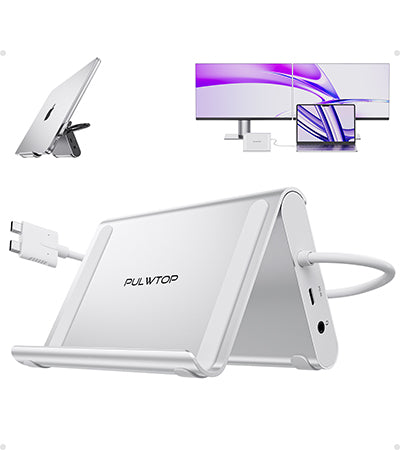
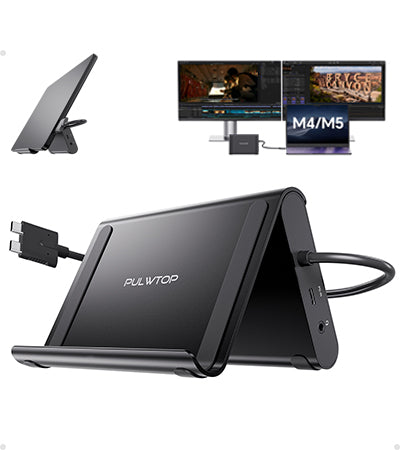
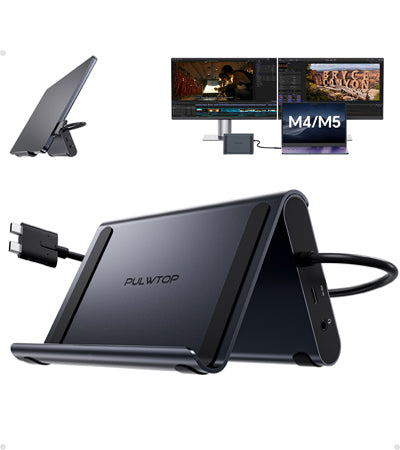
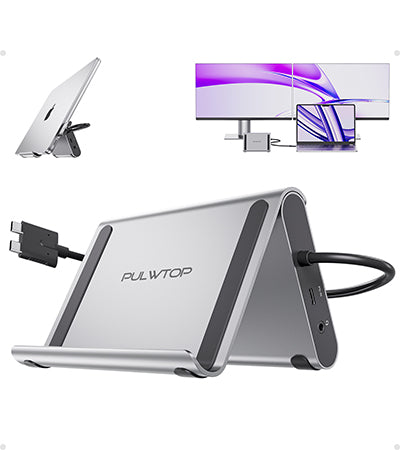
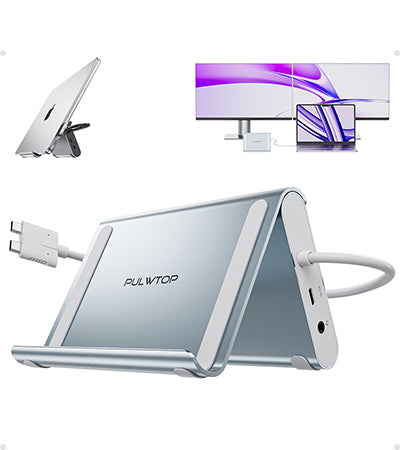
PULWTOP USB C Docking Station Dual Monitor for MacBook Pro/Air M4/M5 (2X 4K@60Hz HDMI, 10Gbps USB A/C) - Silver
Tax excluded.
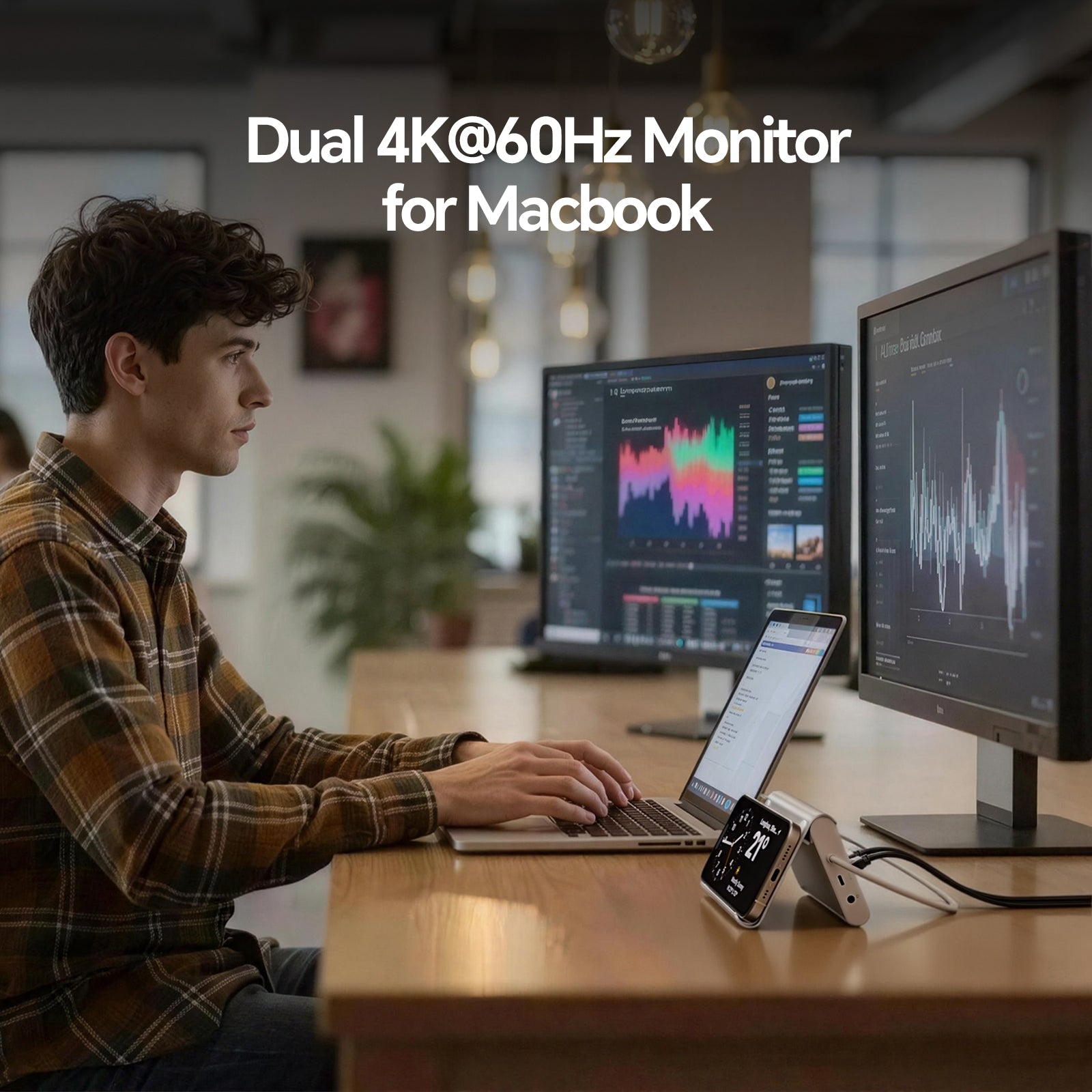
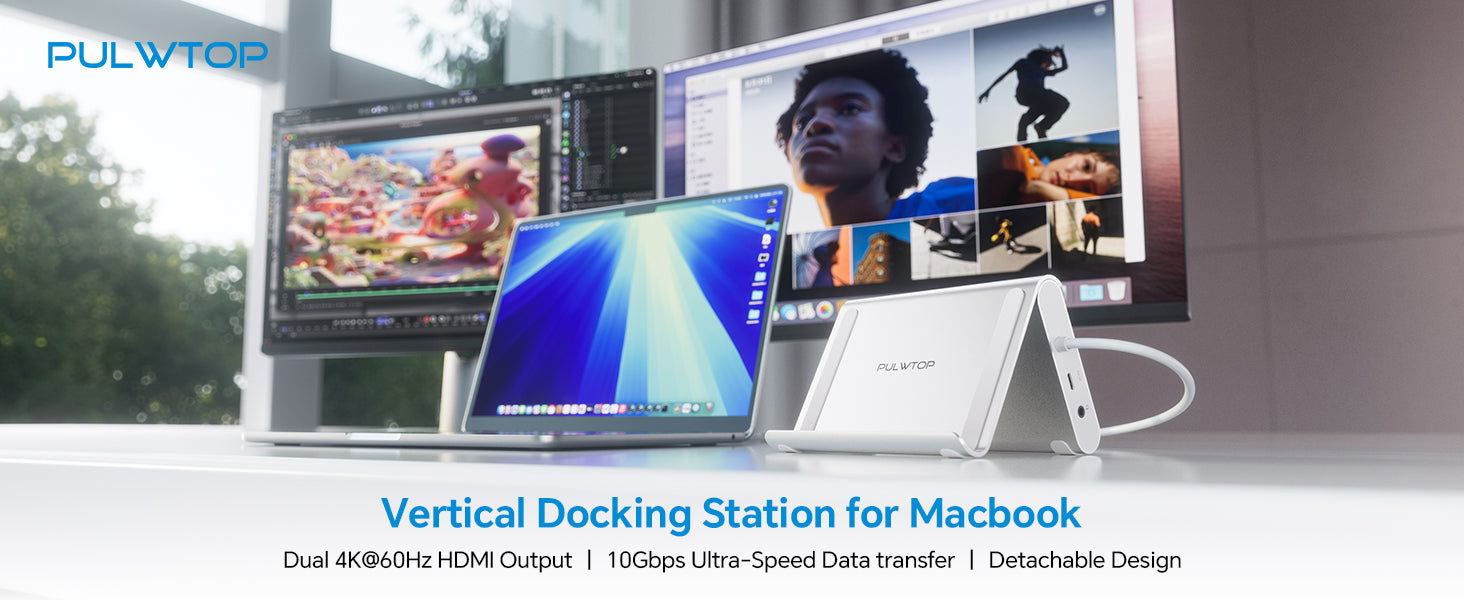
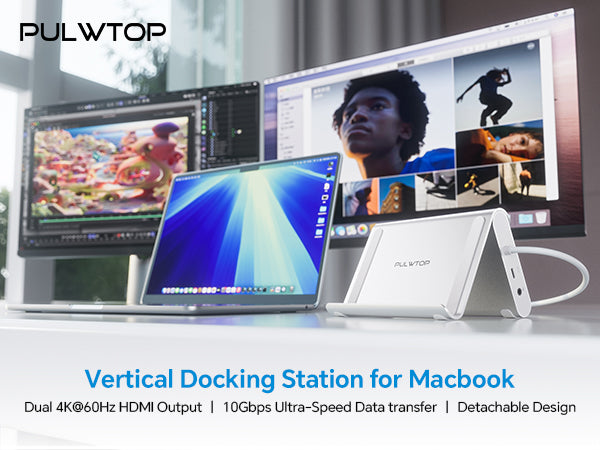
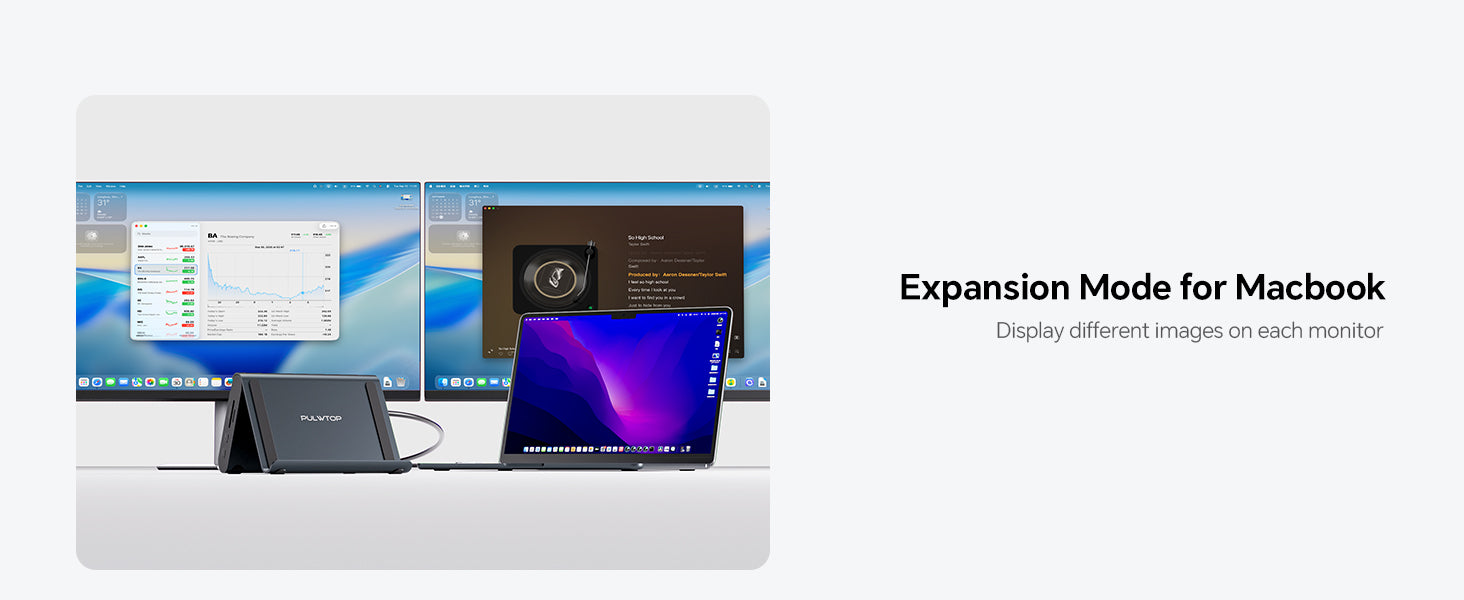
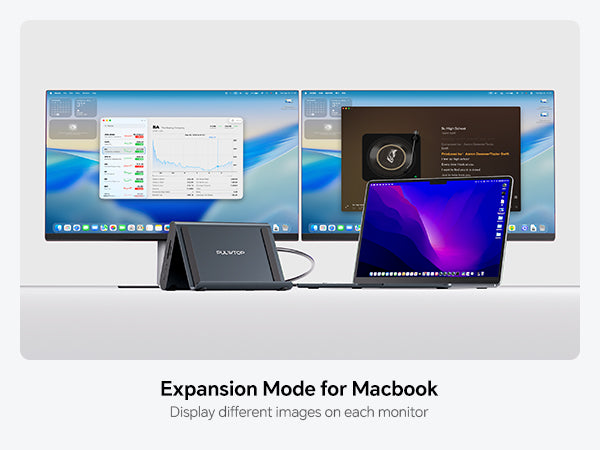
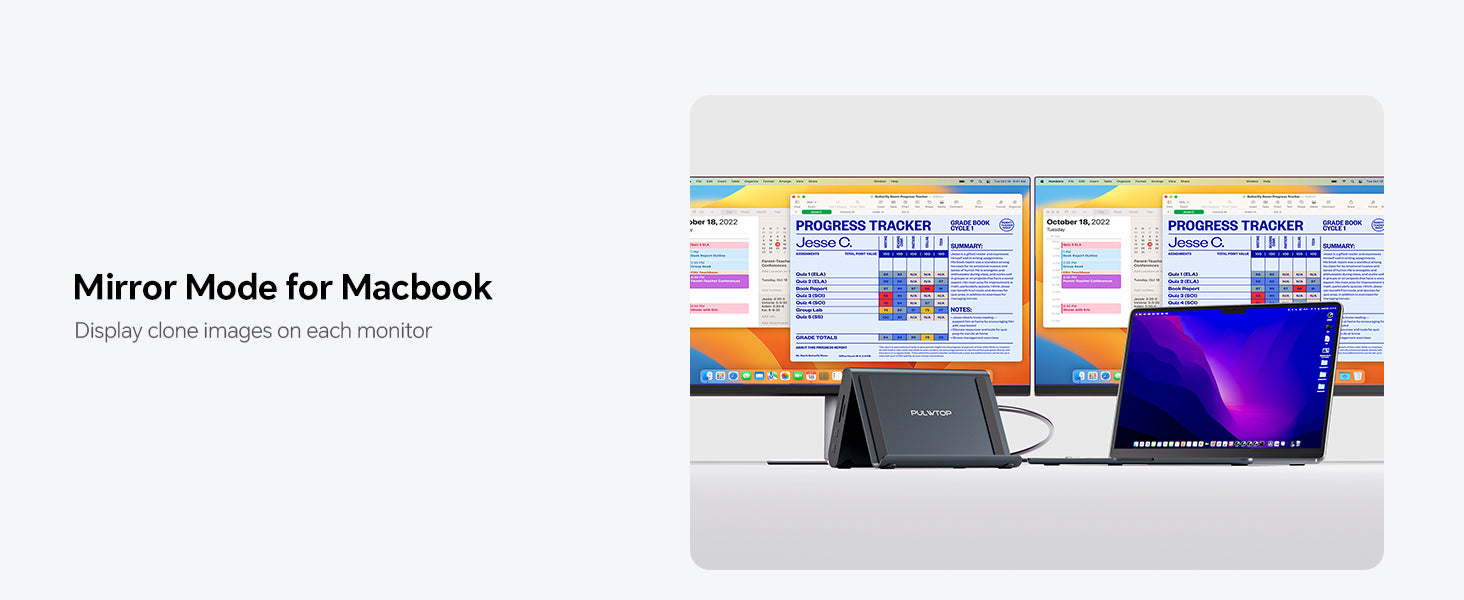
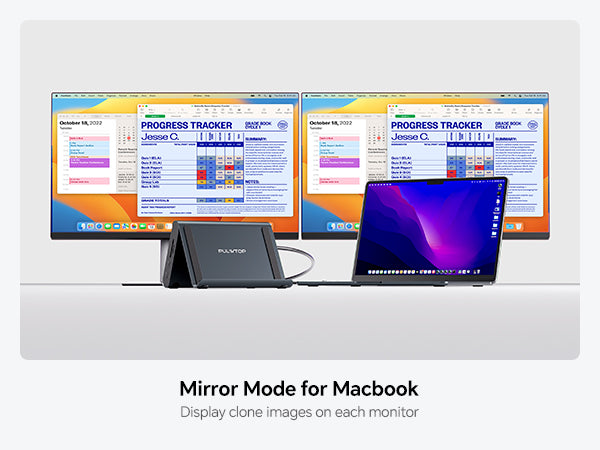
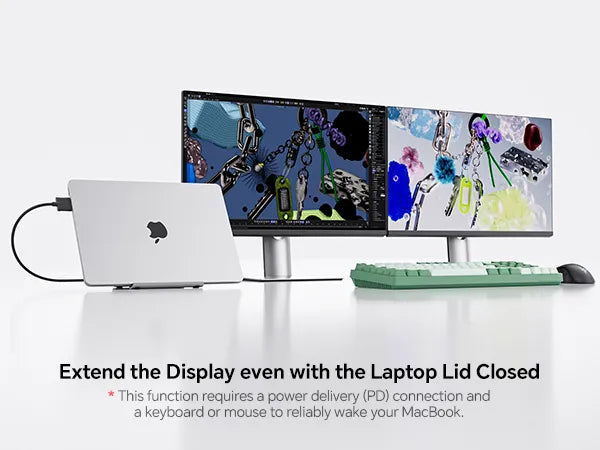
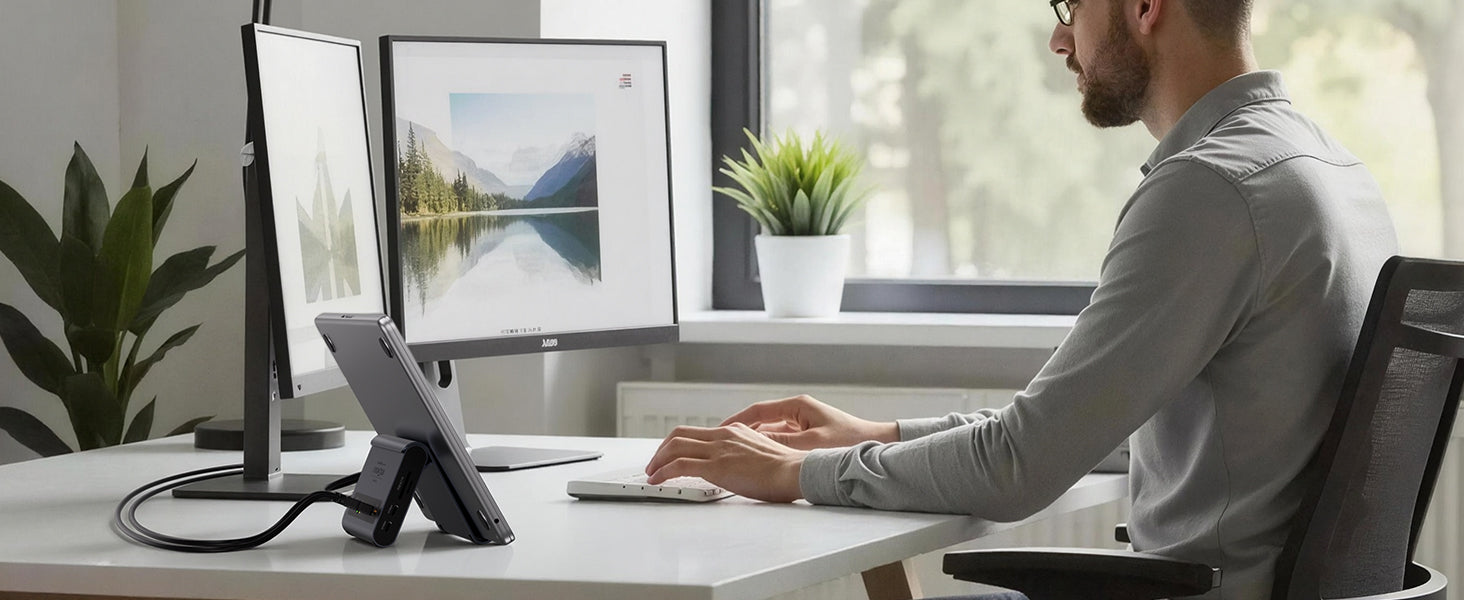
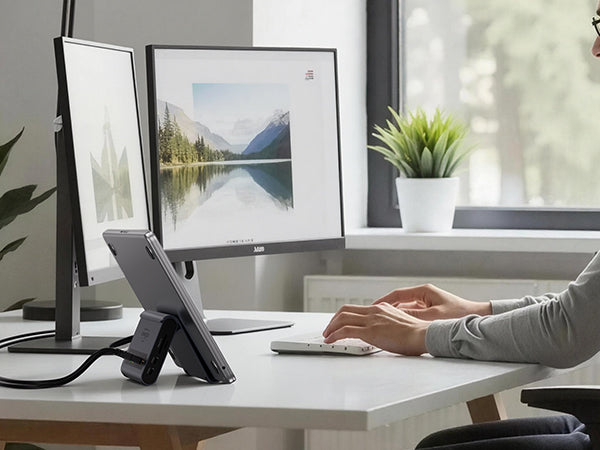
- 【Dual 4K@60Hz Display & Plug-and-Play】This macbook docking station dual monitor delivers crystal-clear visuals via 2x HDMI ports. No drivers needed, just plug in and expand your workspace instantly. Whether editing footage or presenting to clients, this MacBook air m5 docking station ensures smooth, lag-free to transforms your MacBook into a professional workstation in seconds.
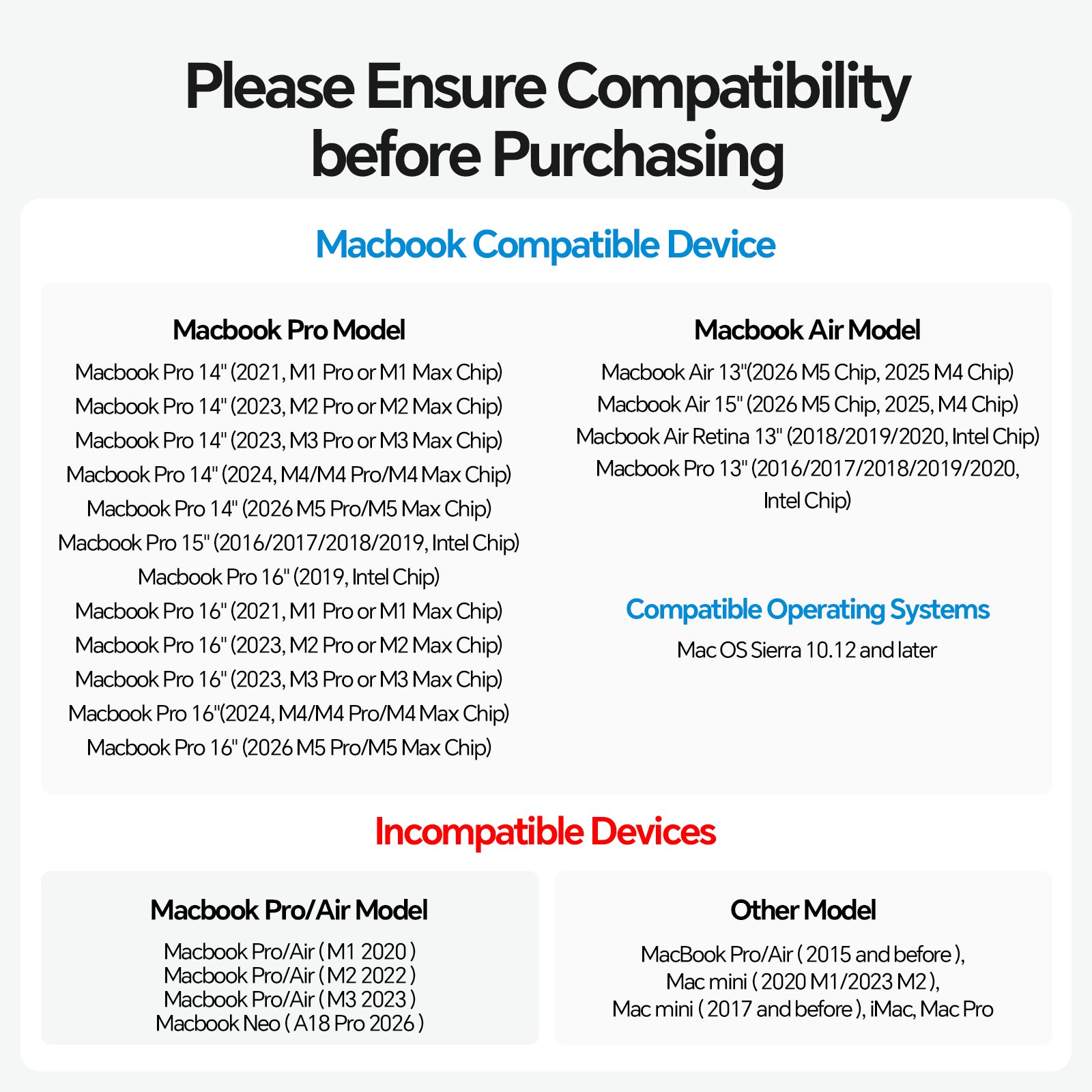
- 【Exclusive Compatibility for MacBook Pro/Air】Engineered for macbook pro docking station and macbook air m5 docking station users, support Intel (2016–2020), M1–M5 Pro/Max & M4/M5 base chips. Note: M1/M2/M3 base chip only support single display; This mac docking station dual monitor is NOT for Windows, ChromeOS, or MacBook Neo .
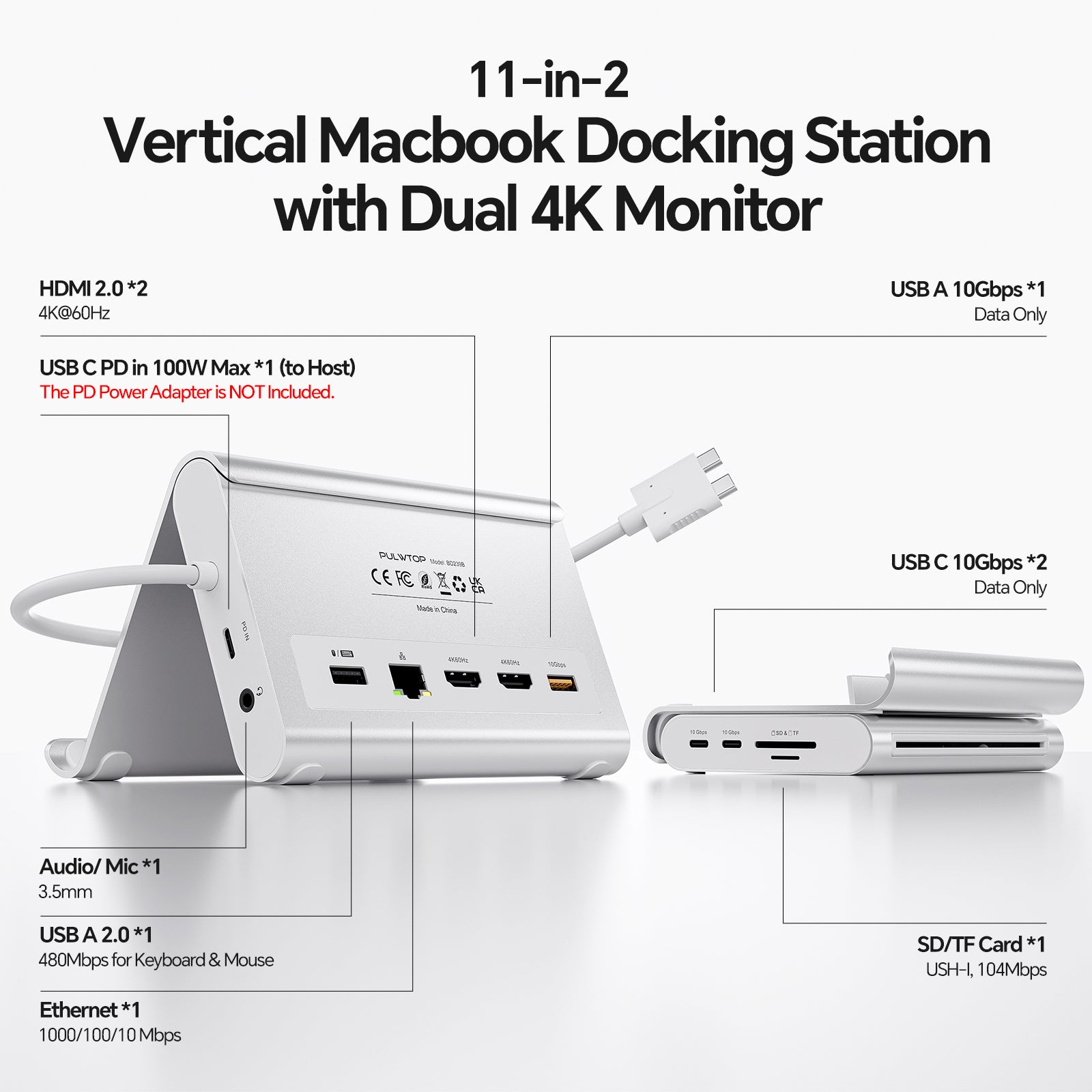
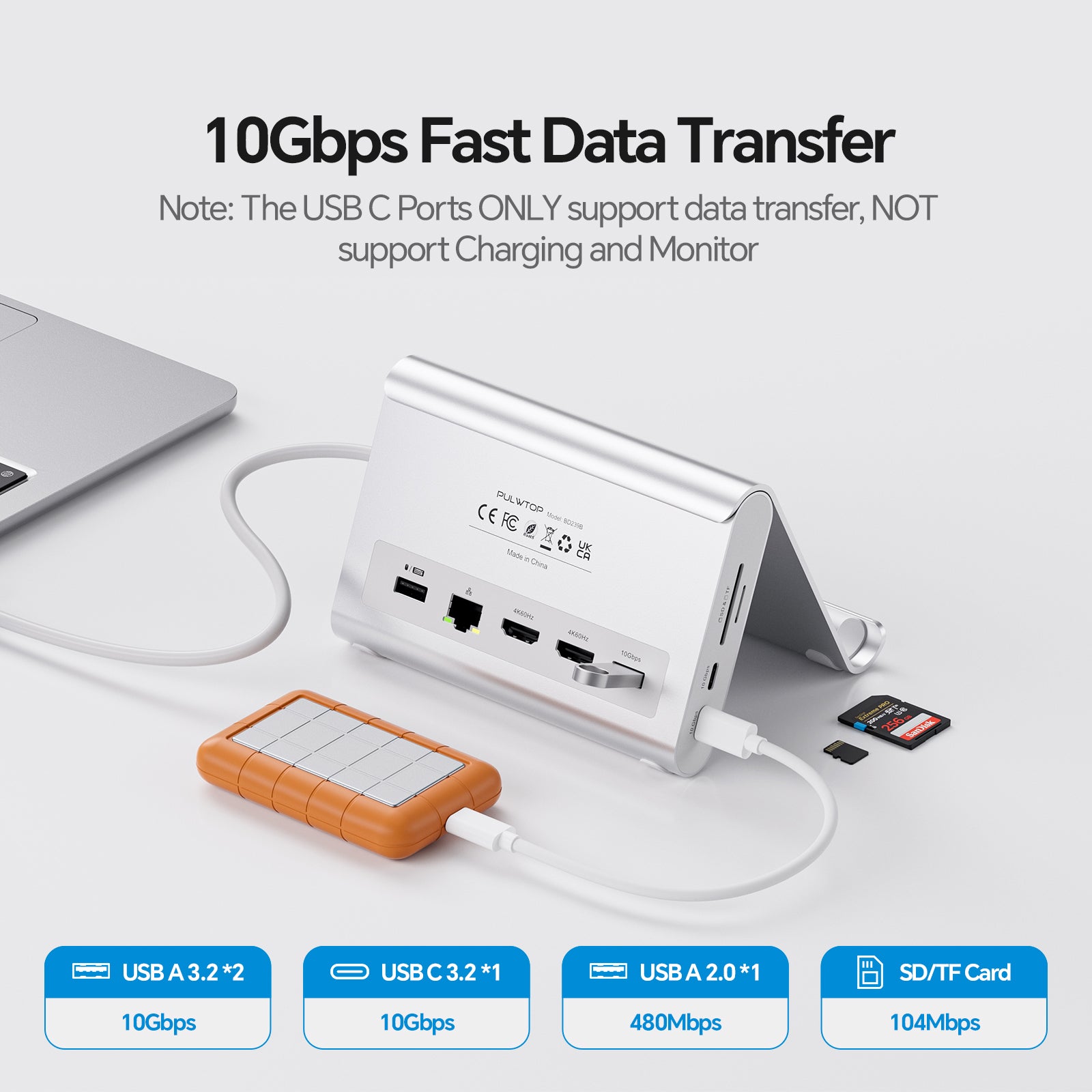
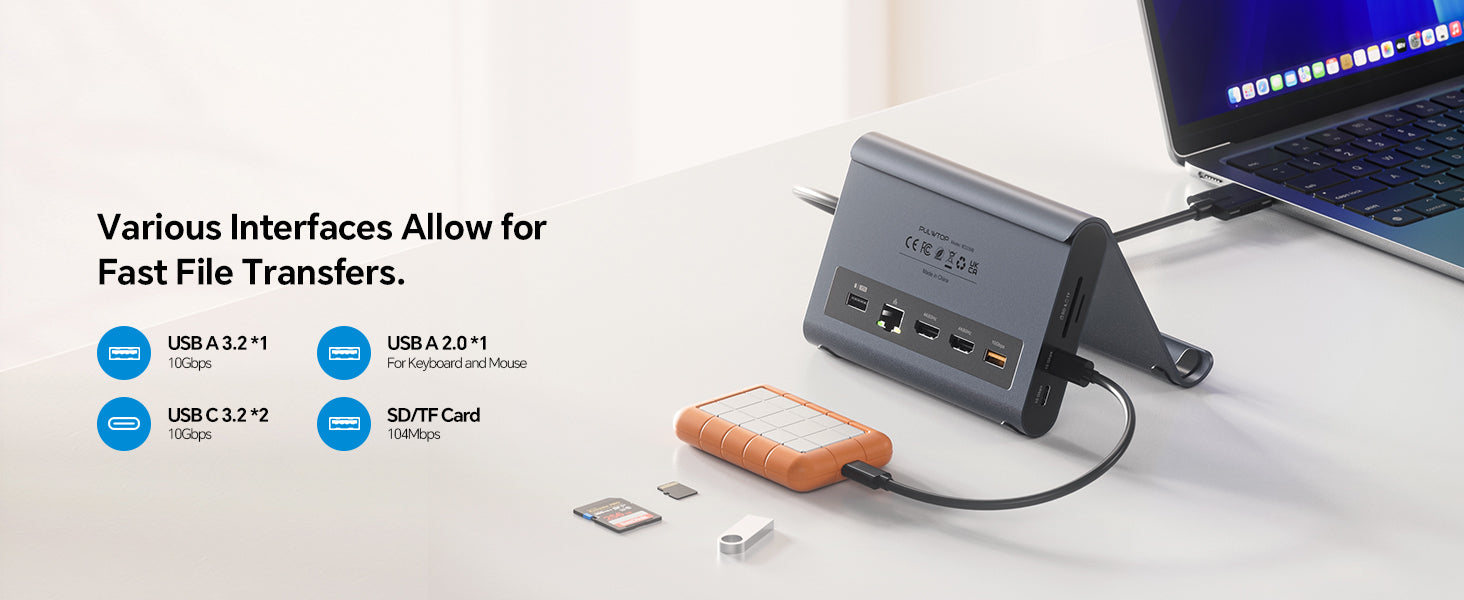
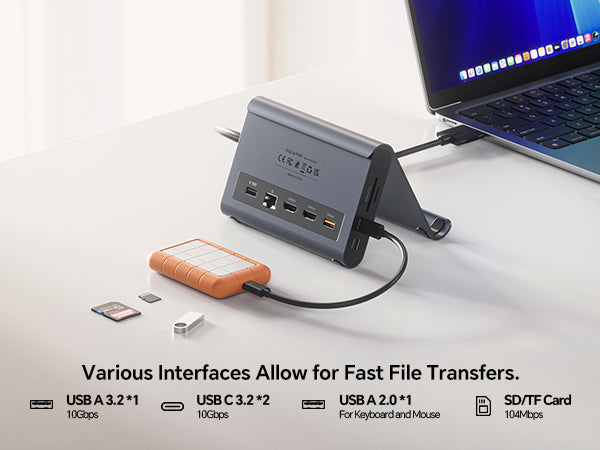
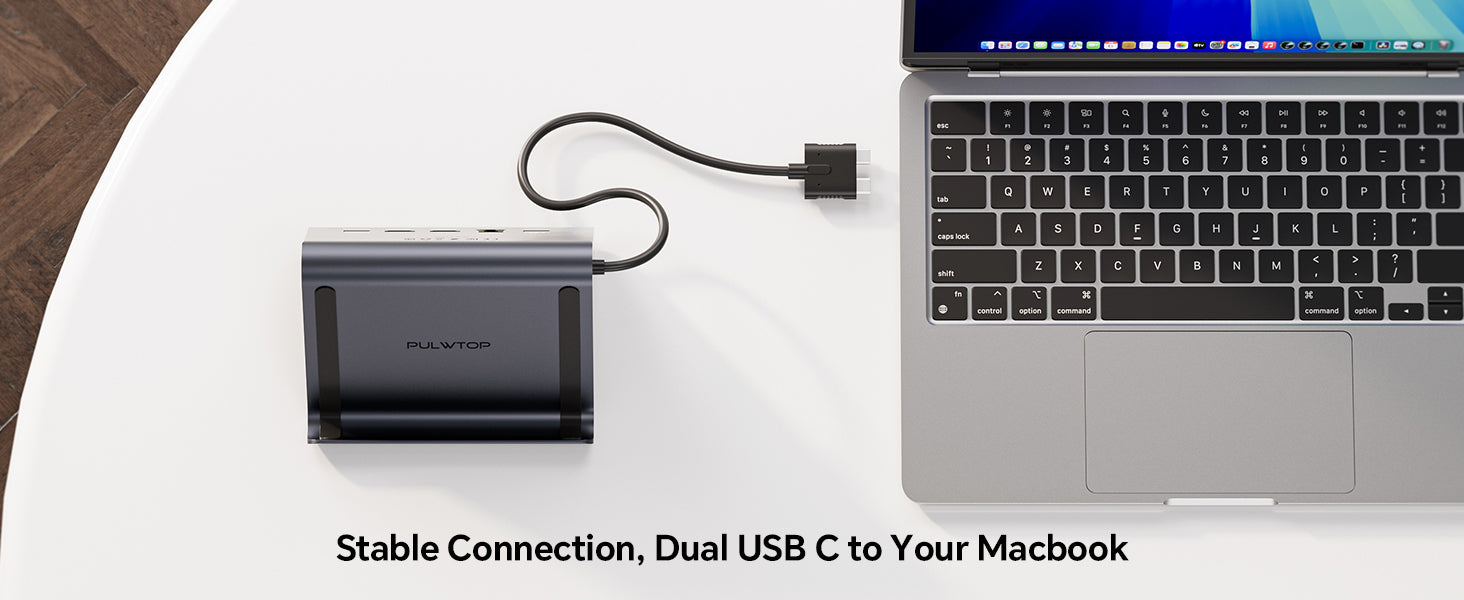
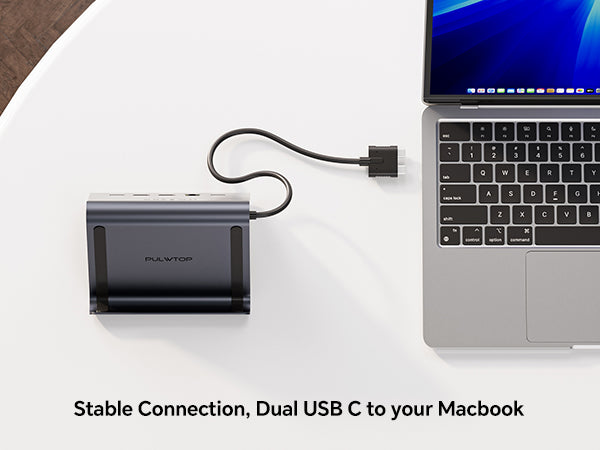
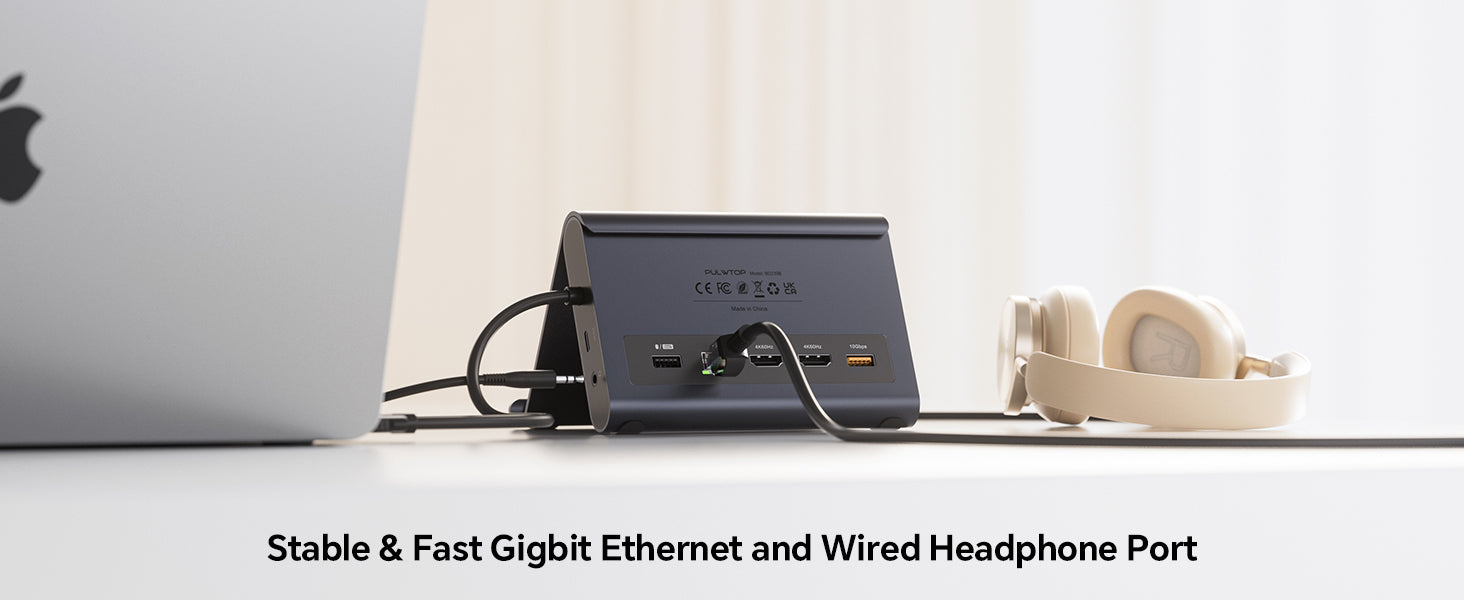
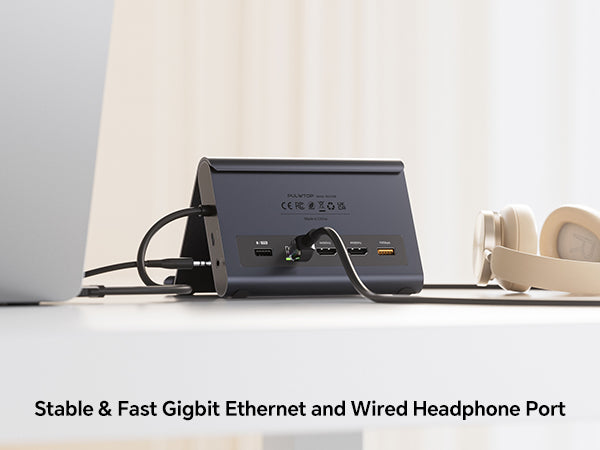
- 【High Speed 10Gbps Transfer】This macbook pro m5 docking station features 2x USB-C (10Gbps data only), 1x USB-A (10Gbps), USB 2.0, Audio, Gigabit Ethernetand and SD/TF card reader. Connect drives, monitor, keyboard, mouse, and printer simultaneously without cable swapping. The 10Gbps ports transfer 4K videos or RAW photos in seconds, while USB 2.0 ensures lag-free for keyboard / mouse.
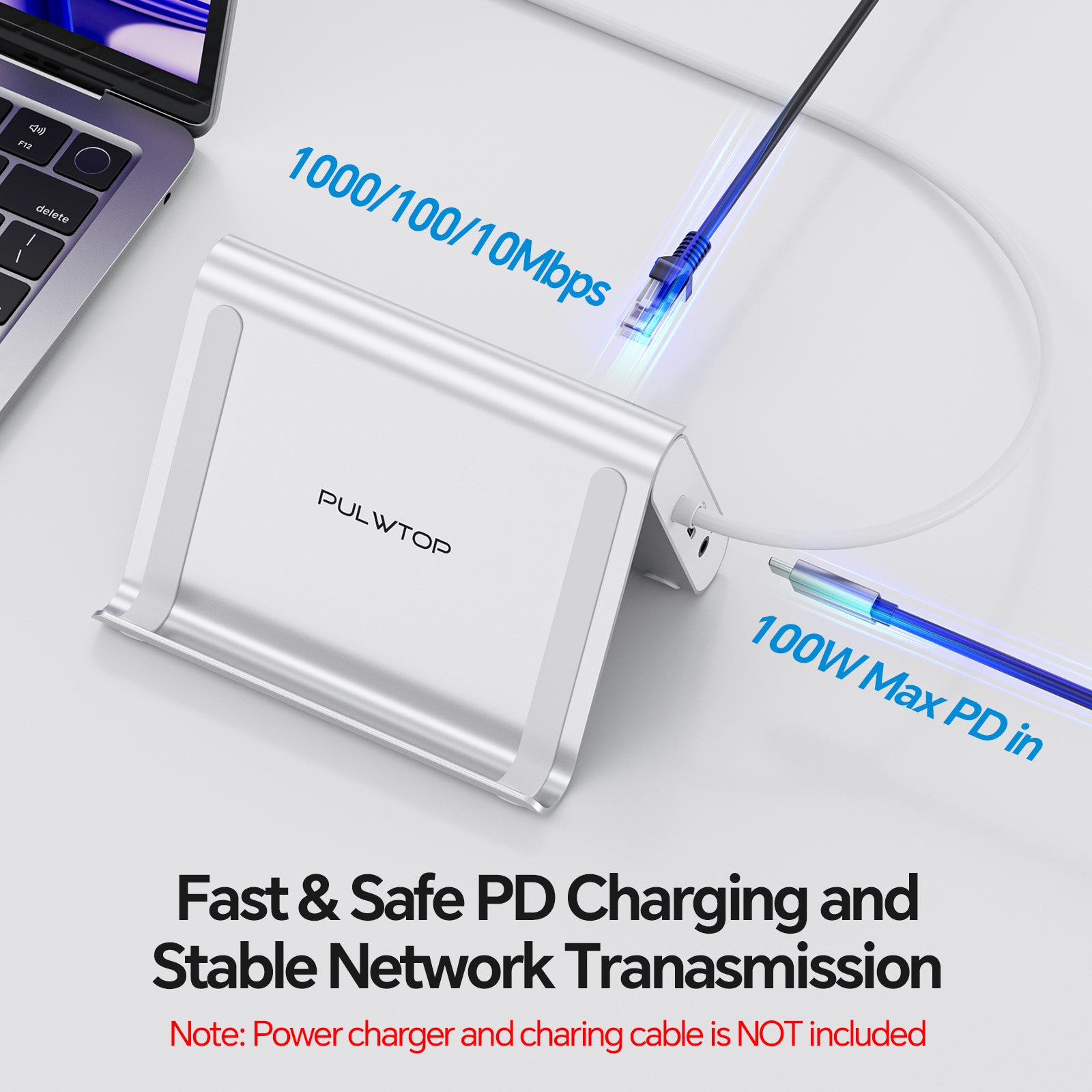
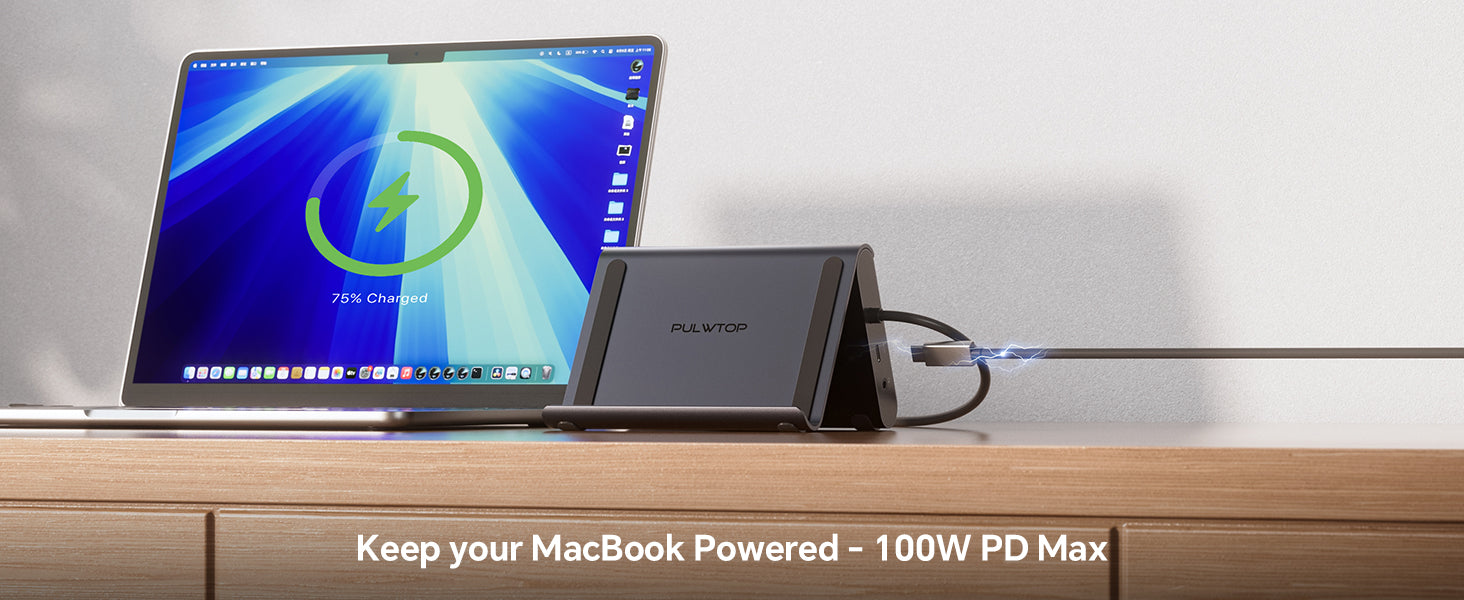
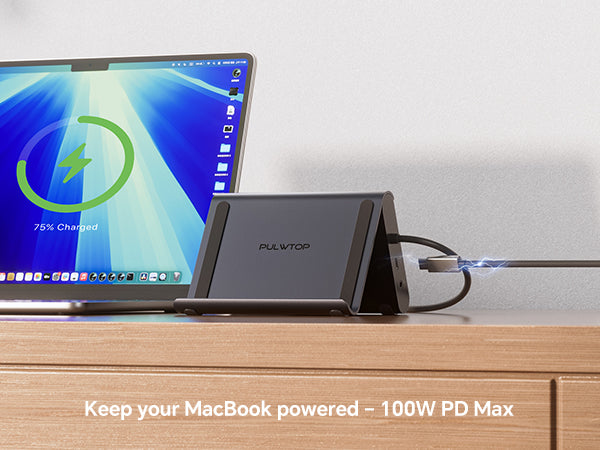
- 【100W PD 3.0 Fast Charging & Gigabit Ethernet】Laptop docking station Delivers Max 100W input with 95W safe charging for your MacBook, all‑day power(65W+ power supply required (not included)), Built‑in Gigabit Ethernet provides stable wired internet (1000Mbps) for remote work, video calls, and large uploads. No more spotty Wi‑Fi – enjoy uninterrupted connectivity.
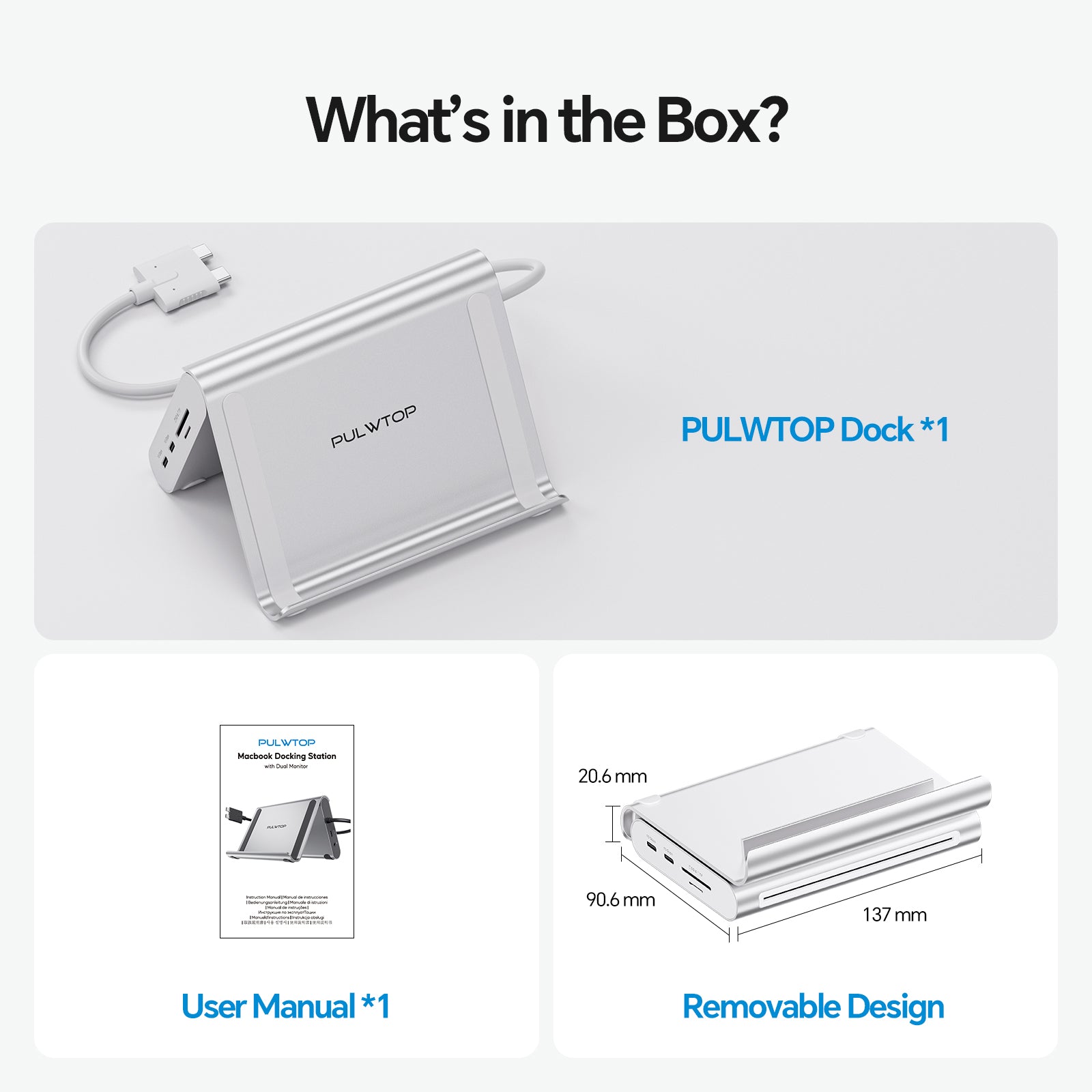
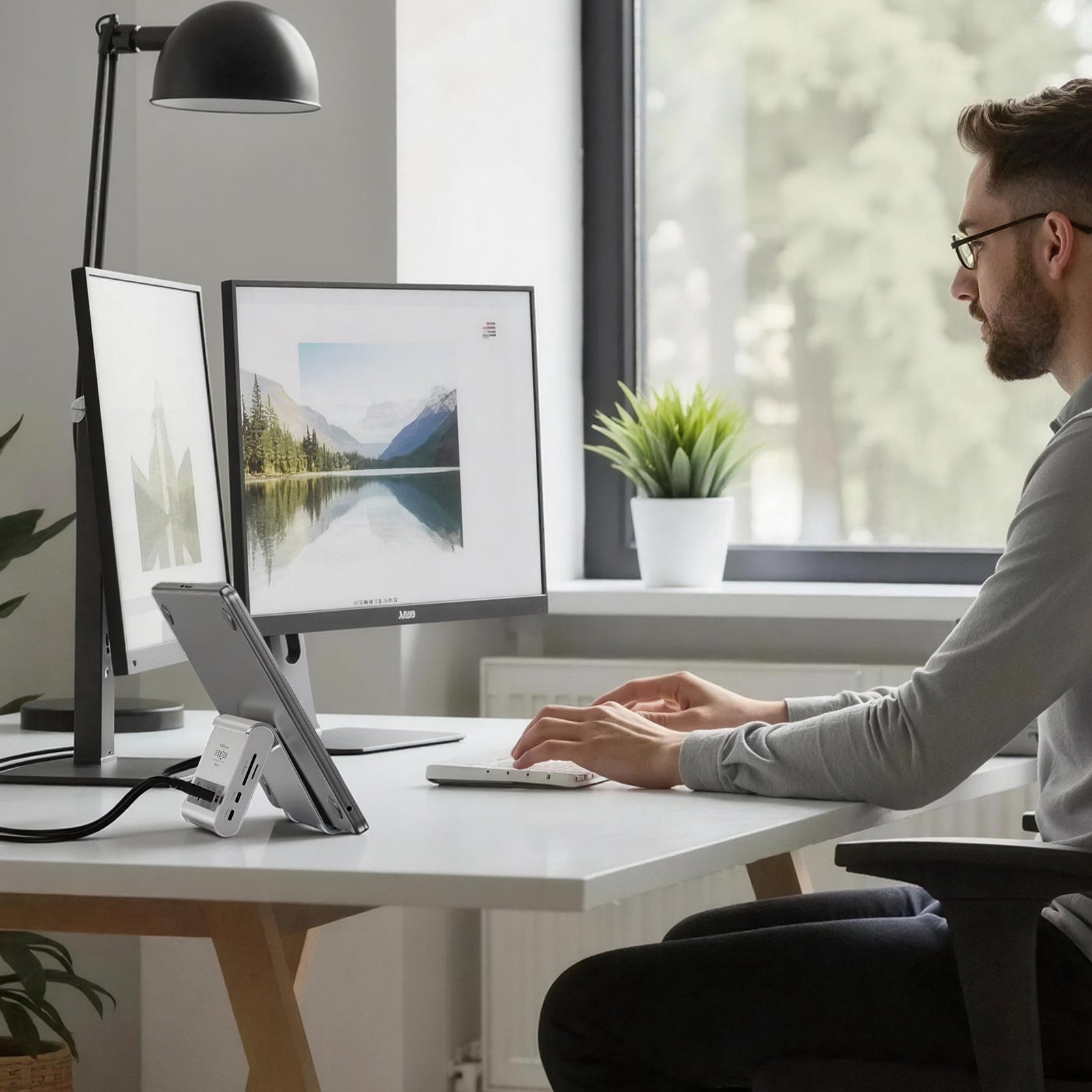
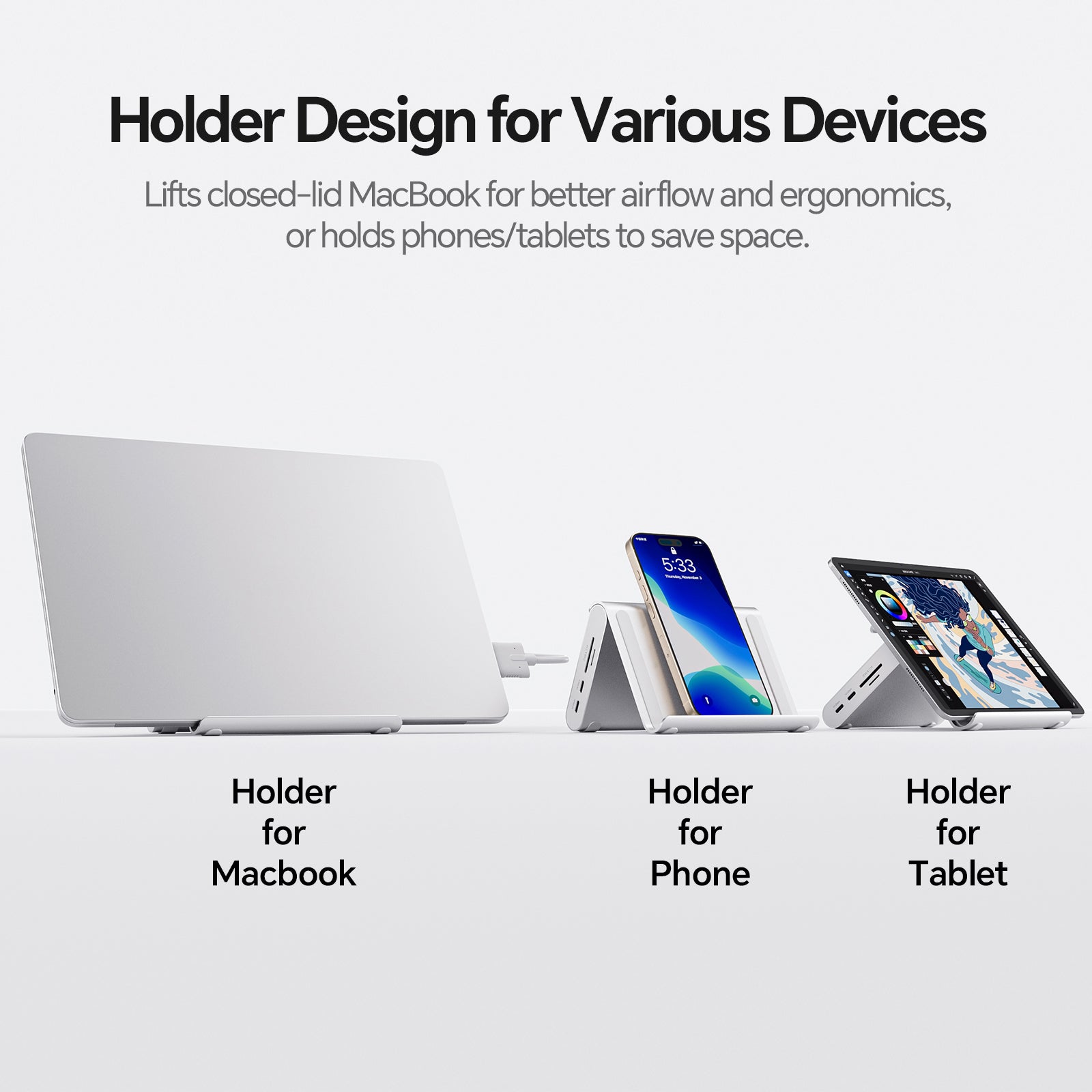
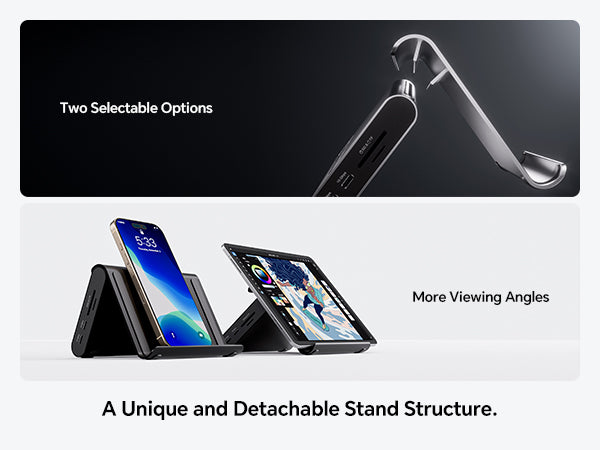
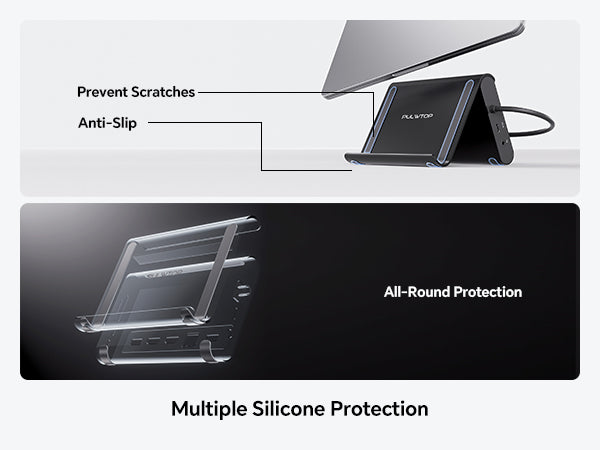
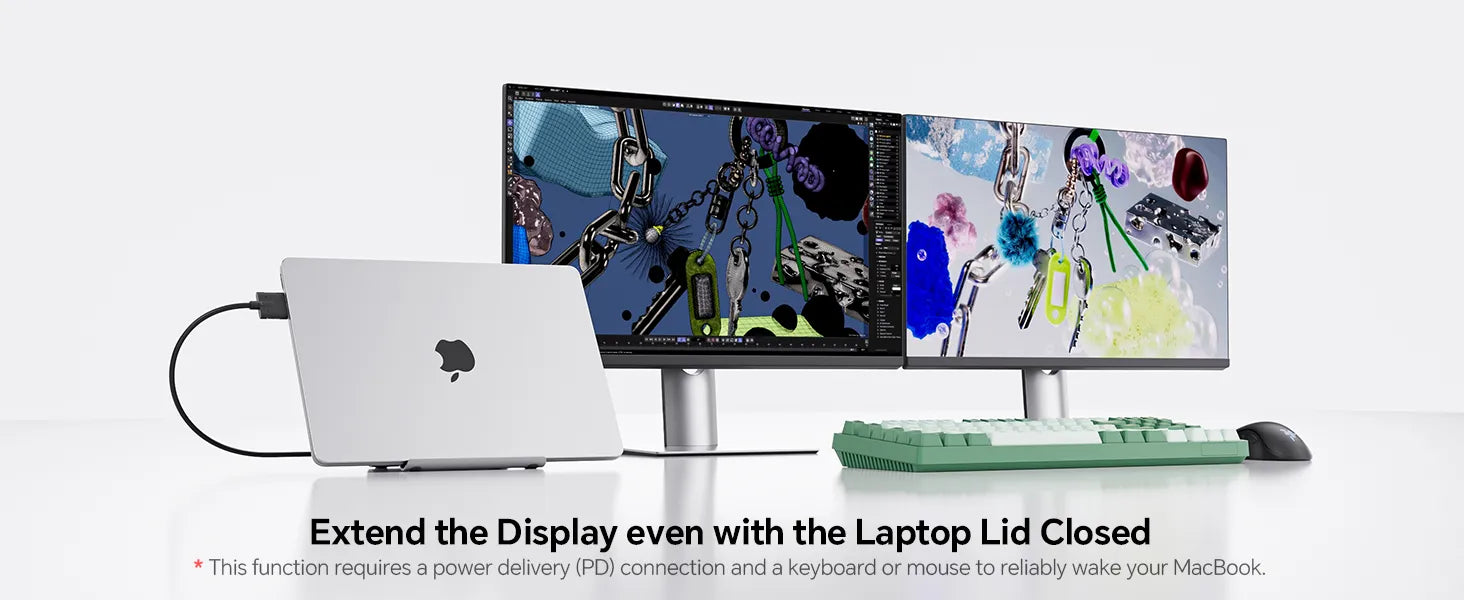
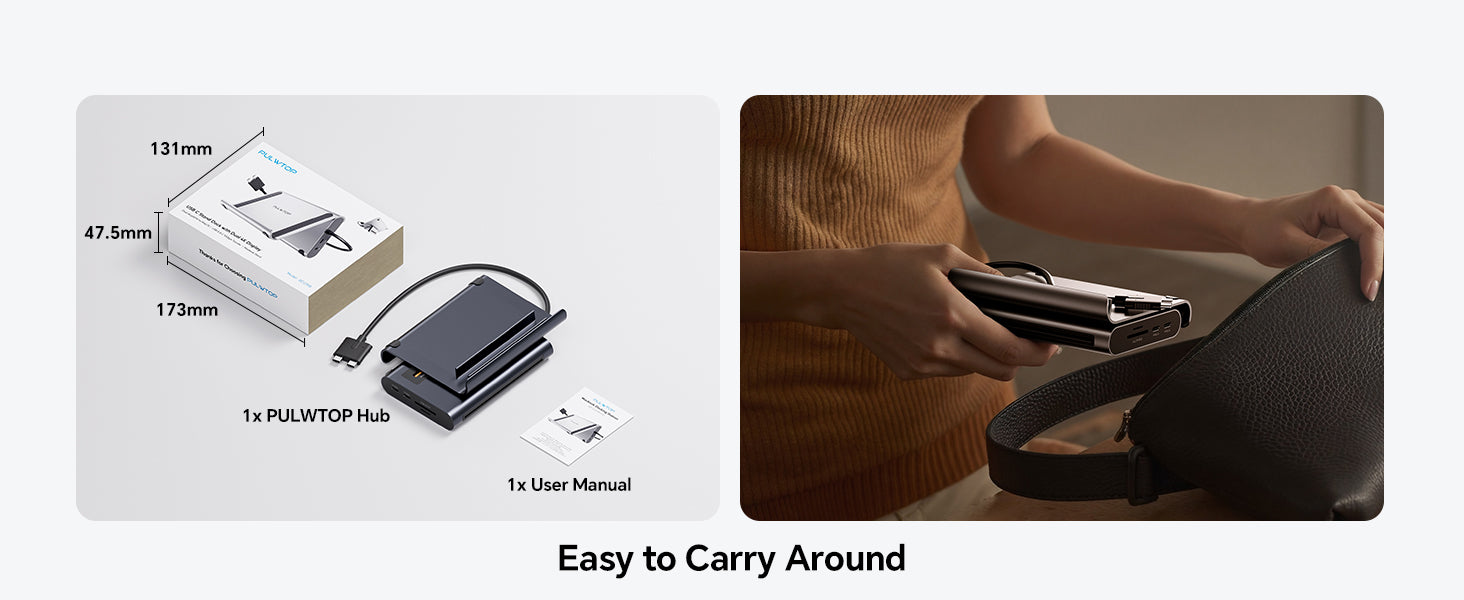
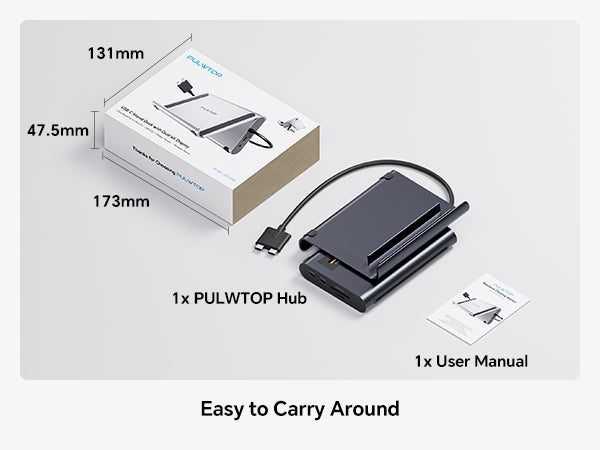
- 【2-in-1 Docking Station with Vertical Stand】Combines a powerful laptop stand with docking station into one compact, space-saving design. Elevate your MacBook in clamshell mode for better airflow and ergonomics. The sturdy vertical stand securely holds laptops, tablets, or phones – freeing up workspace for dual monitors and accessories. Perfect for home office & business.
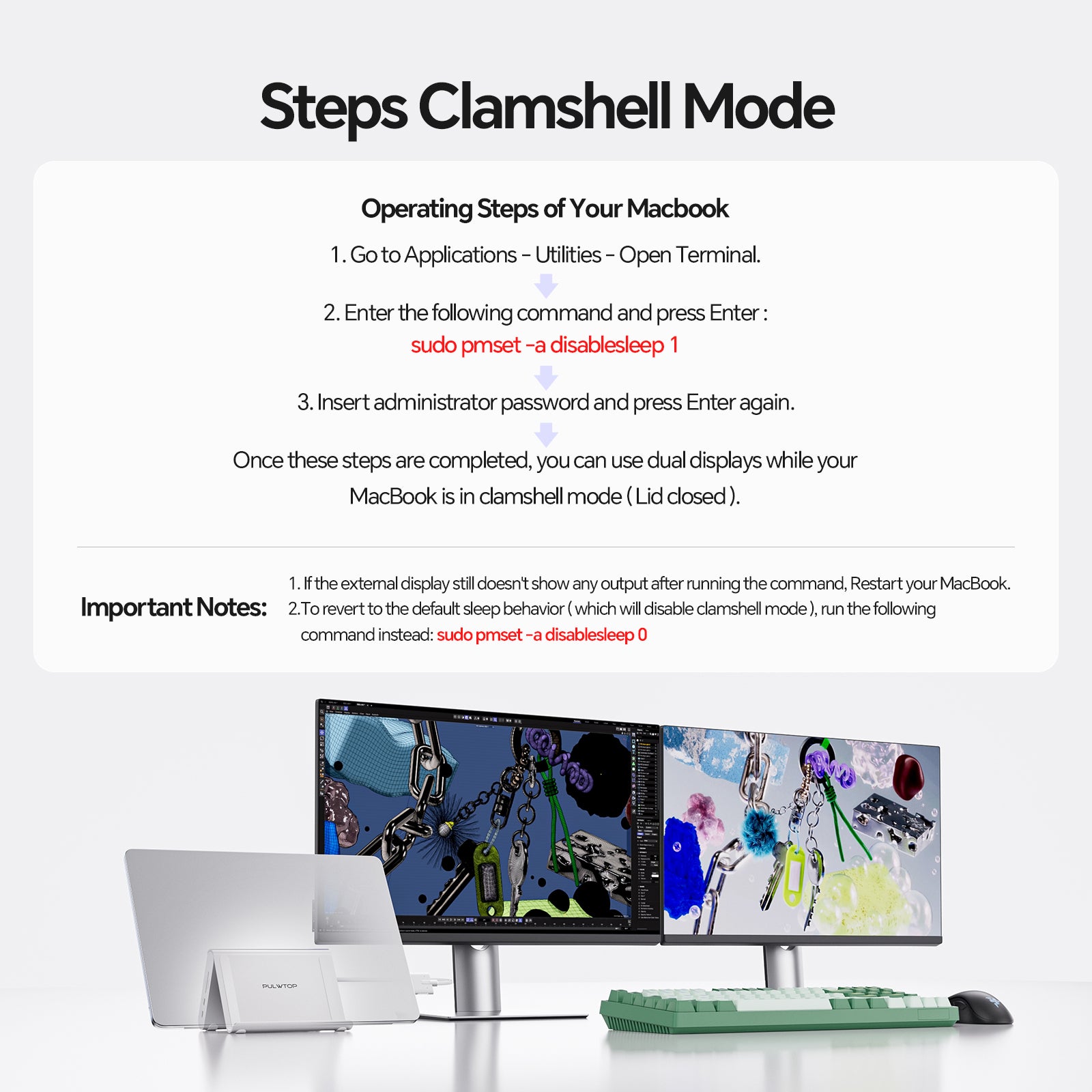
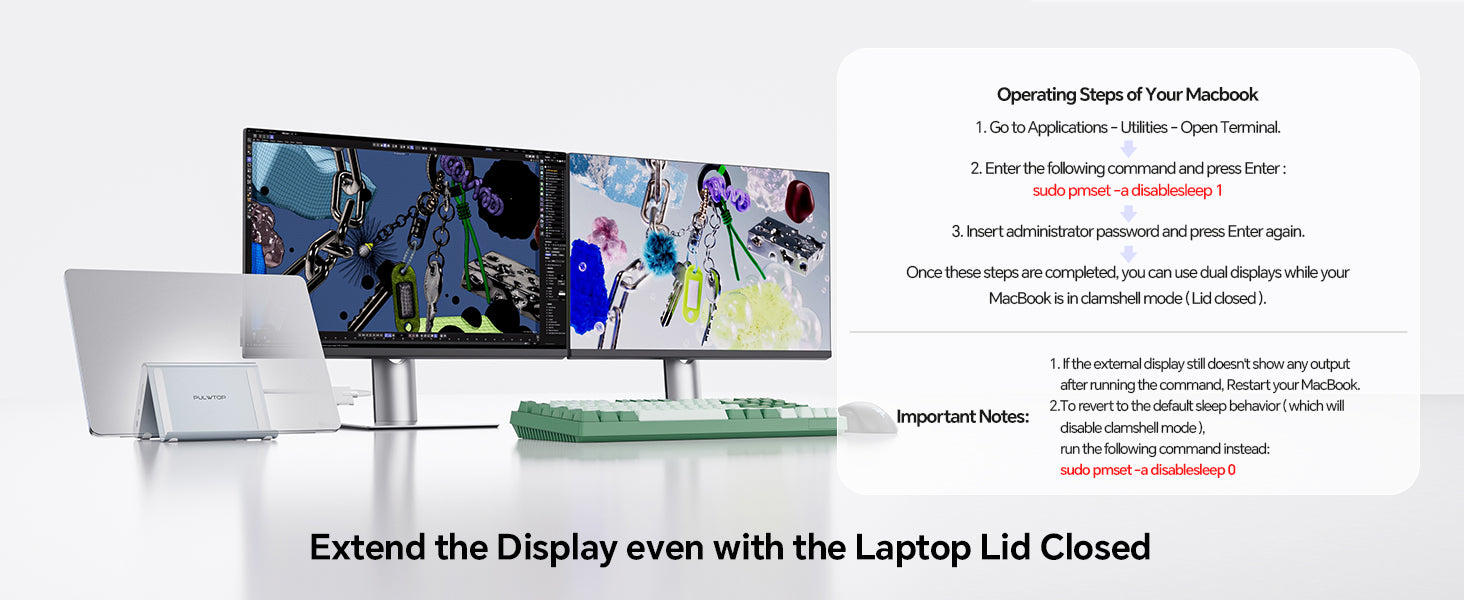
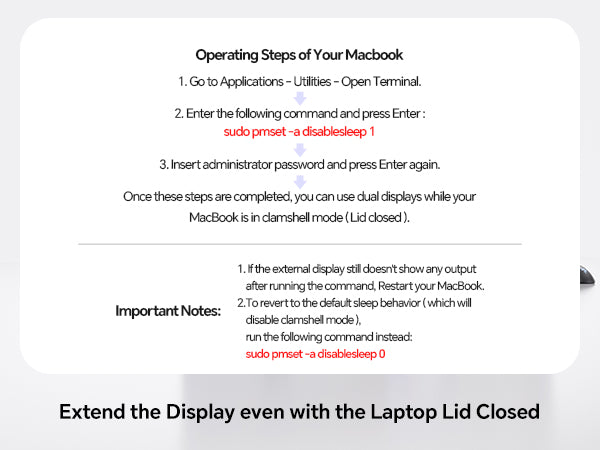
- 【Clamshell Mode Setup】① Open Terminal (MacBook's Application → Utilities). ② Type the following command and press Enter: sudo pmset -a disablesleep 1 ③ Enter your administrator password and press Enter again. ④ Your MacBook is now ready for dual displays with the lid closed. ✳️【 Notes】1) If the external display doesn't work, restart your MacBook. 2) To revert to default sleep behavior (disable clamshell mode), run: sudo pmset -a disablesleep 0

PULWTOP USB C Docking Station Dual Monitor for MacBook Pro/Air M4/M5 (2X 4K@60Hz HDMI, 10Gbps USB A/C) - Silver
Sale price$99.89
Regular price$109.89 (/)






This product has no reviews yet.