



PULWTOP Mac mini M6, M5 Pro, M4 Dock & Stand, Metal Bracket Holder for Monitor, Desk and VESA Port (9-in-1, 8TB M.2 SSD case, HDMI 4K)
Tax excluded.
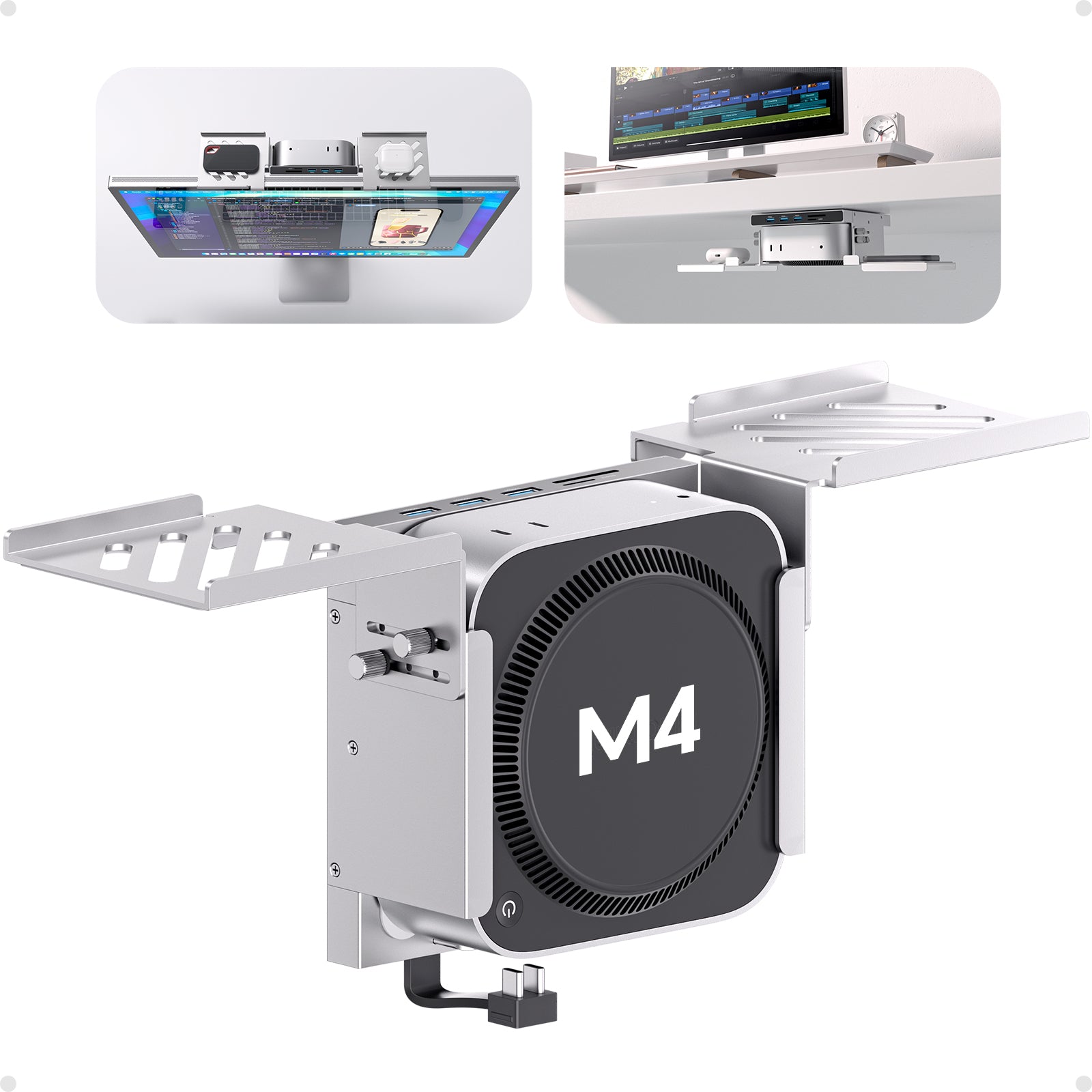
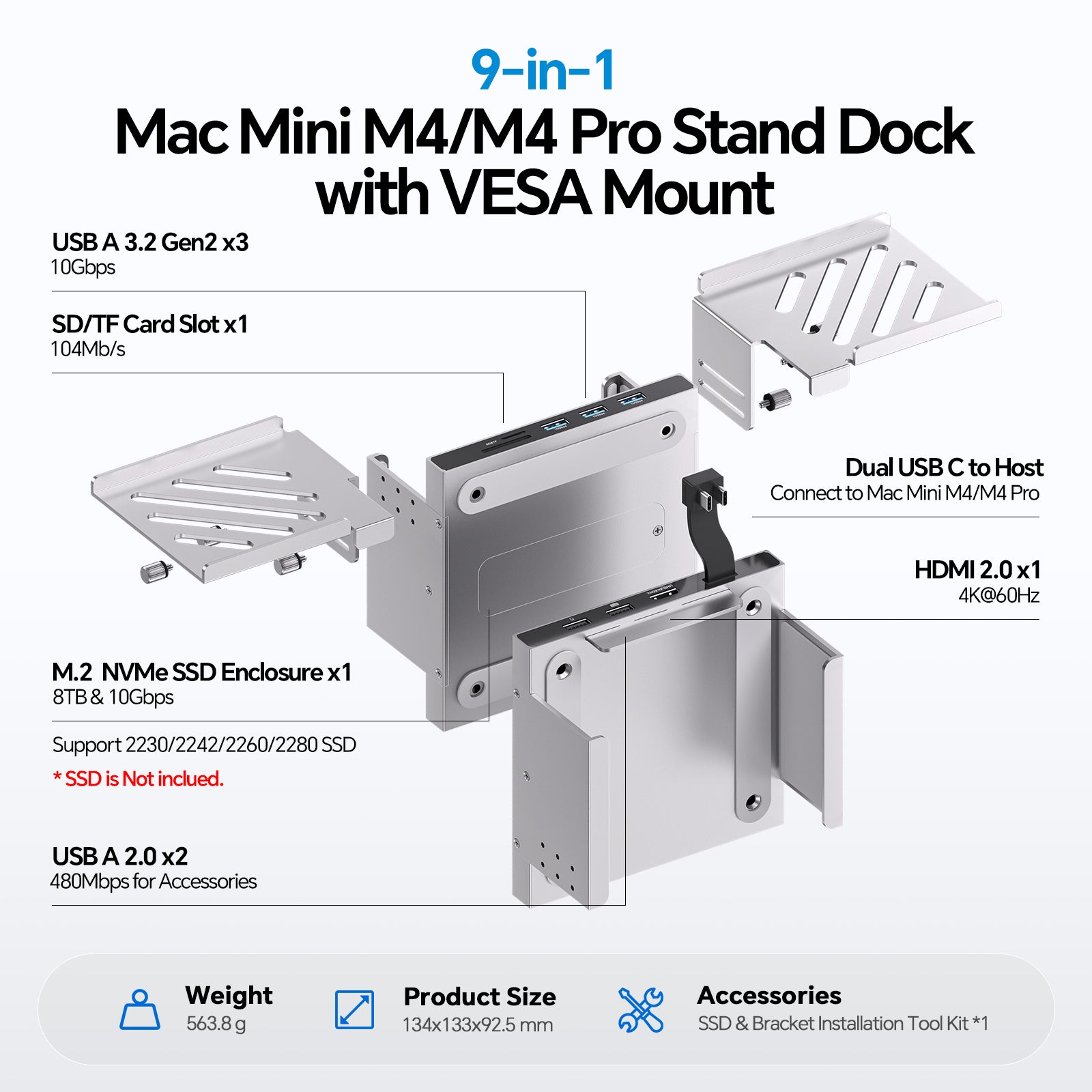
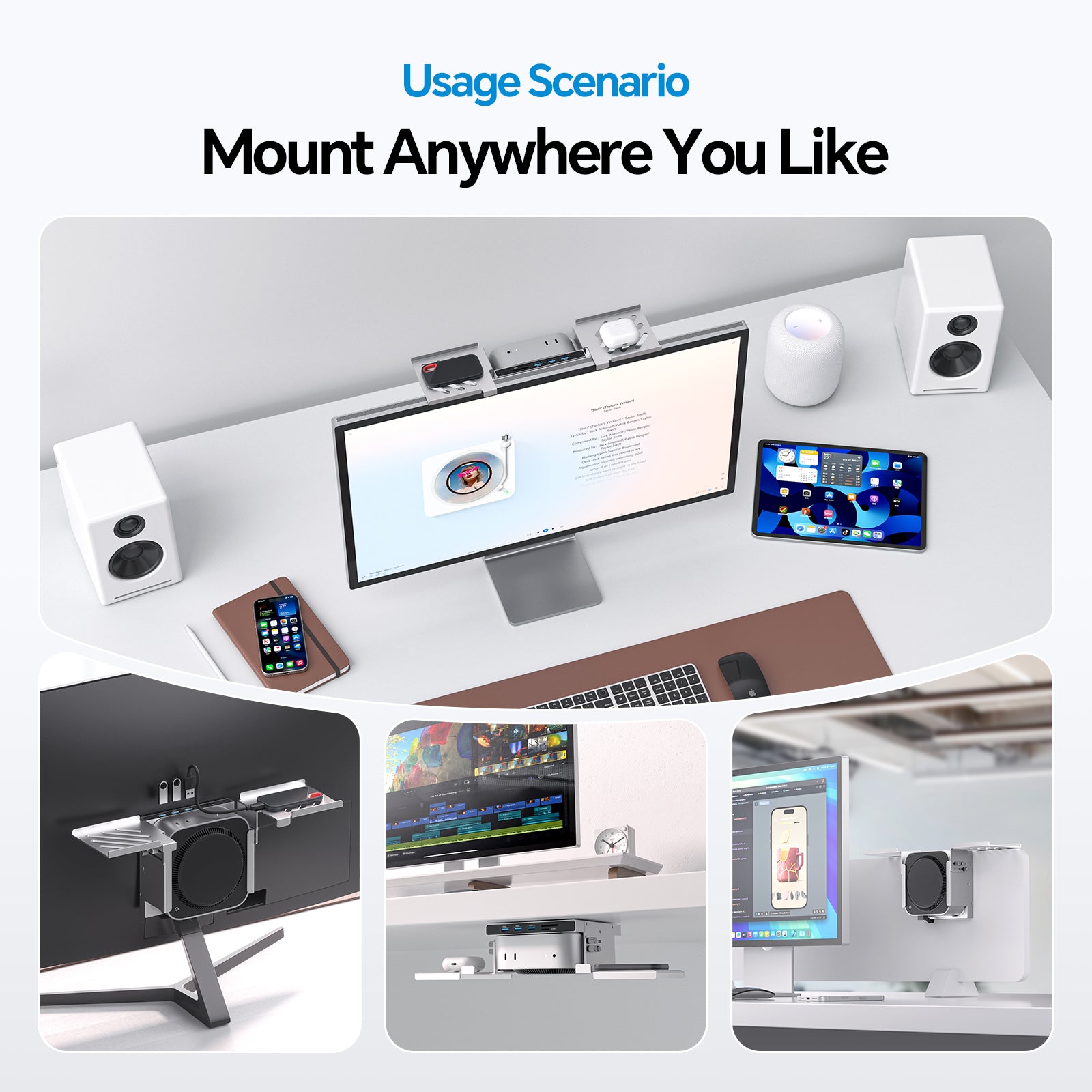
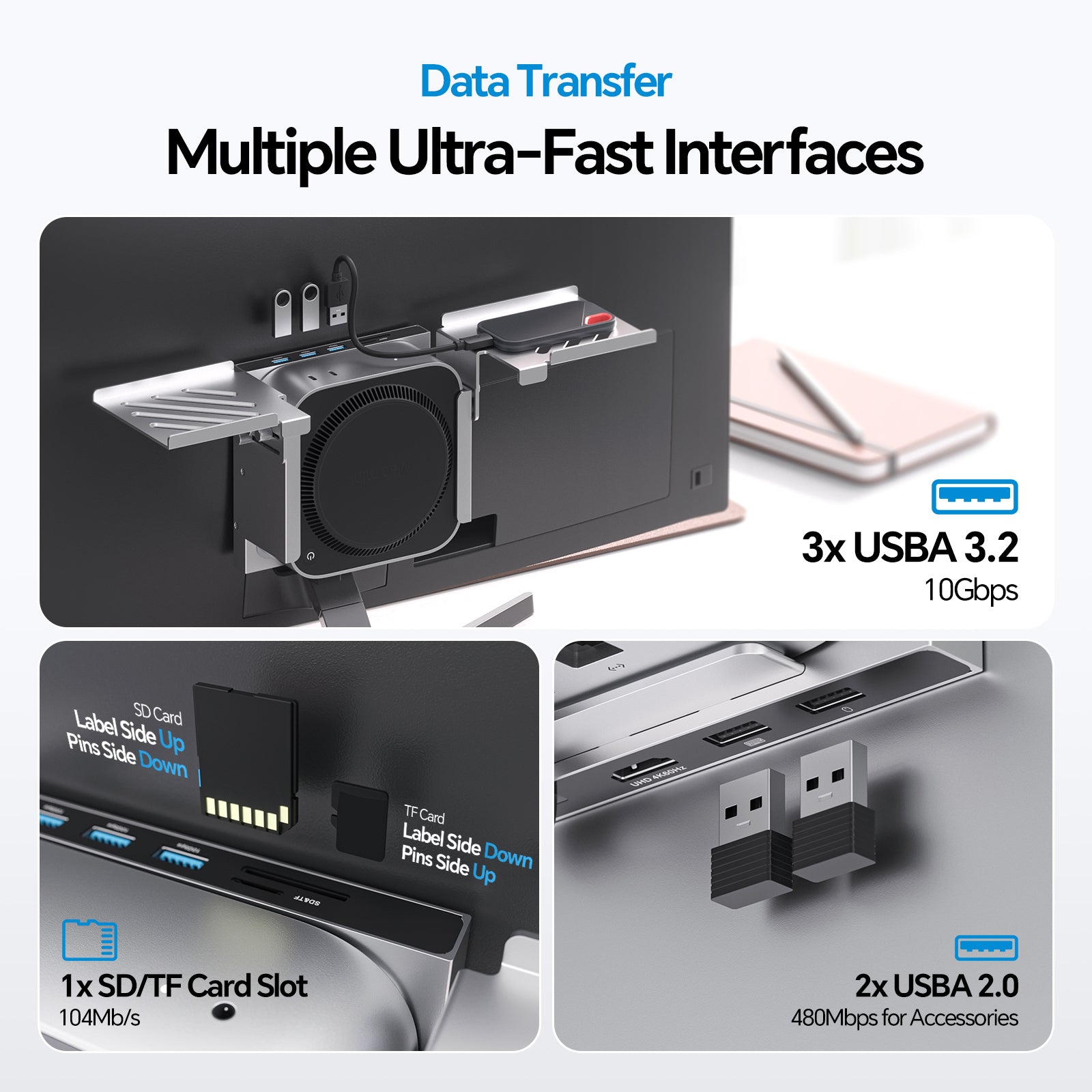
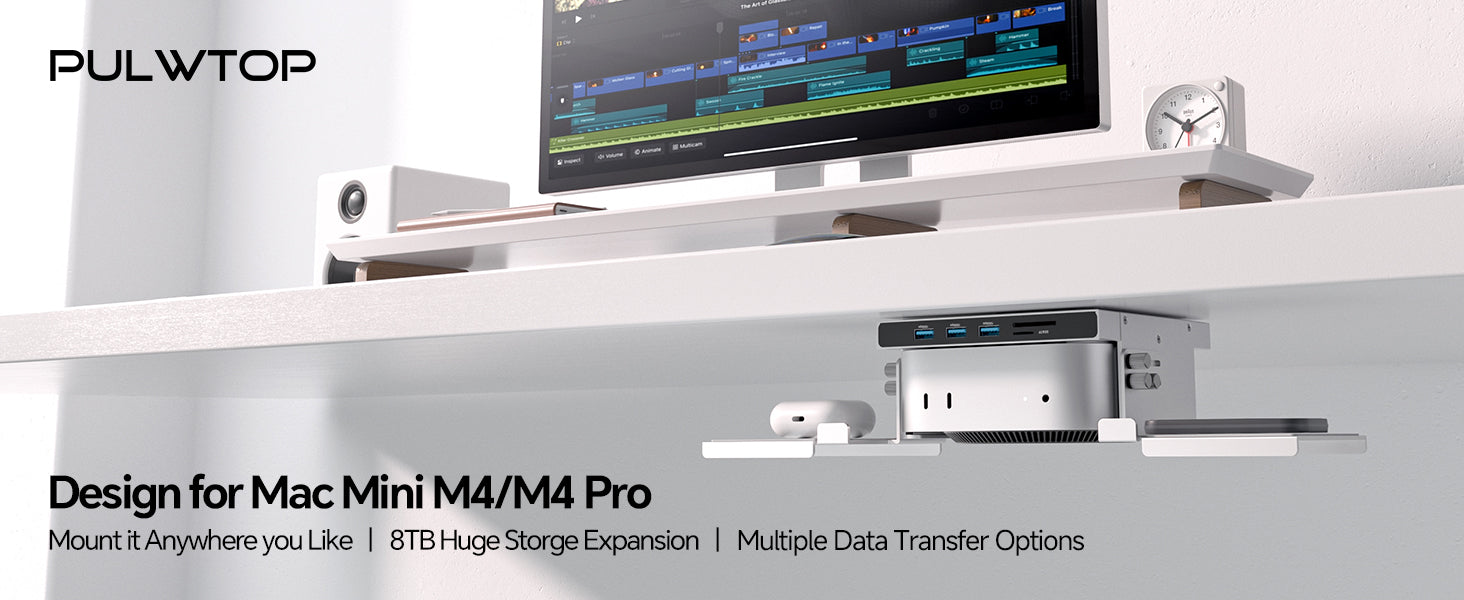
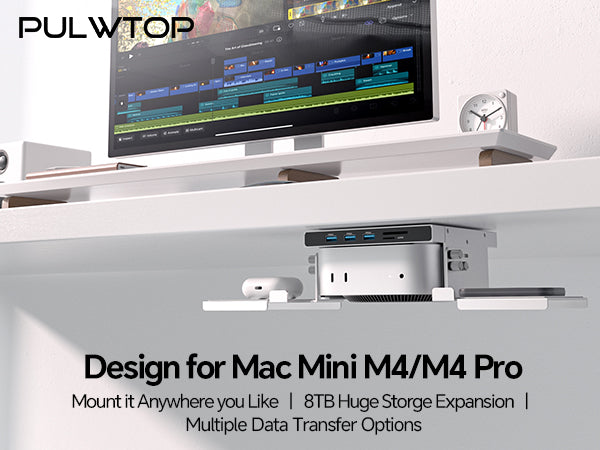
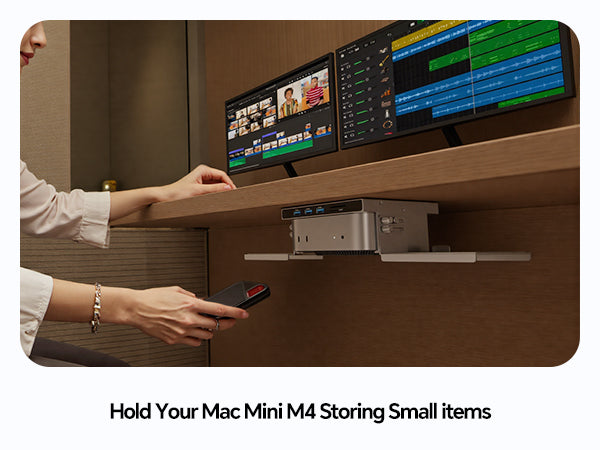
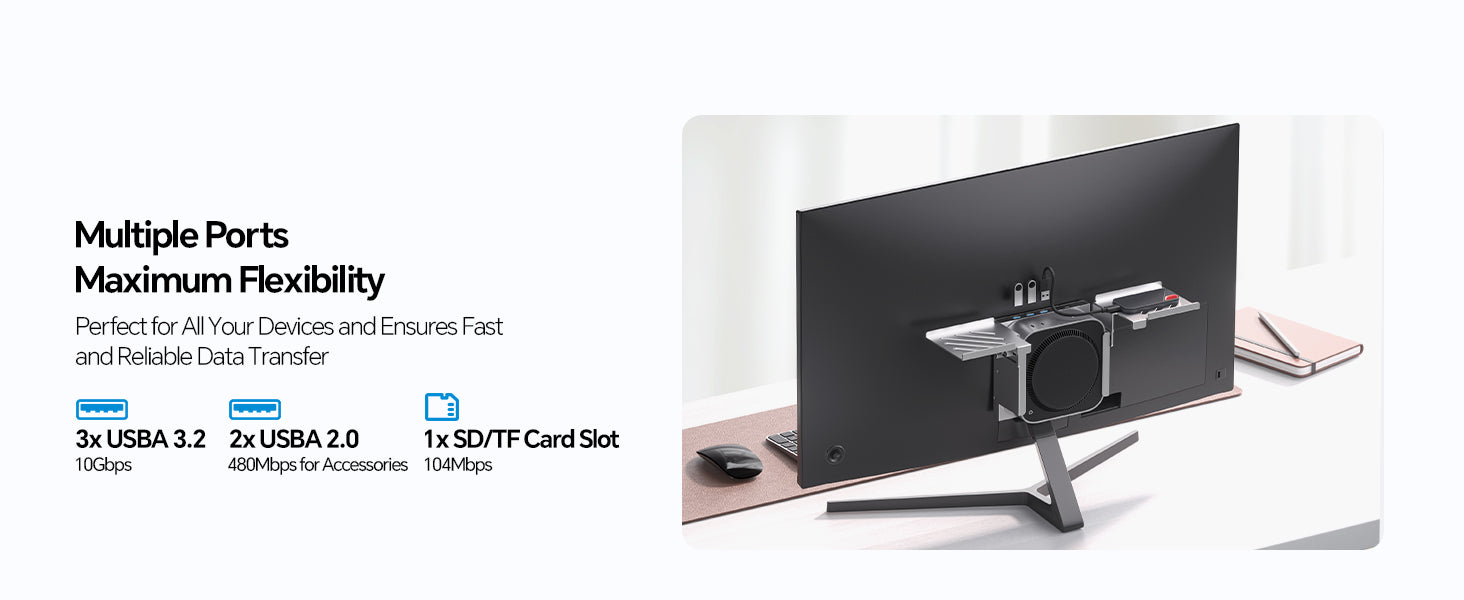
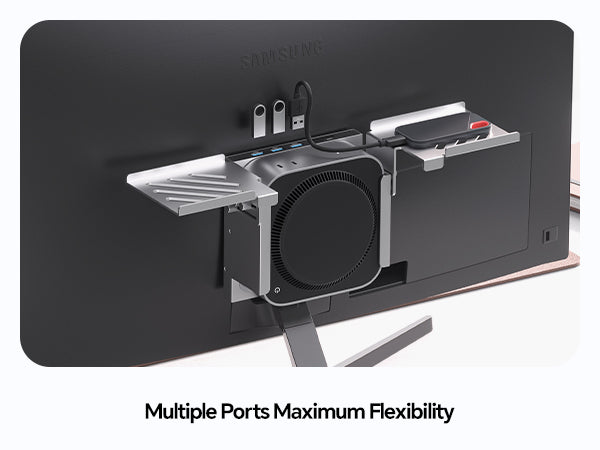
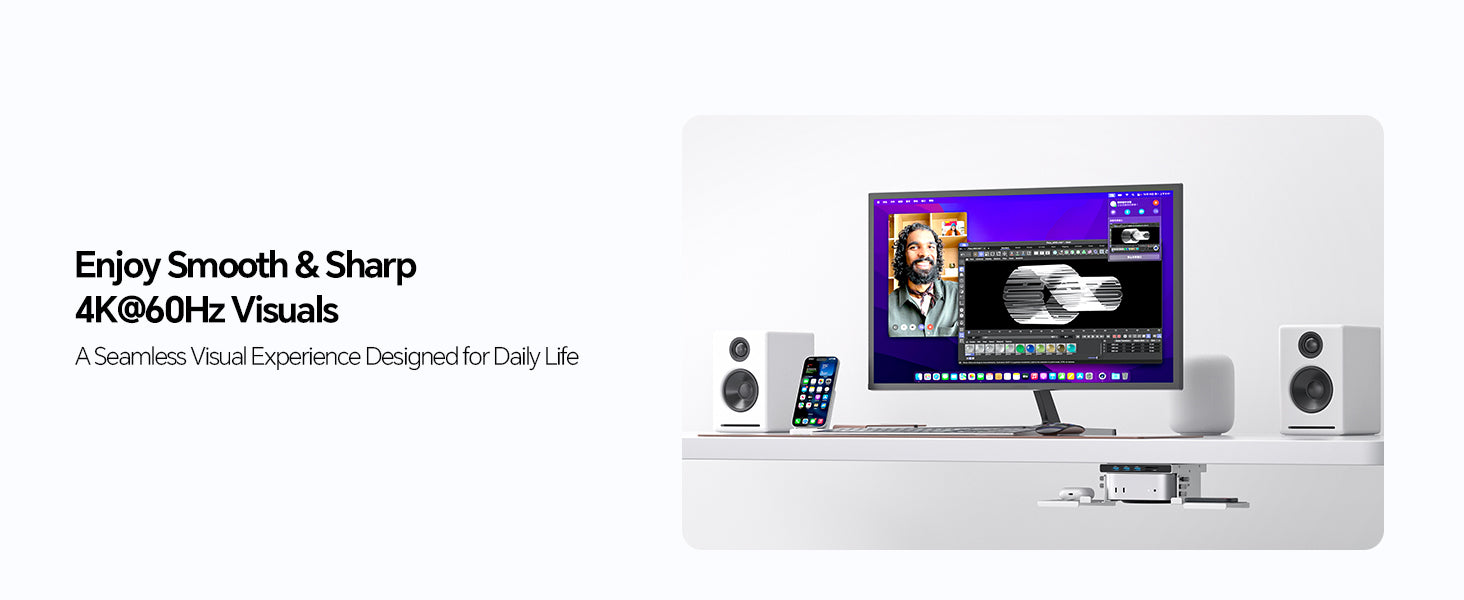
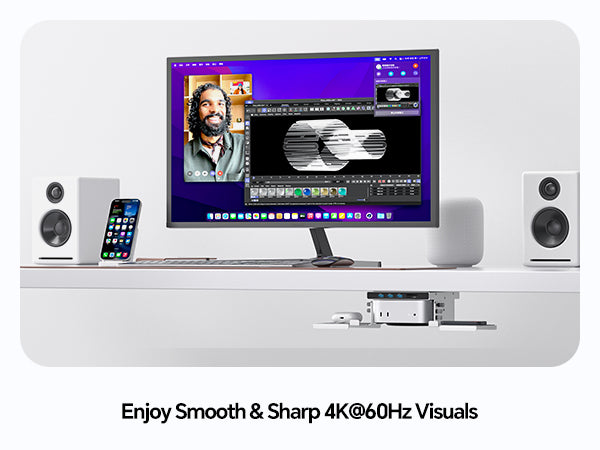
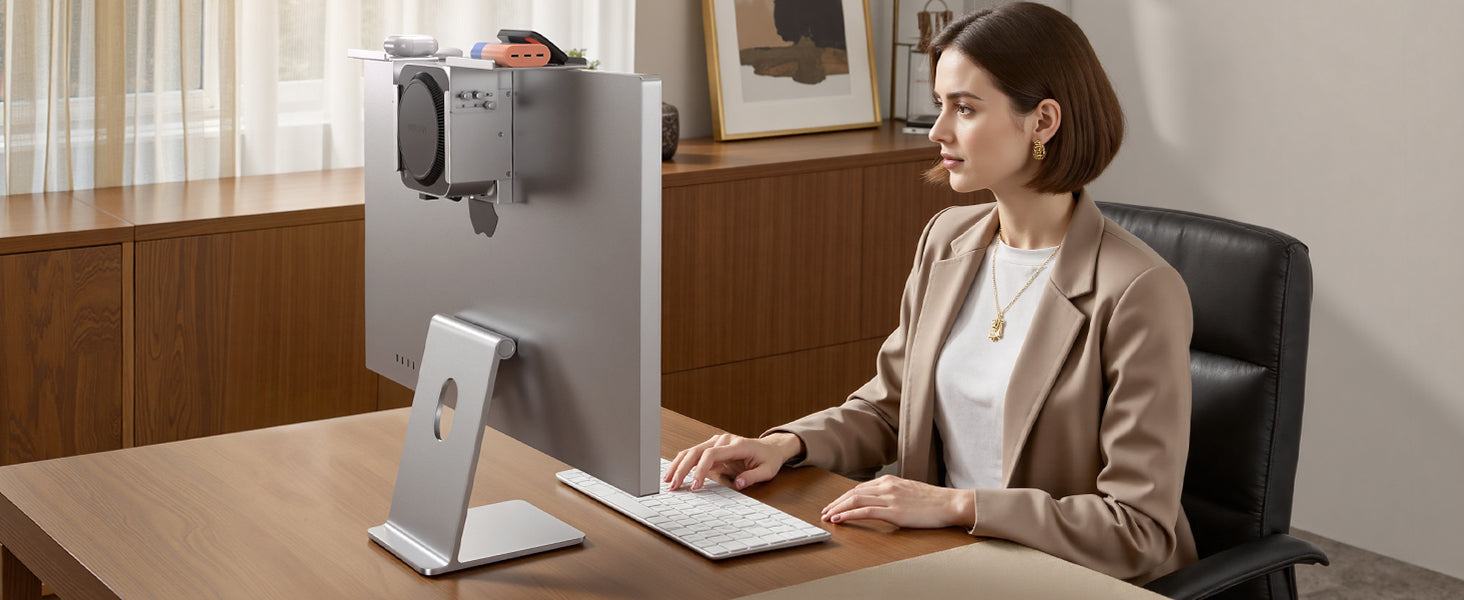
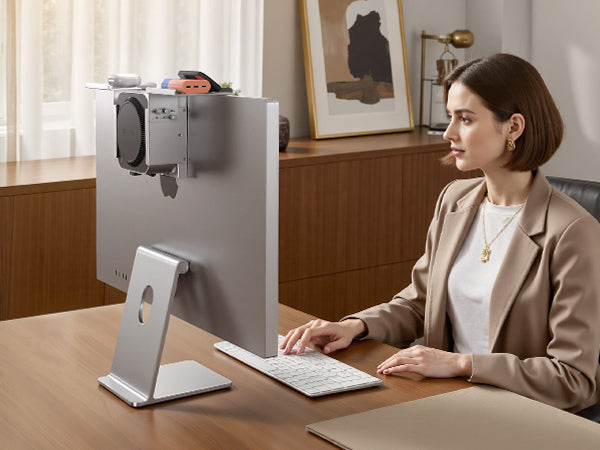
- 【MAC MINI M6, M5 Pro, M4 Shelf Dock & Mount】A dedicated mac mini m4/m5 Pro/m6 mount and USB-C hub designed for the Mac Mini M4 (2024)/M5 Pro/M6(2026), featuring a built-in M.2 SSD slot supporting up to 8TB of high-speed storage( SSD not included). This mac mini m4 shelf hub also includes a 4K 60Hz HDMI port, 3*USB-A 3.2 Gen 2 (10Gbps) ports, 2*USB-A 2.0 (Max 480Mbps) ports for keyboard and mouse, SD and MicroSD card readers (104 Mbps). All in one compact, space saving mac mini dock design. Use it as a screen shelf stand dock, a dock bracket on desk partition, an under desk mac mini mount dock, or a mount dock behind monitor (VESA) for a clean, clutter-free workspace.
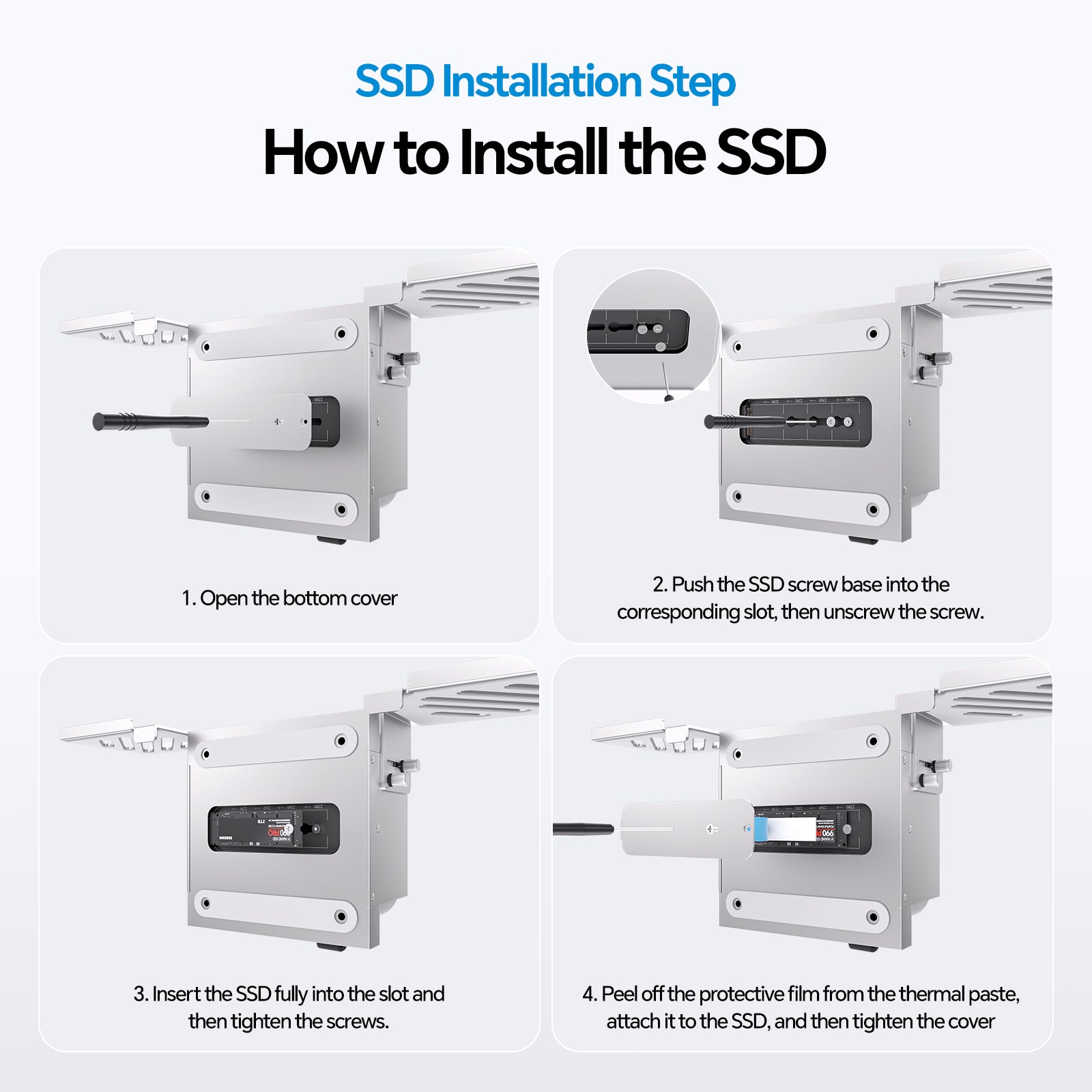
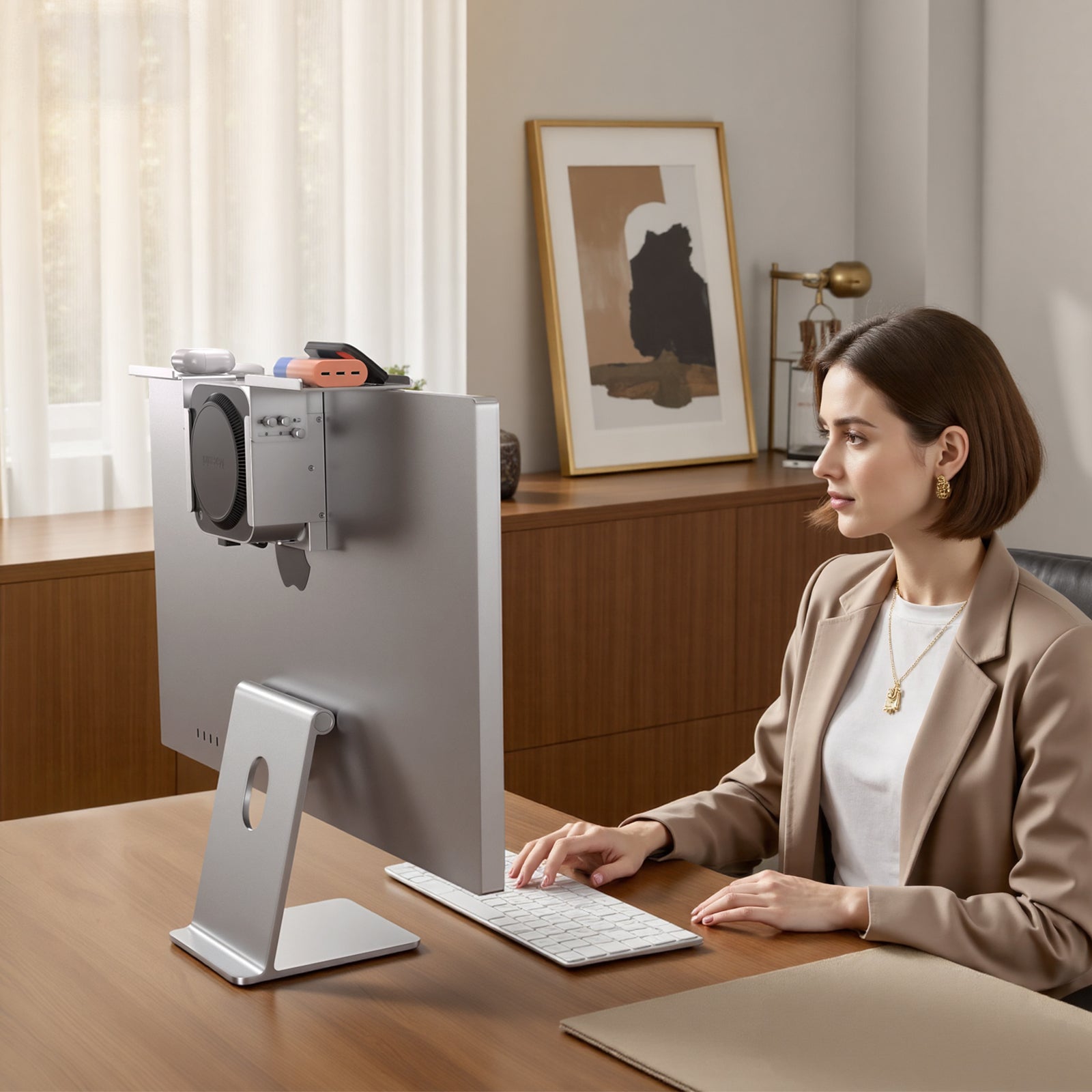
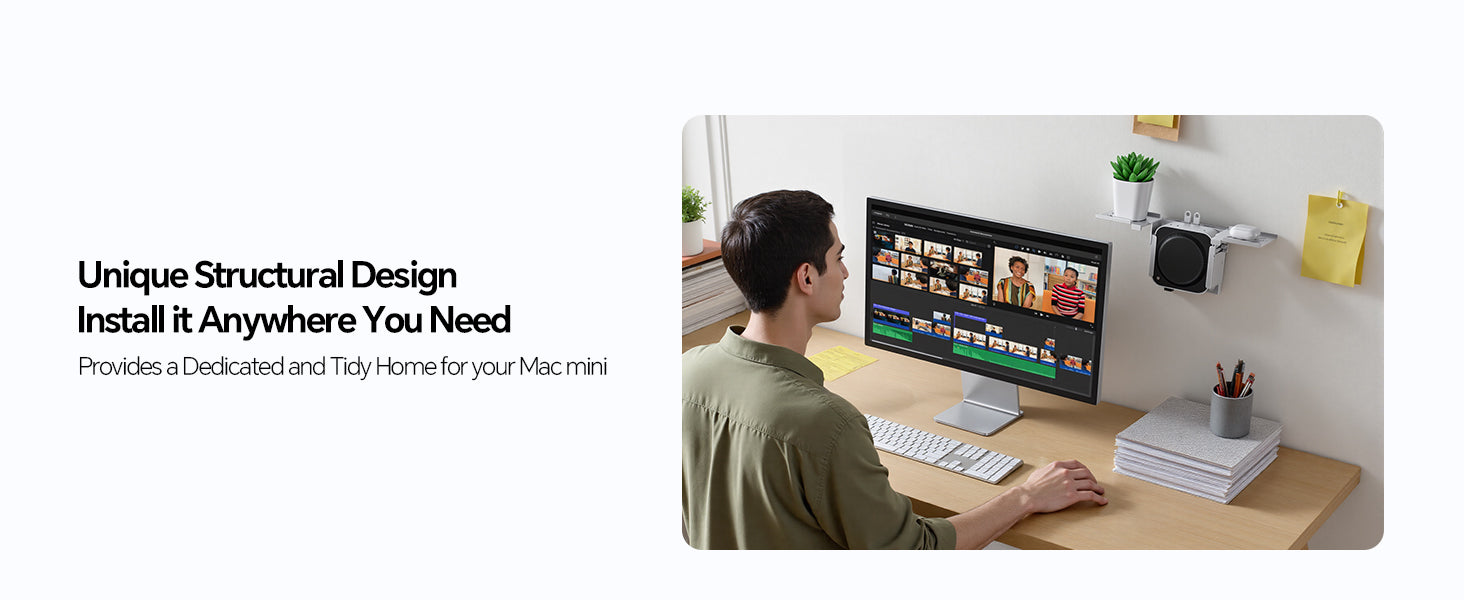
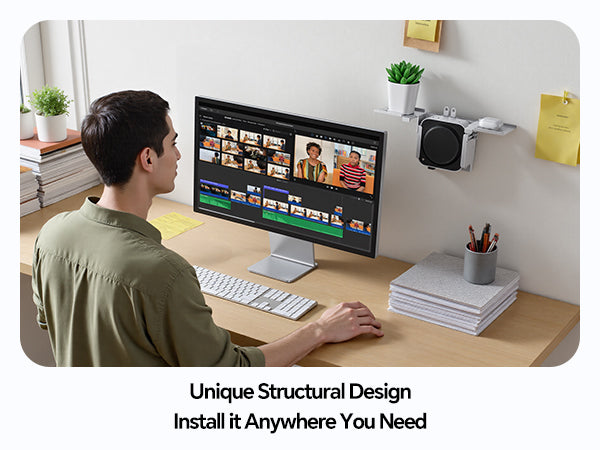
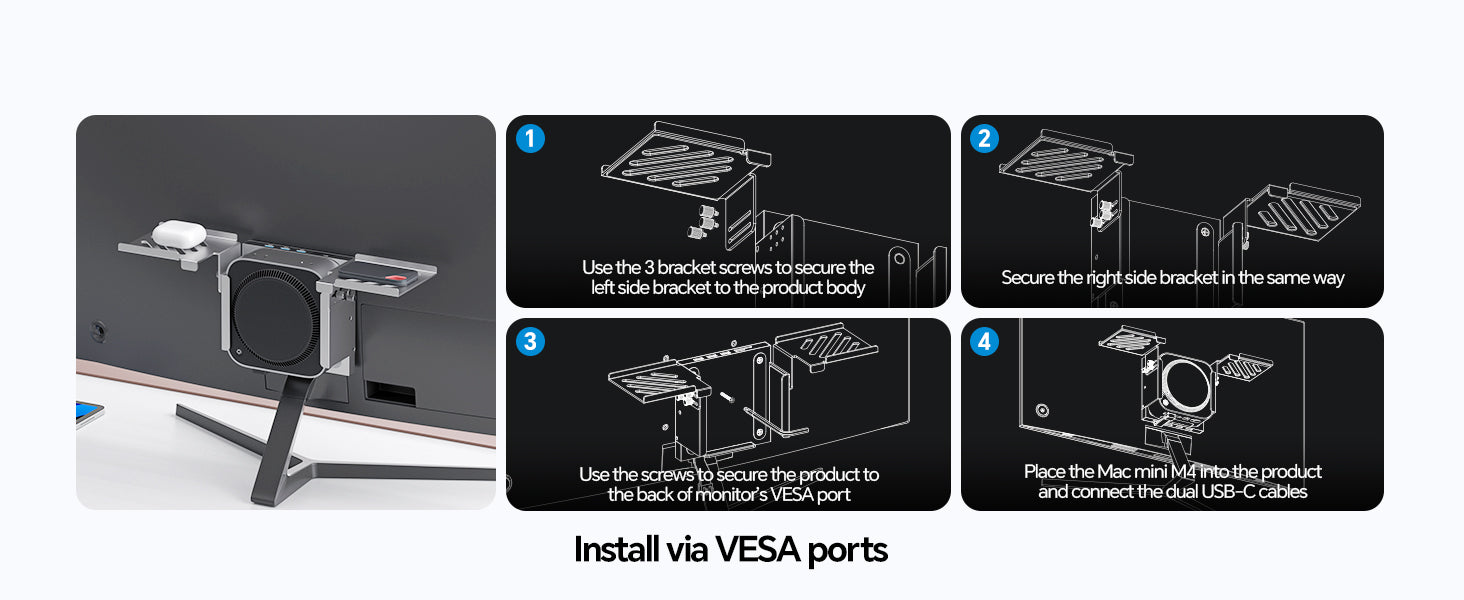
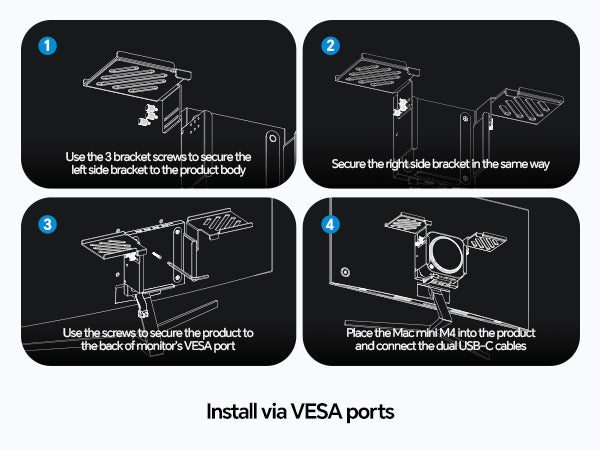
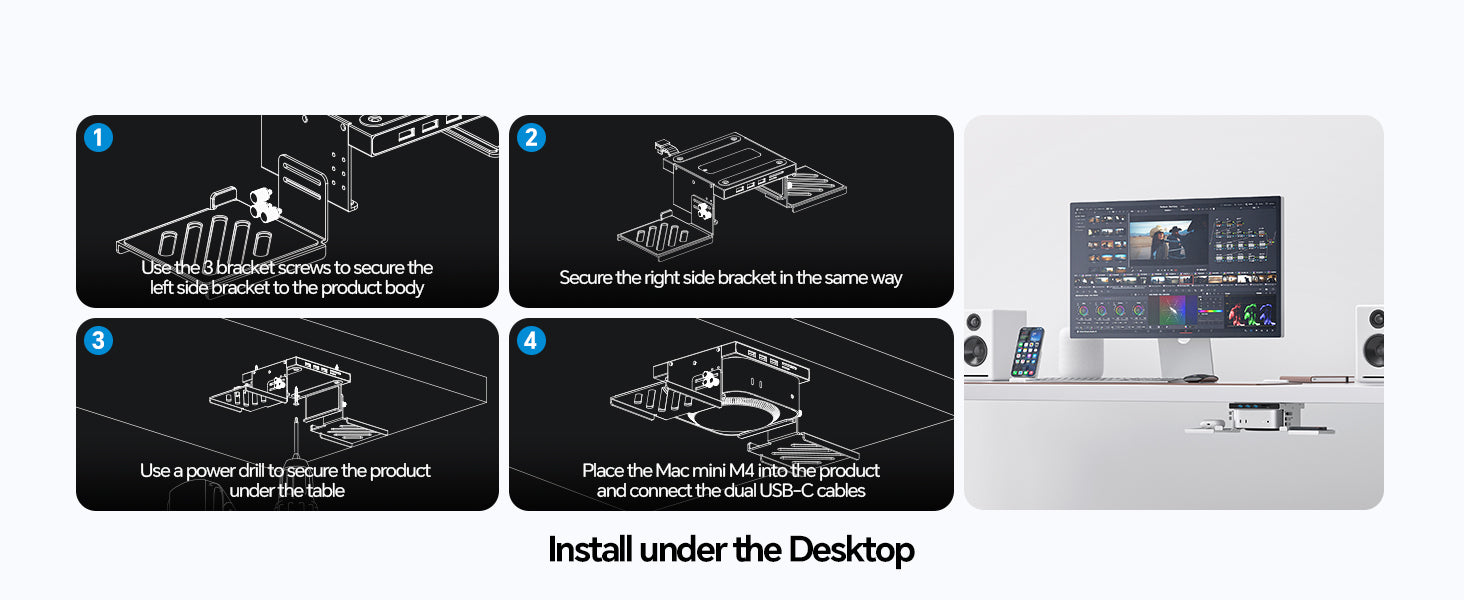
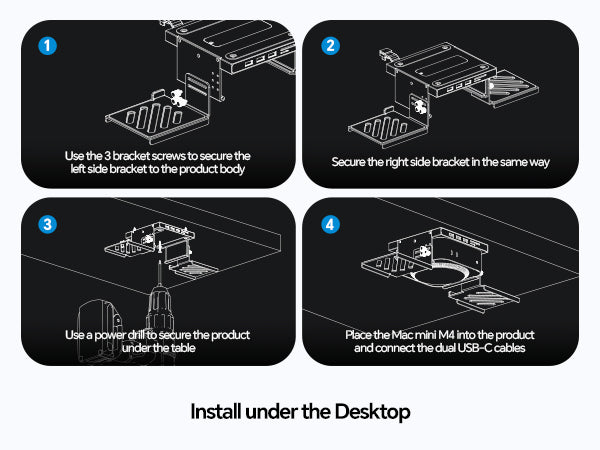
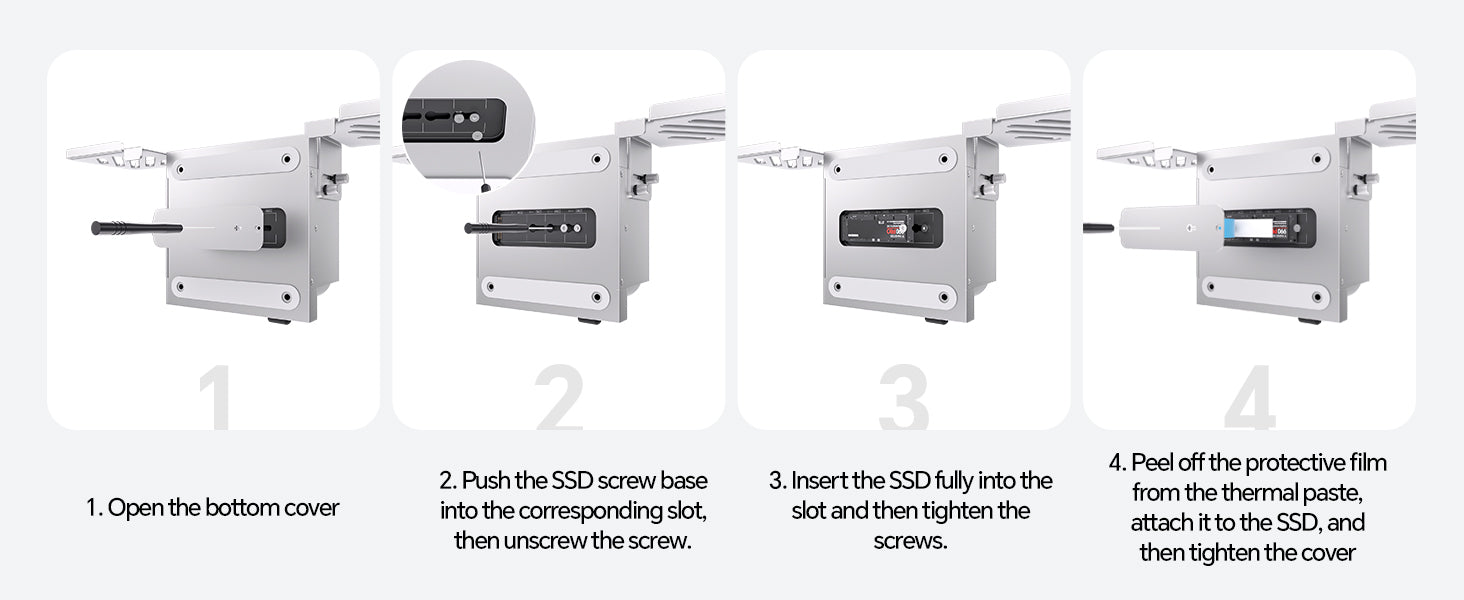
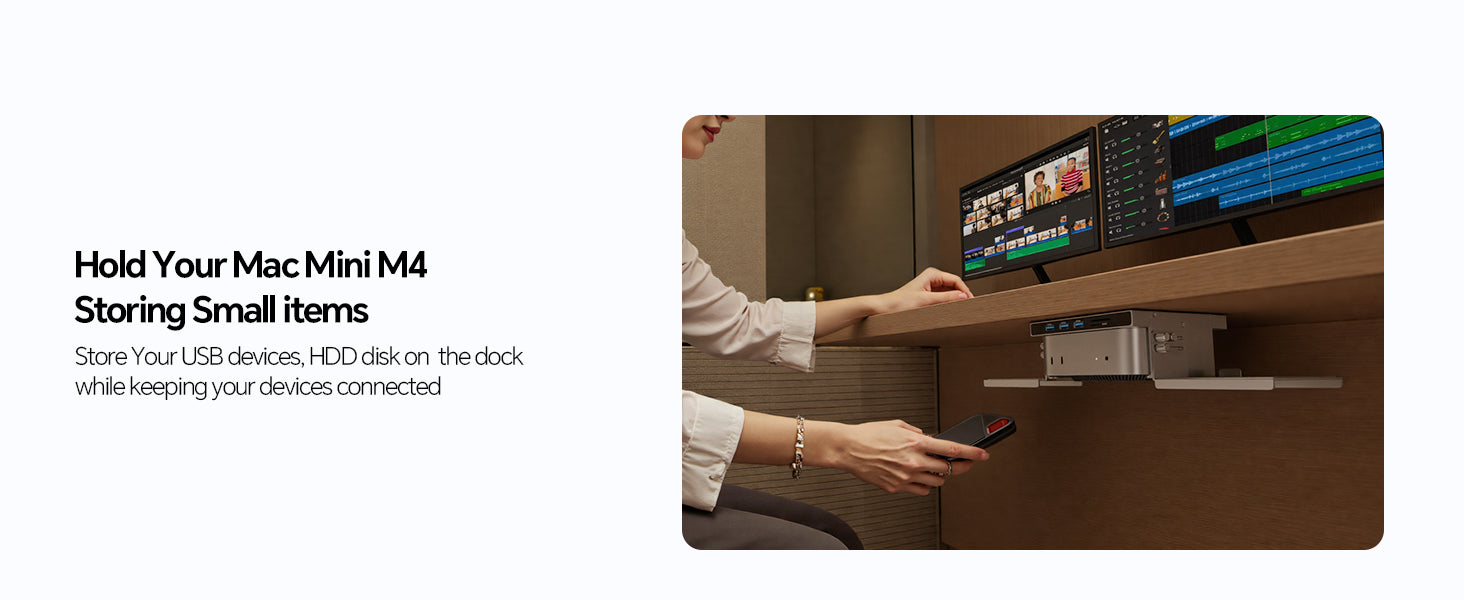
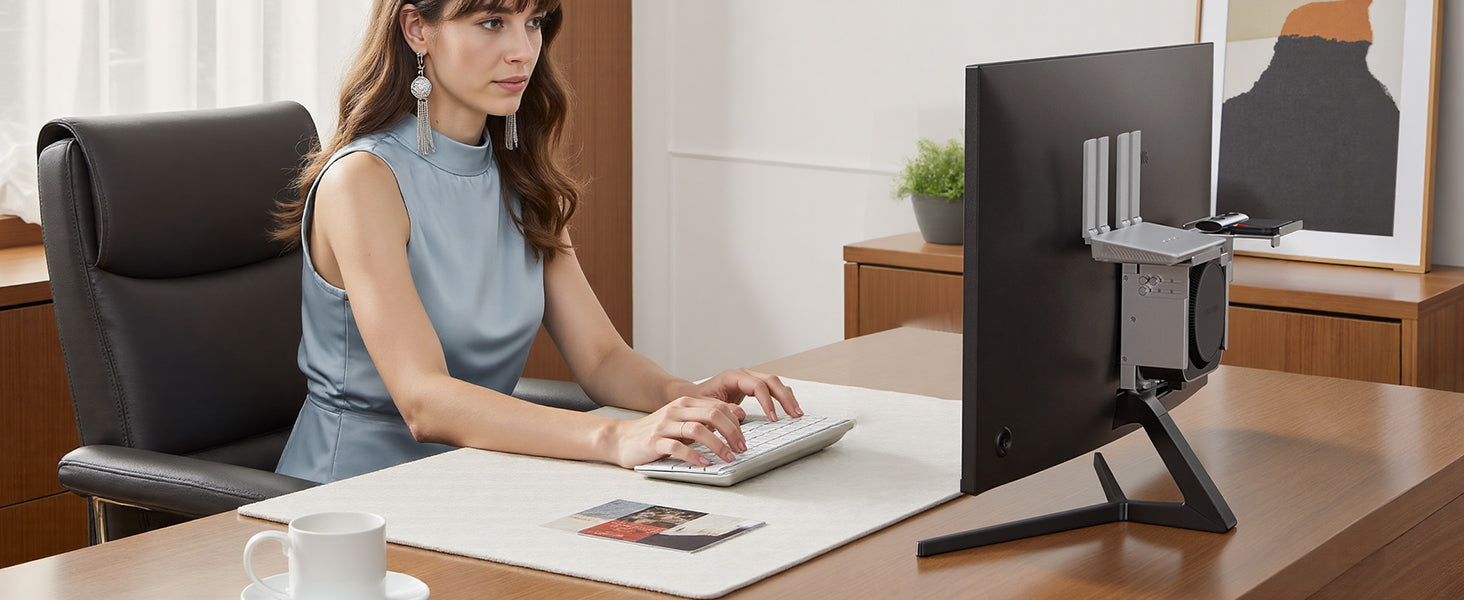
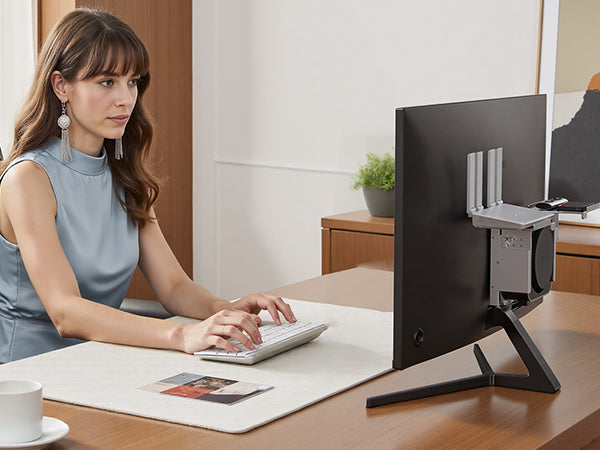
- 【4-in-1 Mounting System-Maximize Your Space】This mac mini dock takes clean your desk! It functions as a monitor screen shelf stand, a mac mini m6, m5 Pro, m4 dock bracket on desk partition, a behind-monitor mac mini vesa mount (only support 100mm × 100mm), or an under desk. The integrated shelf offers smart storage for accessories like external drives, power adapters, card readers, streaming devices, or even a small plant—helping you stay organized and efficient in any home or office setup. NOTE: The SSD enclosure is on the back of the dock, please install the SSD before installing it to your desired location.
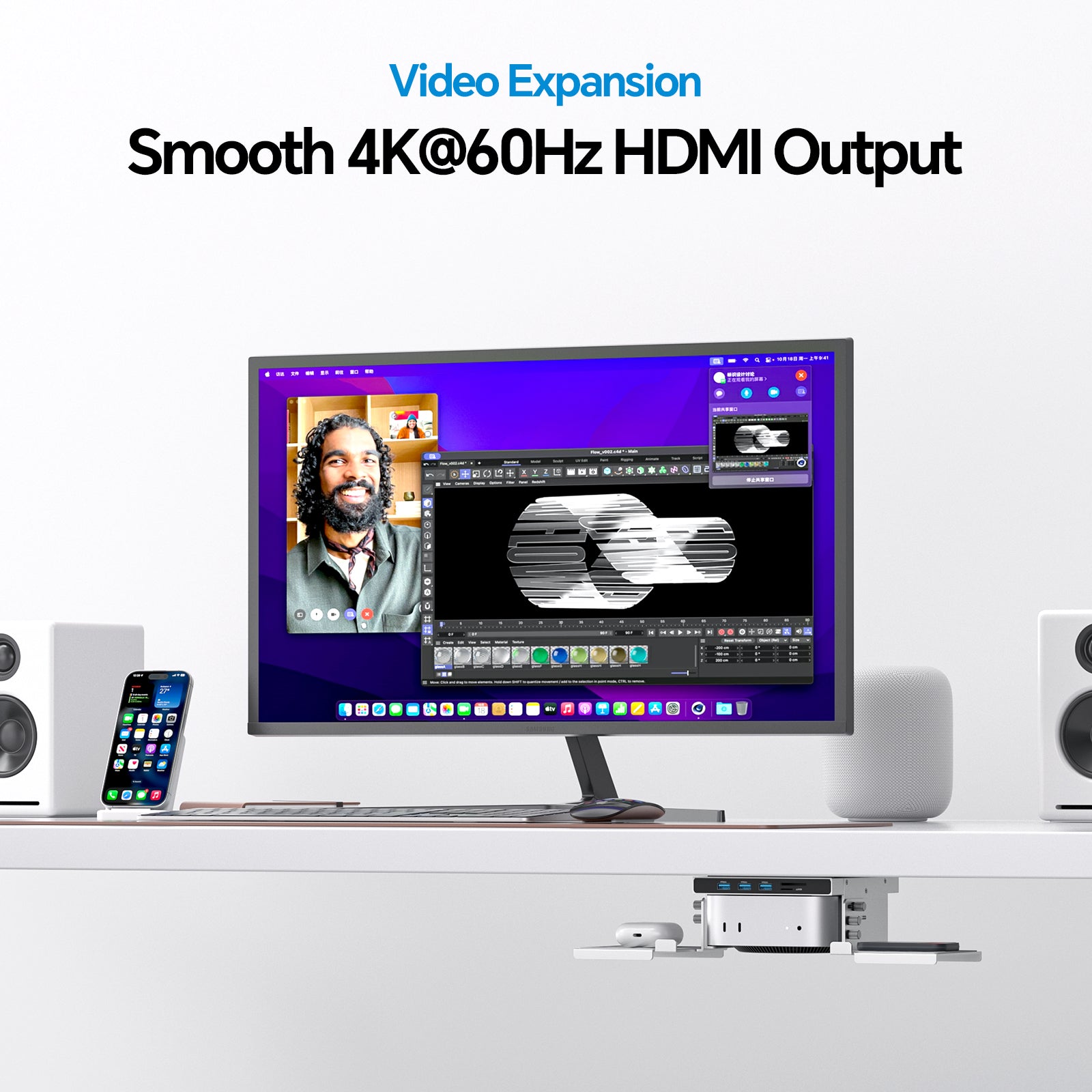
- 【4K HDMI Output】Mac mini m6, m5 Pro, m4 docking station equipped with USB-C to Host port (up to 10Gbps) to connect and expend your Mac mini via the HDMI output up to 4K@60Hz, you can be easy and convenient to mirror or extend your mac mini m4 to HDTV, monitor or projector to enjoy vivid video synchronization. Use both HDMIs of the hub and Mac Mini M4, it supports SST or MST mode for 2 monitors simultaneously.
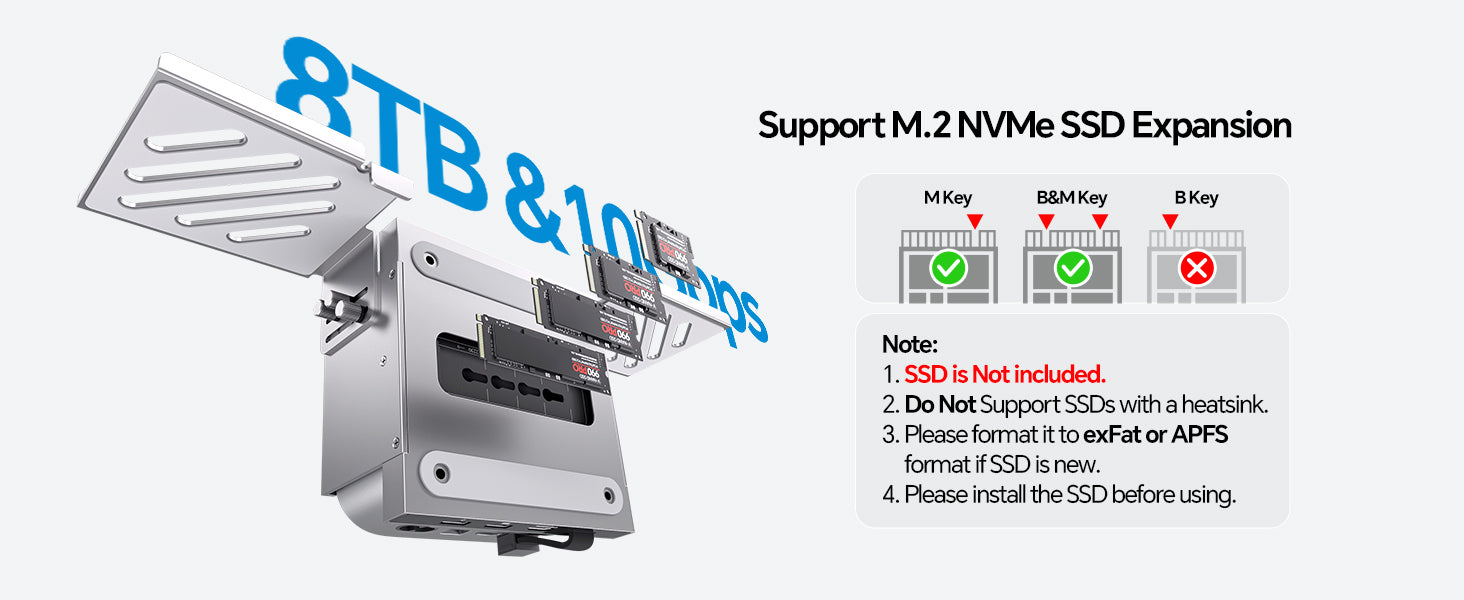
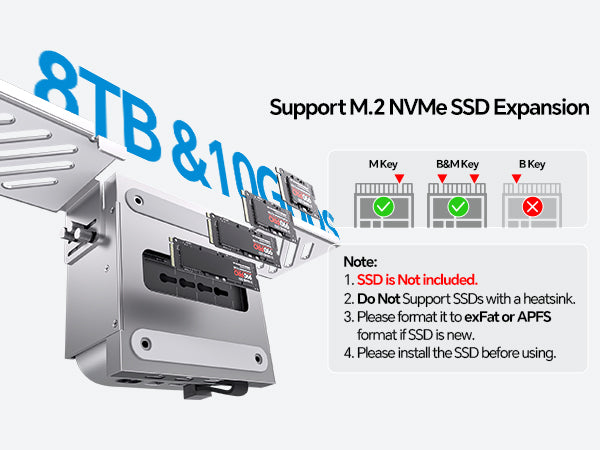
- 【SUPPORTS M.2 NVMe SSD EXPANSION】The Mac mini M6 2026 hub stand supports up to 8TB/10Gbps M.2 PCIe NVMe external hard drive expansion, perfect for the mac mini m4/m5 pro/m6 users who needing additional storage without compromising speed or efficiency. Support PCIe NVMe M.2 SSDs in size of 2230/2242/2260/2280. NOTE: 1). SSD is NOT included; 2). DOES NOT support SATA SSDs; 3) Please format your new SSD into "exFat" or "apfs " format with this usb c dock.
- 【Fast Data Transfer】The Mac mini Hub build with high-speed 3x USB A 3.2 data port (up to 10Gbps), 2 x USB-A 2.0 (480Mbps) for monse and keyboard, and a SD card reader UHS-I (up to 102MB/s) for rapid media access. The Mac Mini accessory offers a selection of ports, ensuring seamless connectivity for all your essential peripherals in a single, efficient device. Note: 1) USB-A ports do not support CD readers, Apple SuperDrive, 2) All USB C Ports doesn't support charging and video output.
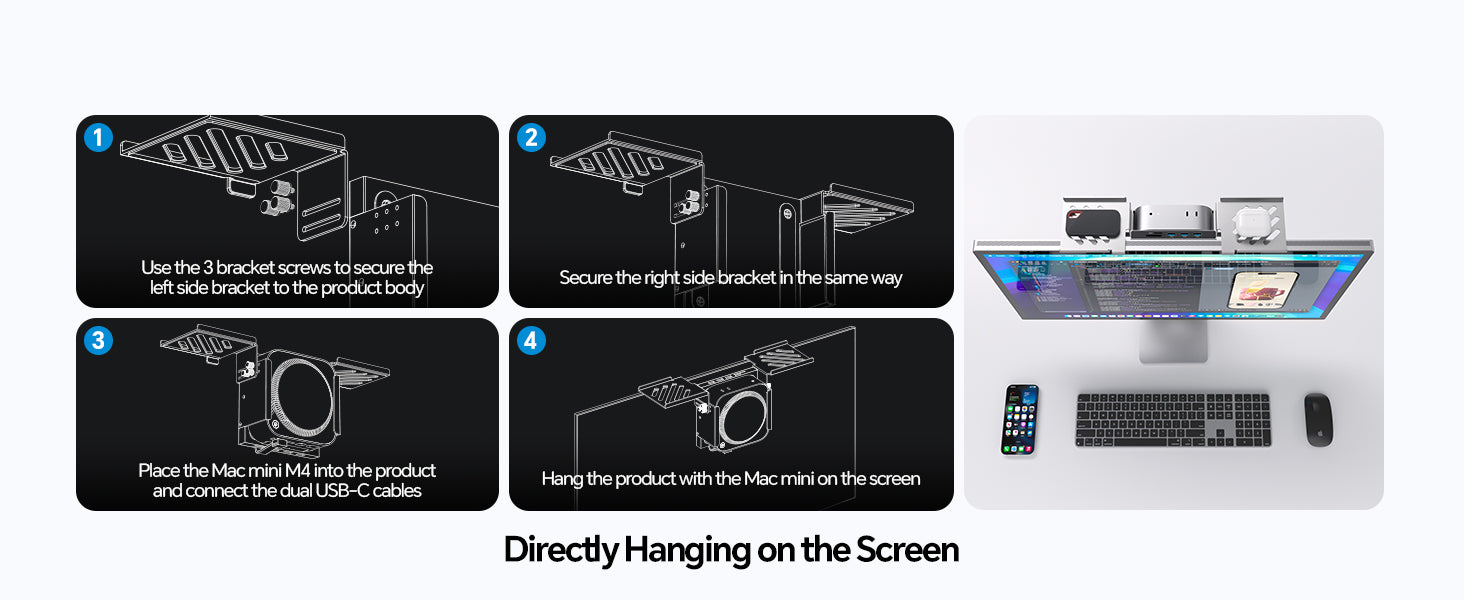
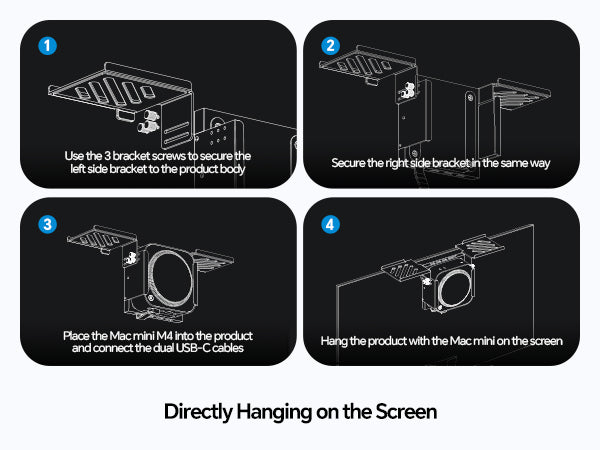
- ★NOTE: Please check the video of attached in the pages how to install the mac mini shelf dock in different location ( Stand dock on the monitor shelf or on Desk partition, Stand dock under desk, Stand dock behind monitor(VESA Port: Only Compatible with VESA standard size : 100mm × 100mm)
/M5%20Pro/M6(2026),%20featuring%20a%20built-in%20M.2%20SSD%20slot%20support...
)

This product is rated 5.0 of 5.0 stars.
It has received 15 reviews.
Great mount, solid and stable. The extra ports and SSD are really well integrated.
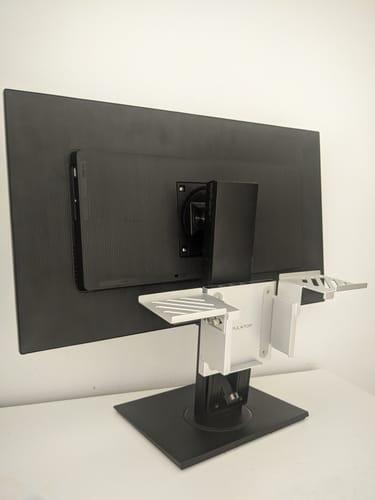
Simple assembly is required.
It's a highly compatible docking station.
Although some fixing work is necessary, it's helpful because it allows you to store your Mac Mini stylishly and provides expandability.
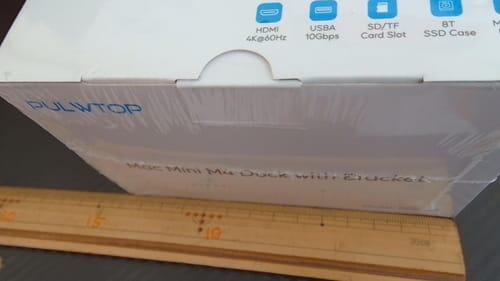
The fact that it has an M.2 slot for adding an SSD is interesting and economical.
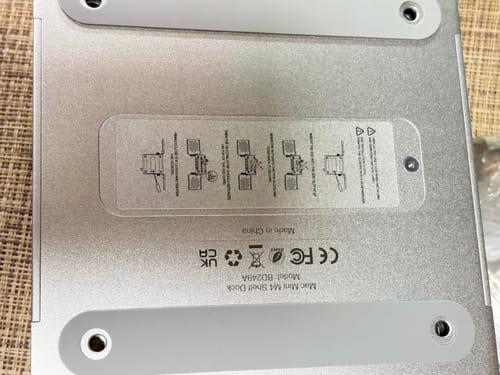
The fact that an SSD can be installed is very convenient.
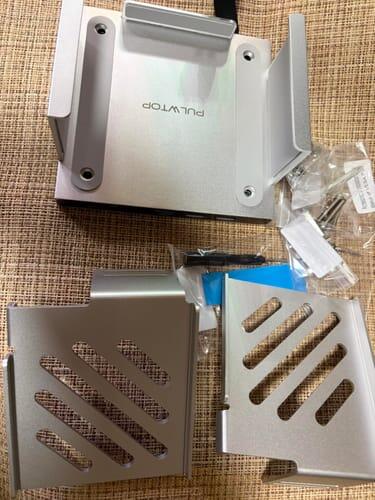
If you own a Mac mini, using this will be incredibly convenient.
The wiring is neat and tidy, and it's a great space-saver.
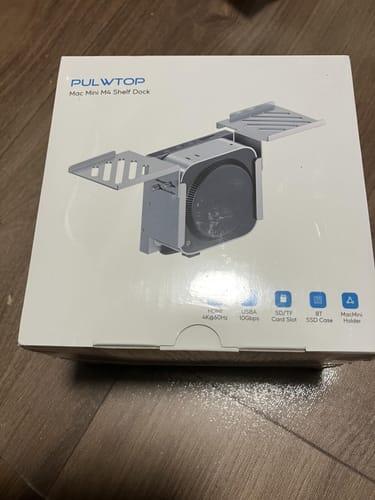
It's made of a metal that feels like aluminum, so it has a decent weight to it, but it's more compact than I expected, and the hub itself is about the size of an external drive, so it doesn't get in the way.
Since it has two USB-C ports, it cannot be used with regular Windows desktop PCs and is basically for Mac Mini only.
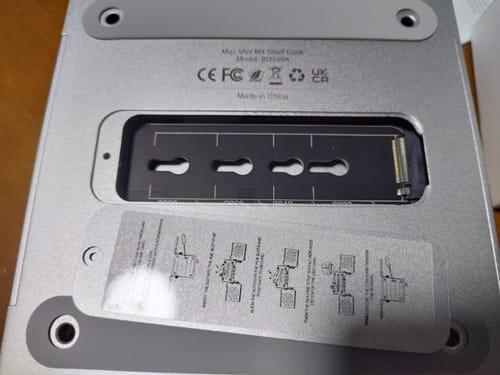
While the SD card slot and USB ports are a little difficult to access on a small desk,
with some clever mounting, they are easily accessible even by feel,
completely eliminating the stress of the Mac Mini's notoriously inconvenient rear ports.
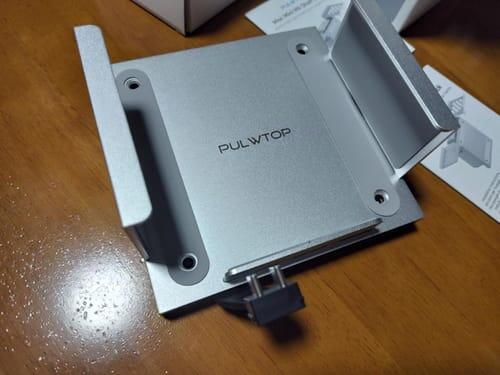
Sehr gutes Teil, das perfekt hinter den Bildschirm passt
The advantage is that you can easily add an SSD and expand the storage capacity yourself. If you install it under your desk, you can place frequently used mobile batteries and Pocketalk (a small translation device) on the shelves on both sides, keeping your desk tidy.
When I actually mounted it behind the display, my desk became incredibly tidy, and the Mac Mini itself felt like an integral part of the monitor.
Just having the cables out of sight significantly improved my concentration on work.
It's also helpful that you don't have to use up the storage space on the main unit.
The front has an SD card slot and three USB-A ports, making it an easy-to-use hub.
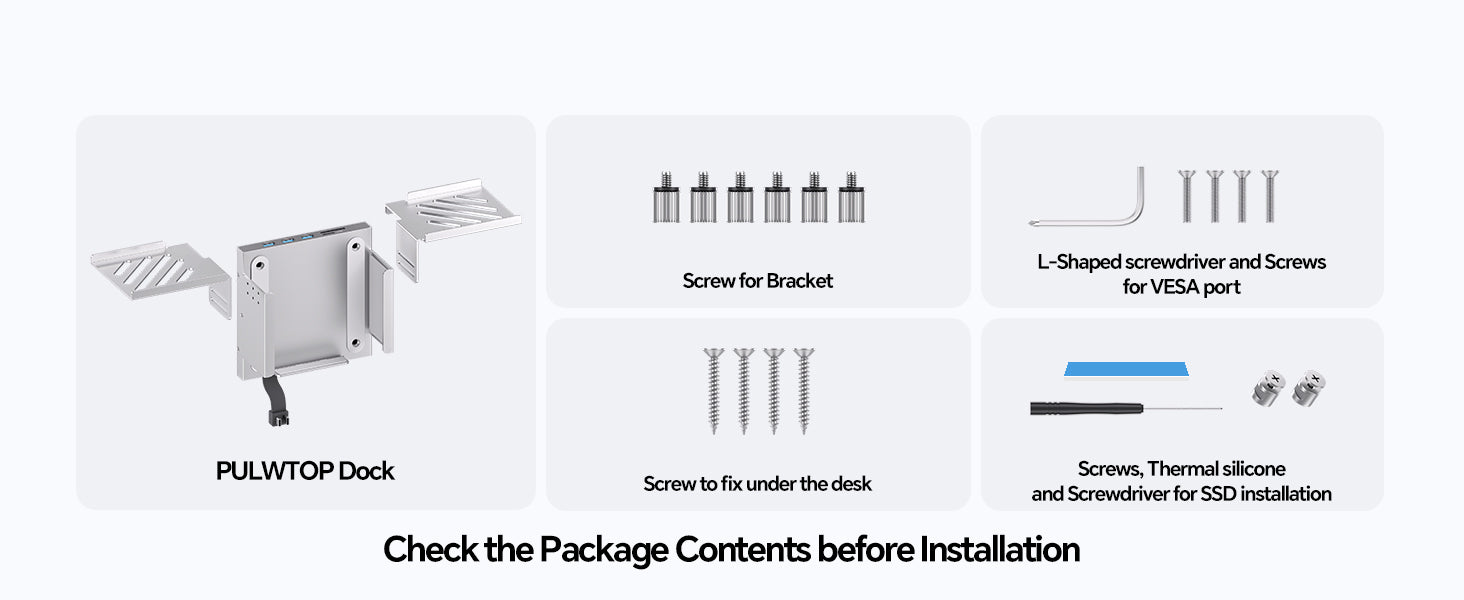
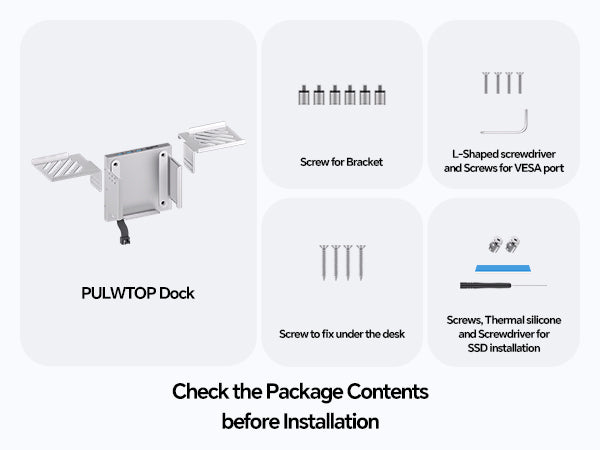
It came with a thermal pad for the M.2 SSD and a small screwdriver was also included, so you can install it with just this set if you already have an SSD.
The advantage is that you can easily add an SSD and expand the storage capacity yourself. If you install it under your desk, you can place frequently used mobile batteries and Pocketalk (a small translation device) on the shelves on both sides, keeping your desk tidy.
I inserted a spare SSD into the built-in NVMe SSD enclosure, and it's very reassuring to have a large-capacity data storage location without burdening the main storage.