

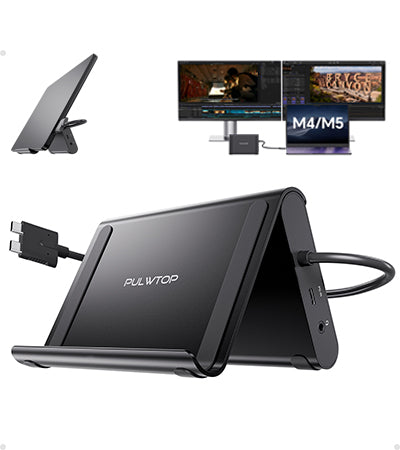
PULWTOP USB C Docking Staton Dual 4K@60Hz Monitor ( 2 HDMI, PD, Ethernet, USB A/C 10Gbps, Audio, SD/TF)
Tax excluded.
About this item
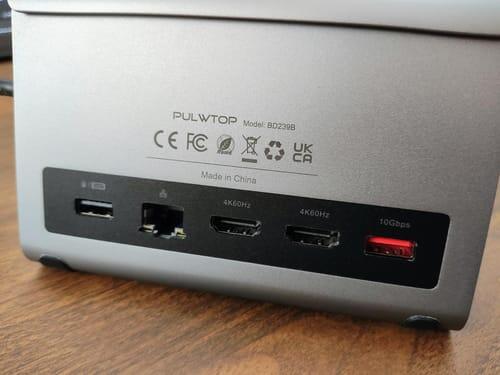
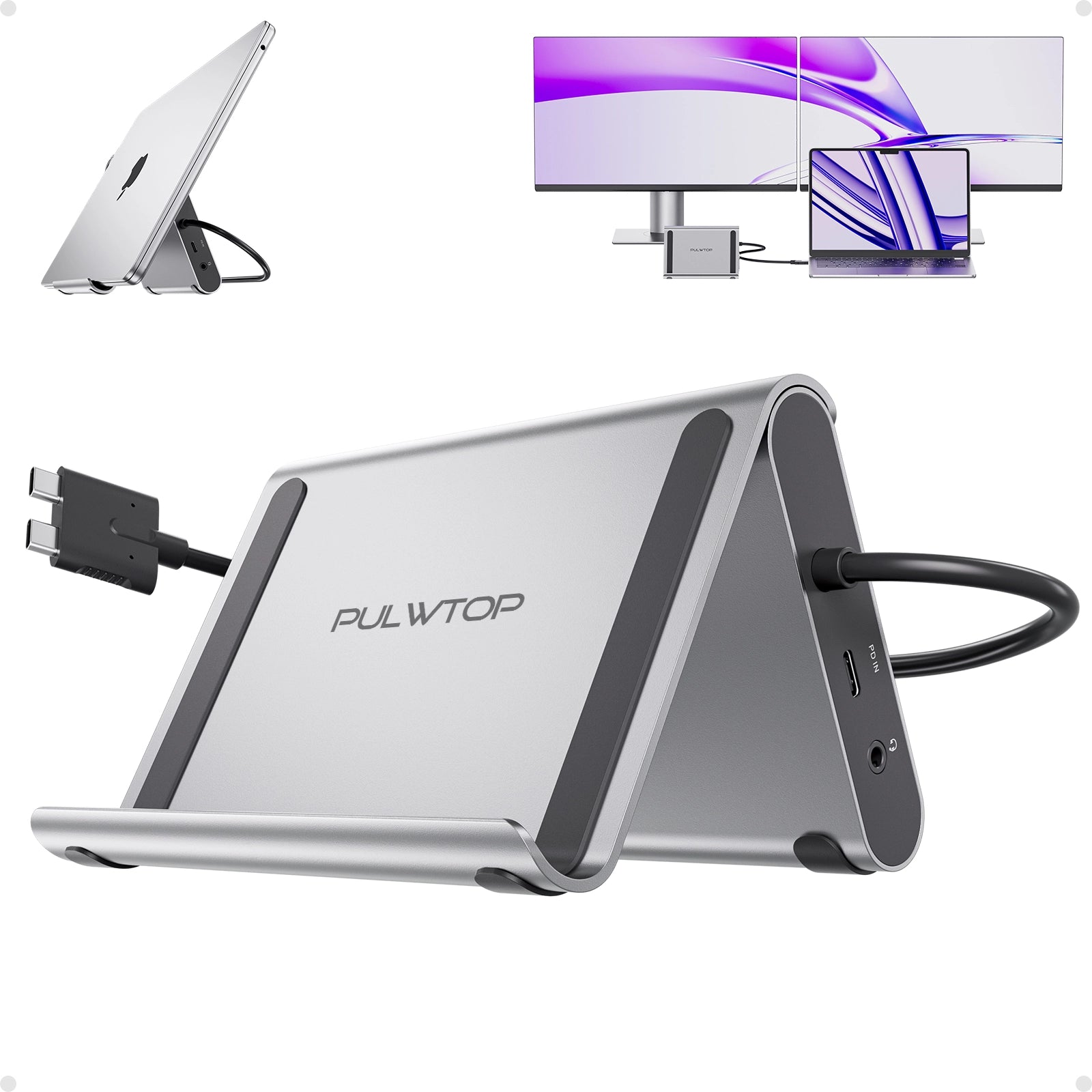
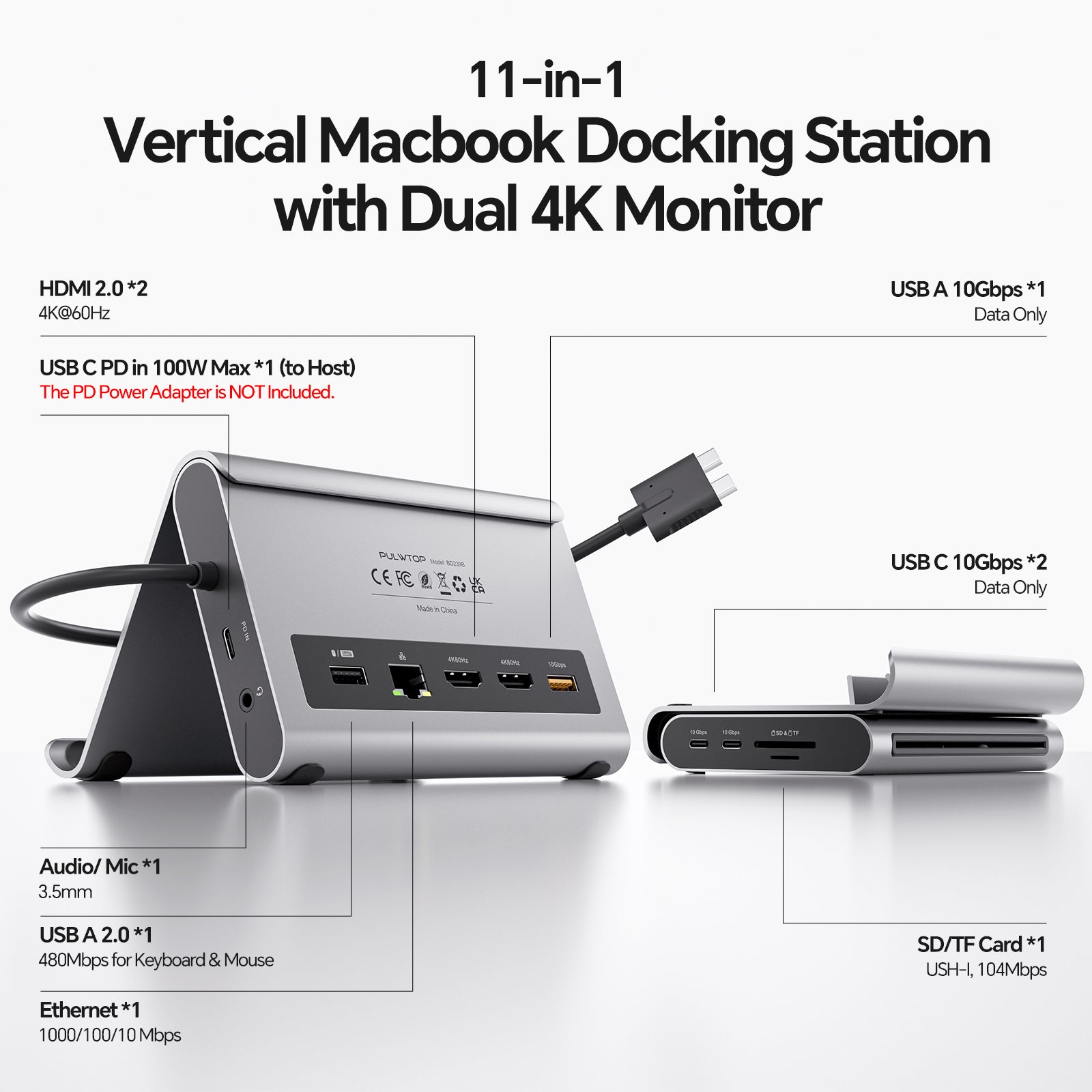
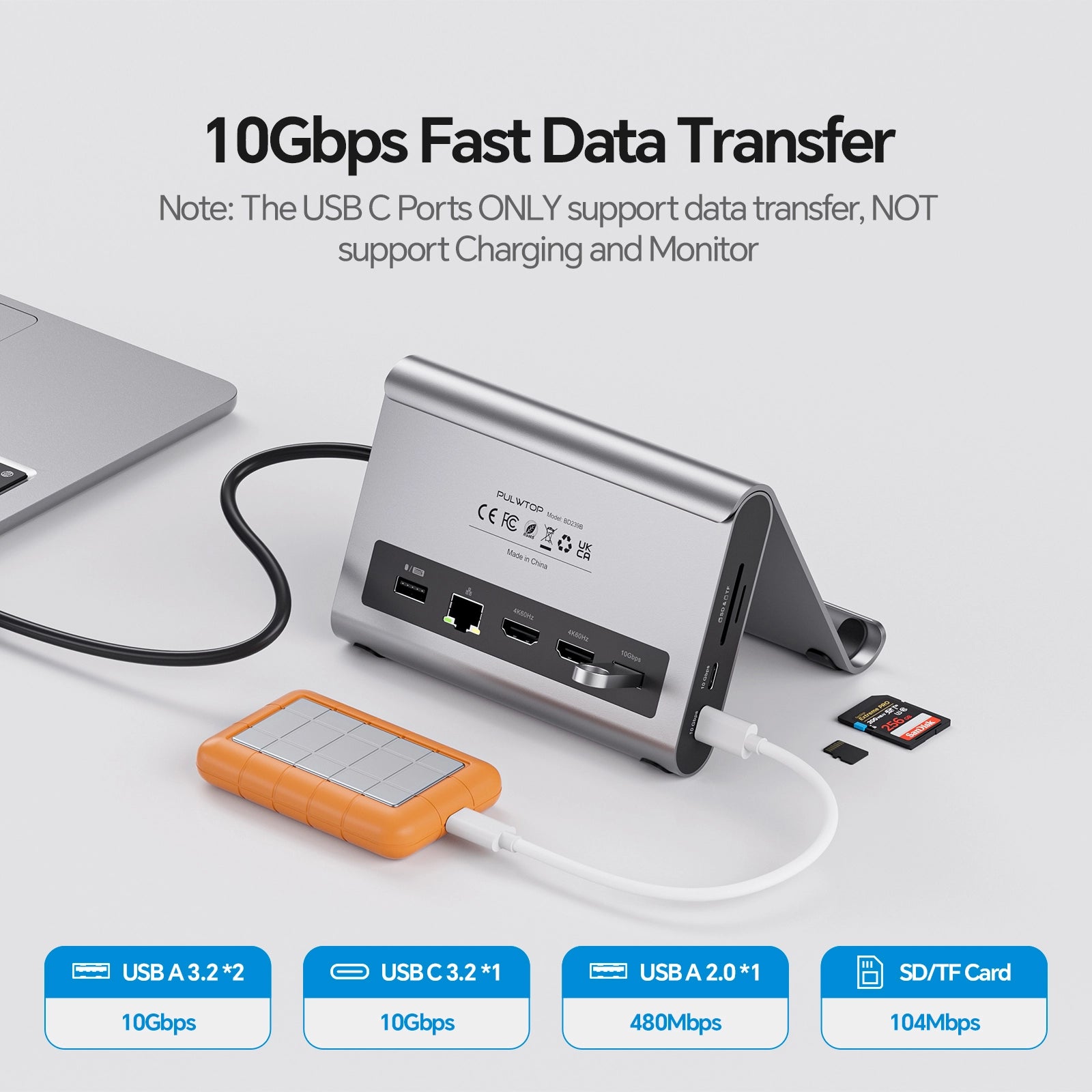
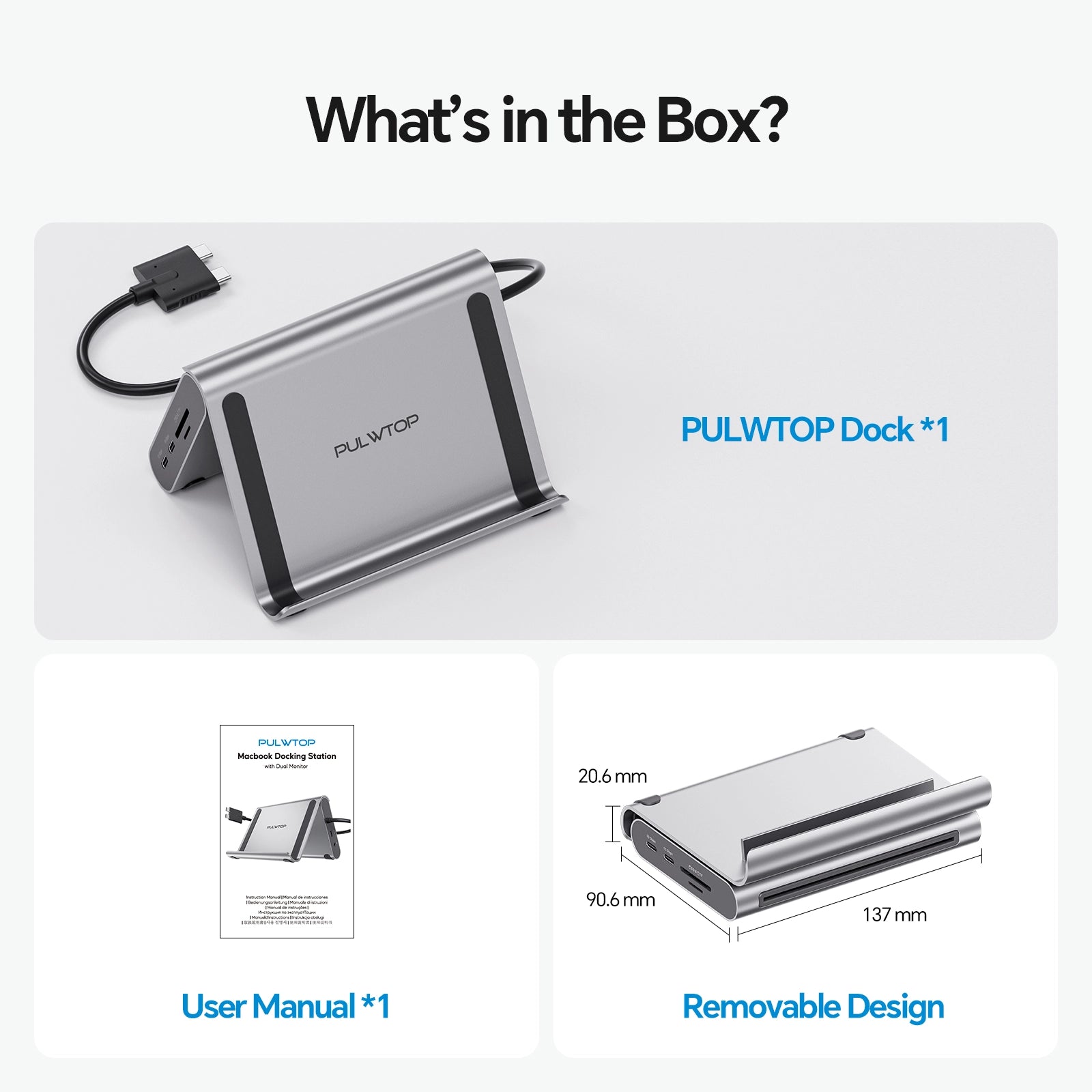
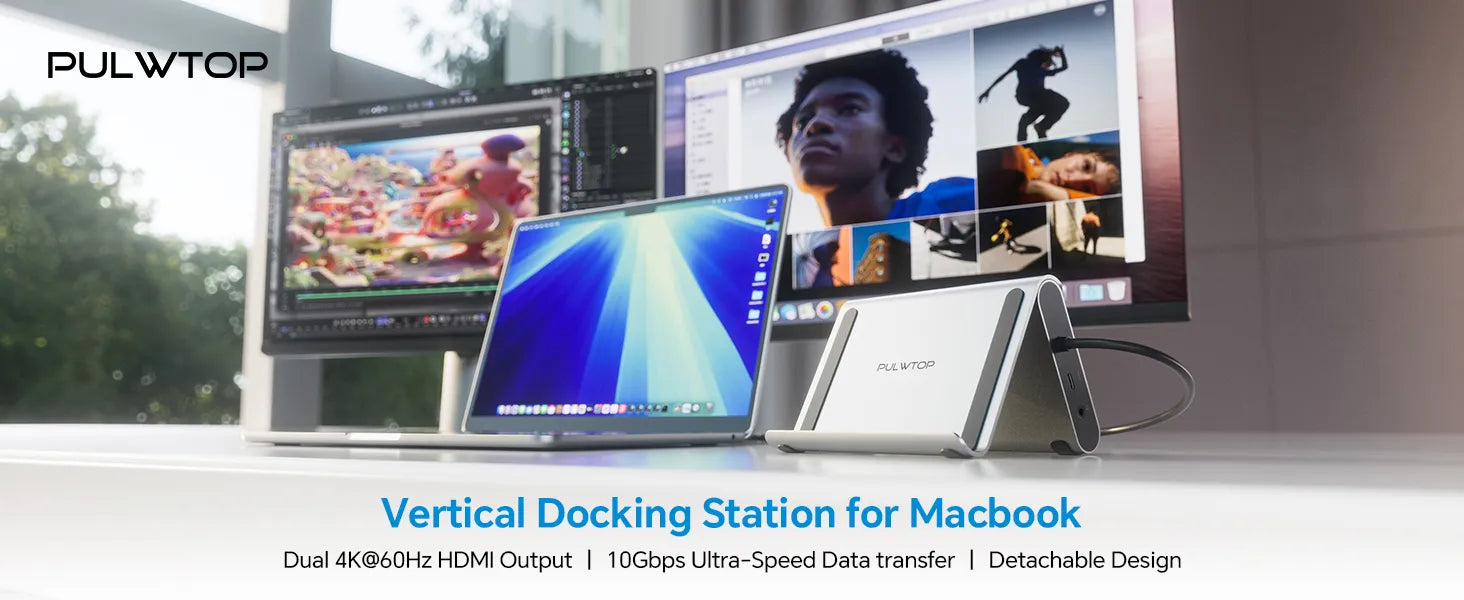
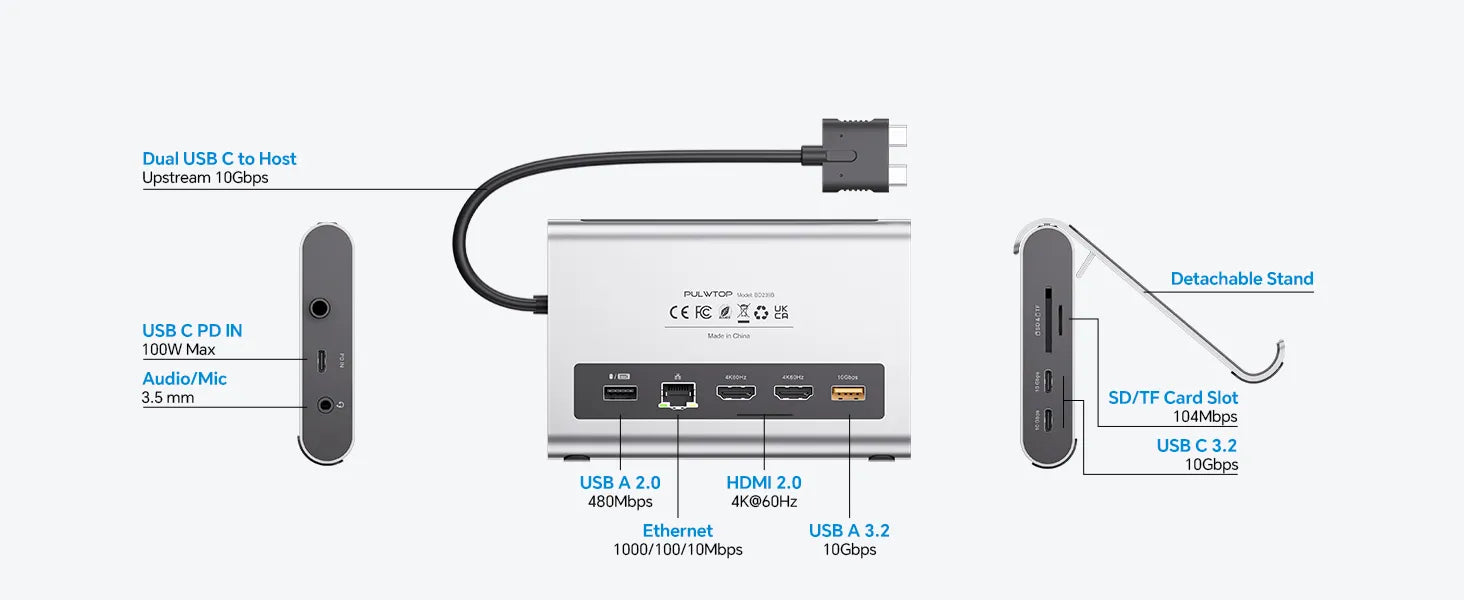
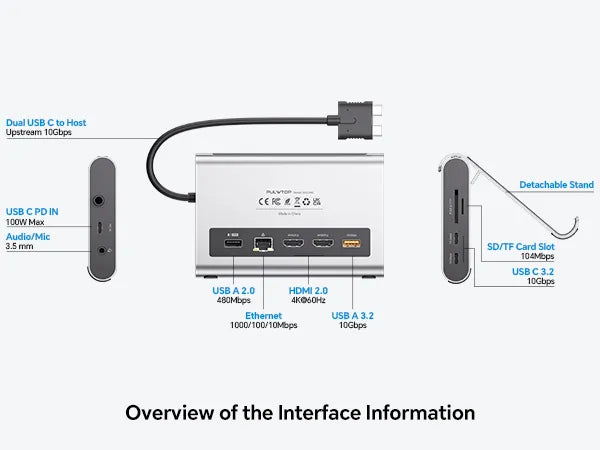
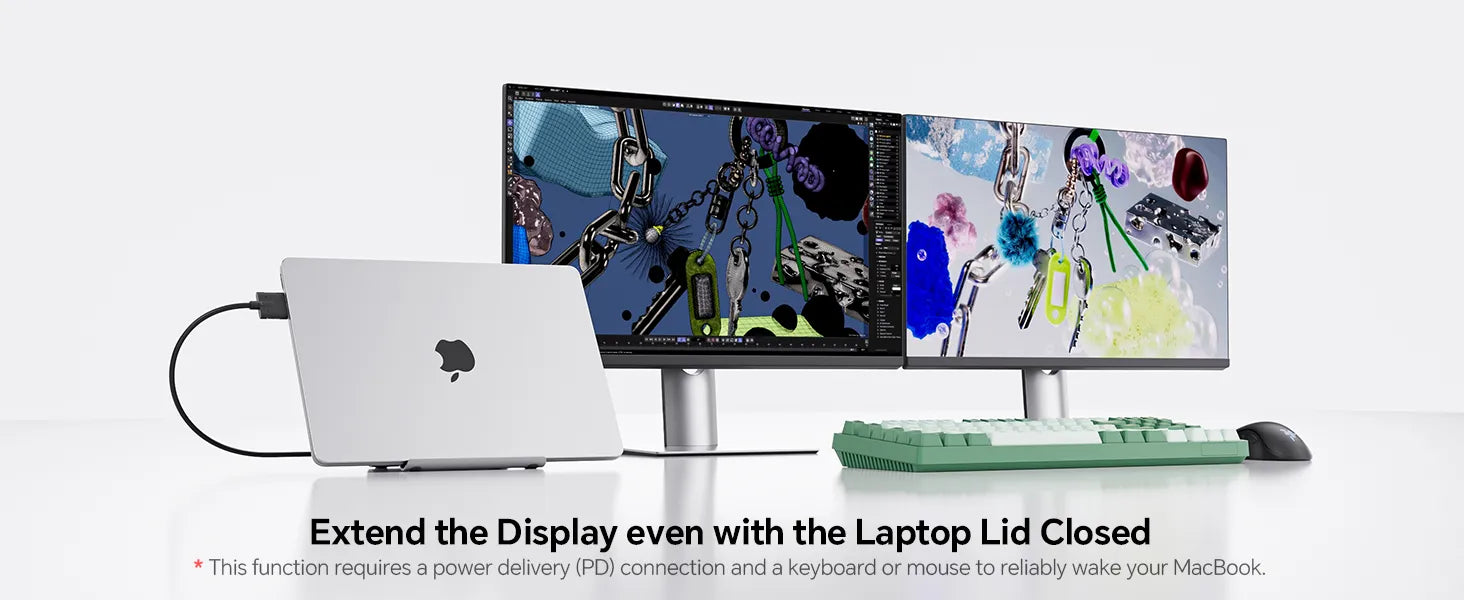
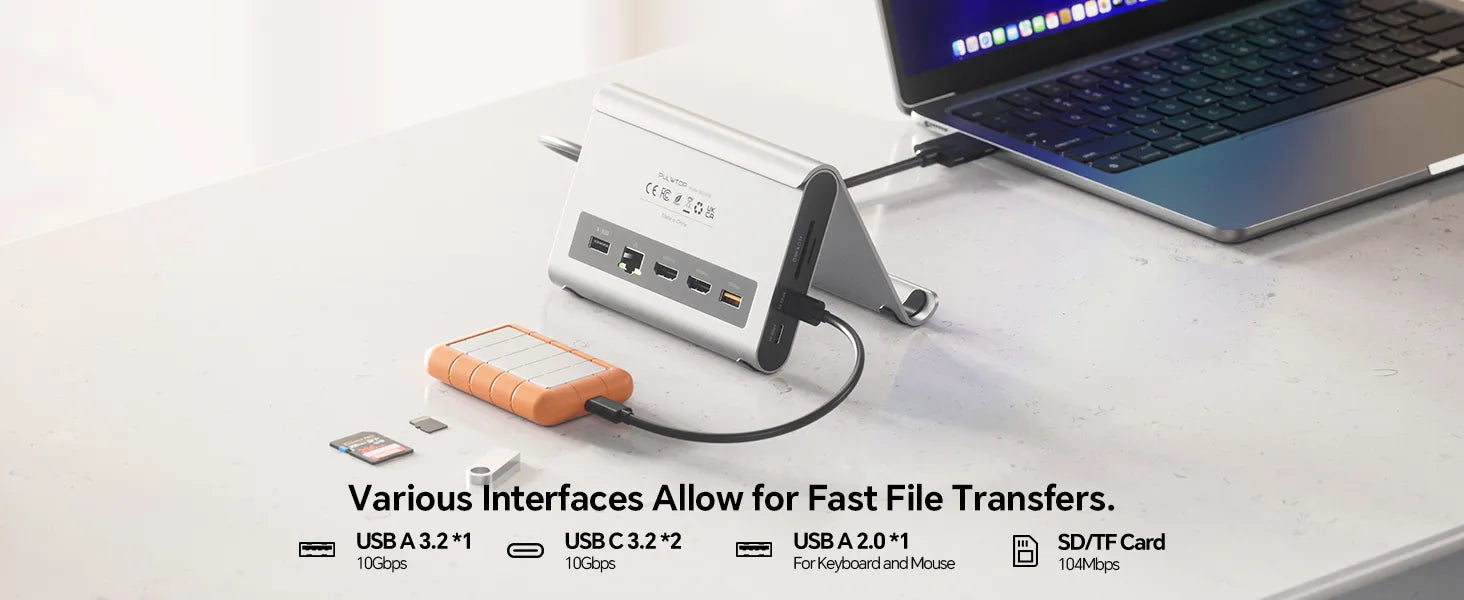
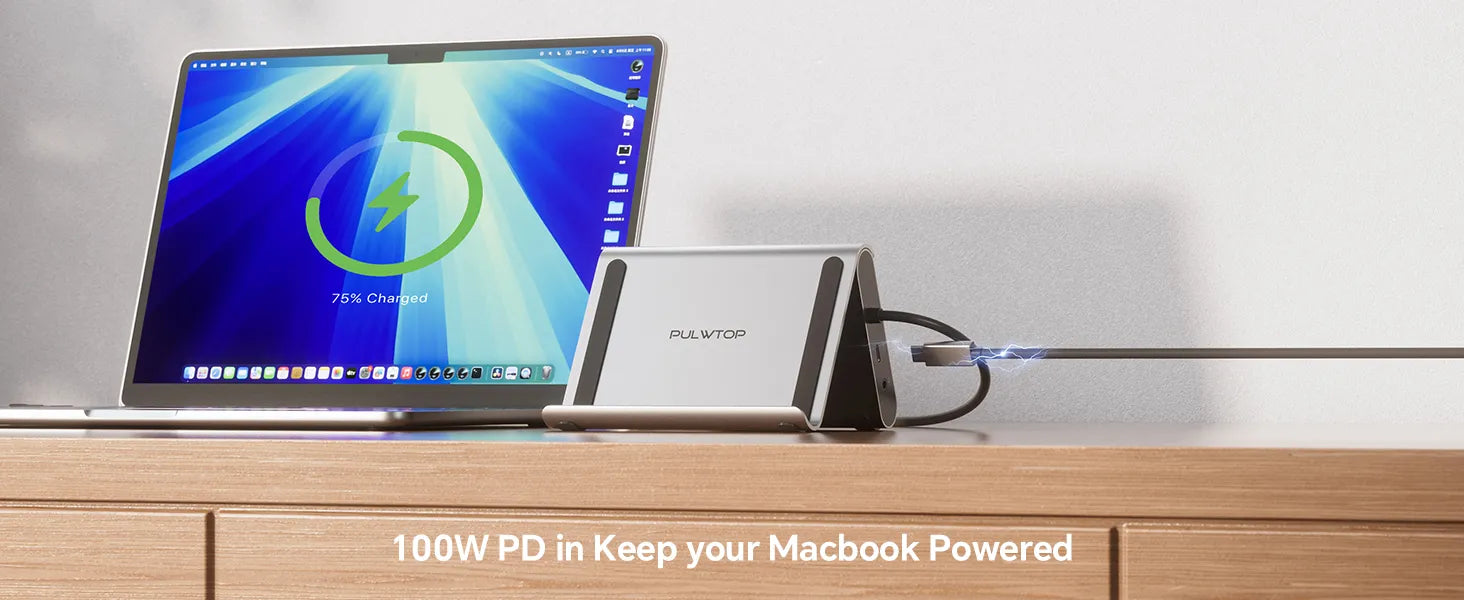
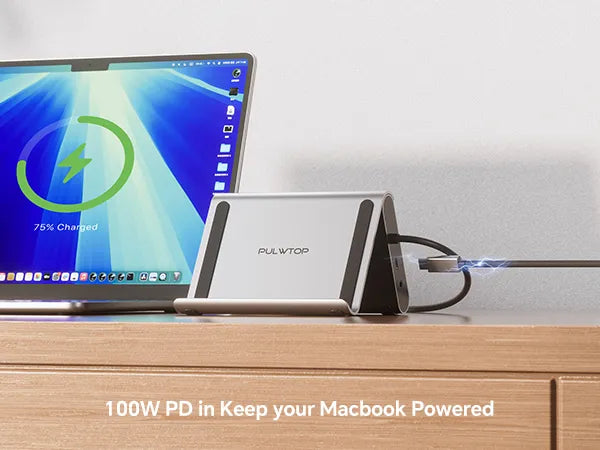
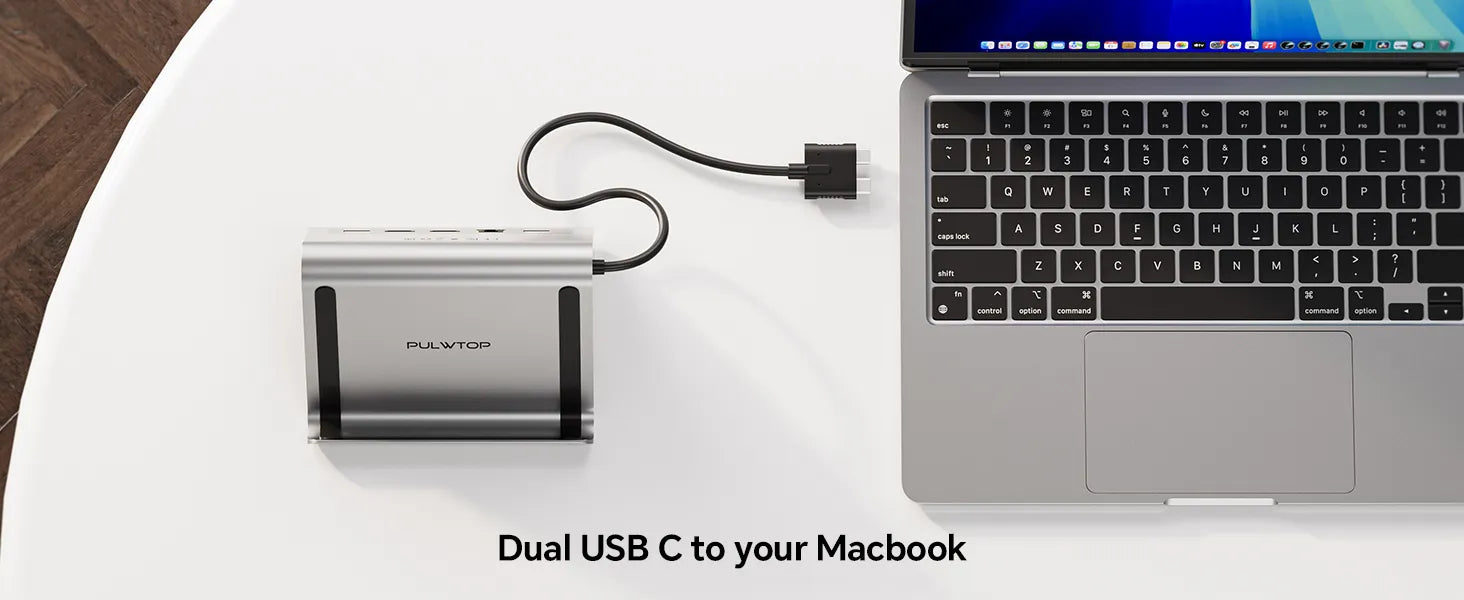
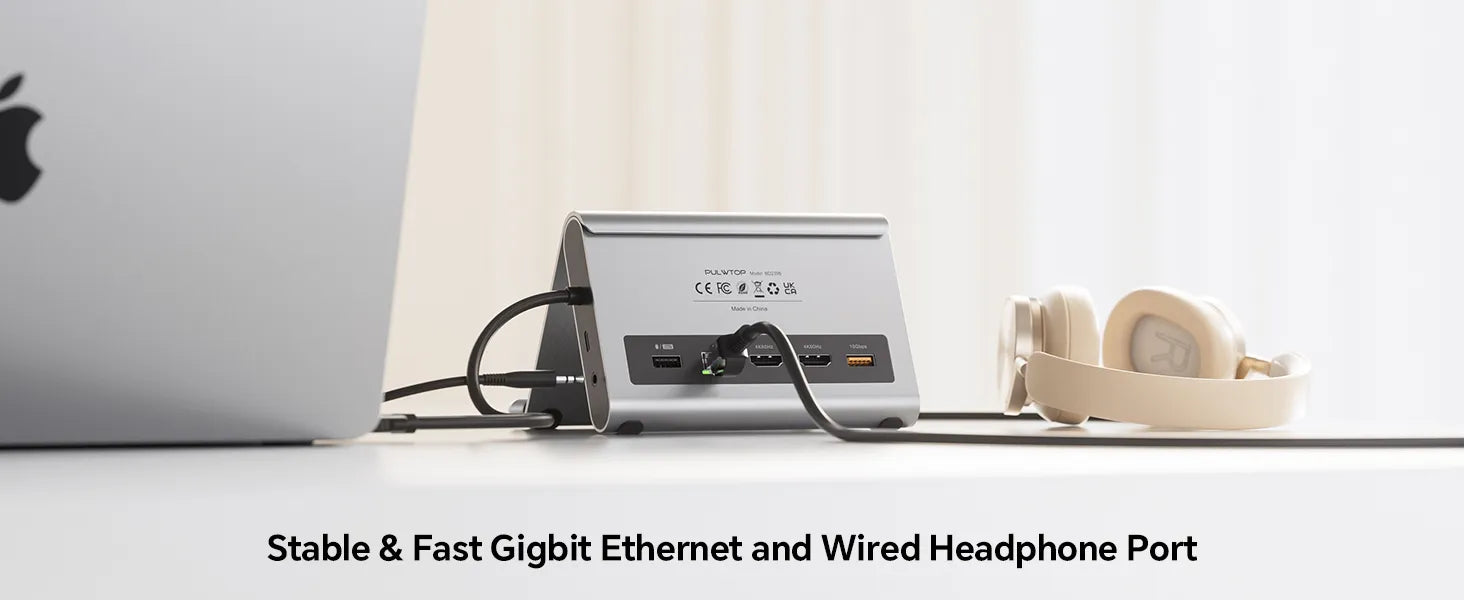
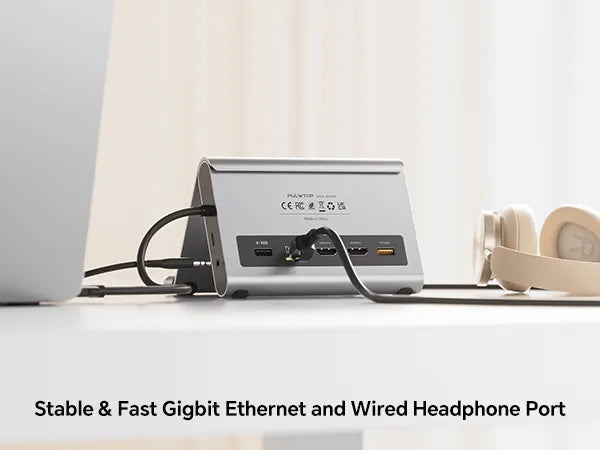
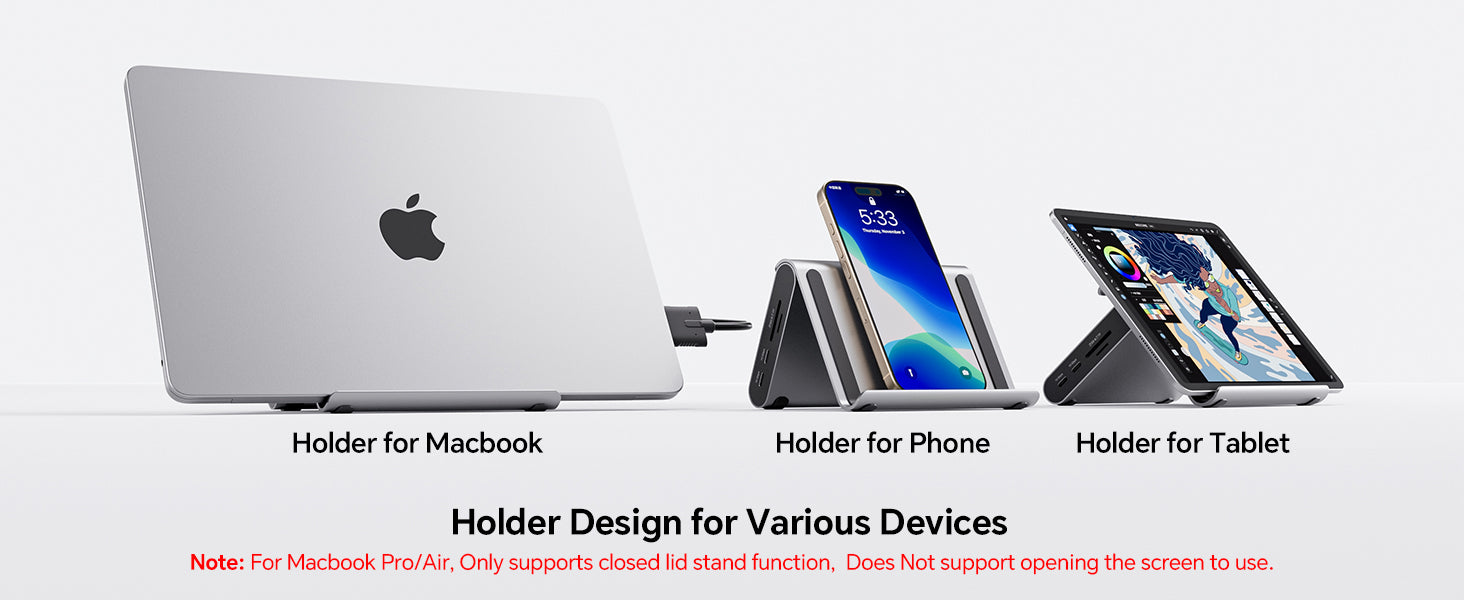
- 【11 in 1 Docking Station】: This Macbook Pro Docking Station stand comes with 2 x 4K@60Hz HDMI for HD video output, 1 *USB A 10Gbps, 2 *USB C 10Gbps, 1 *USB A 2.0, SD/Micro SD USH-1,100 Max PD IN, RJ45 wired Gigabit Ethernet. Also features with holder for your laptop,Tablets,and phones 【Note: Please connect a power adapter (Not included) of 65W or above.】※【NOTE 1】Holder for Macbook Pro/Air, Only supports closed lid stand function, does not support opening the screen to use.※【NOTE 2】Do not support using with laptop case for stand function.
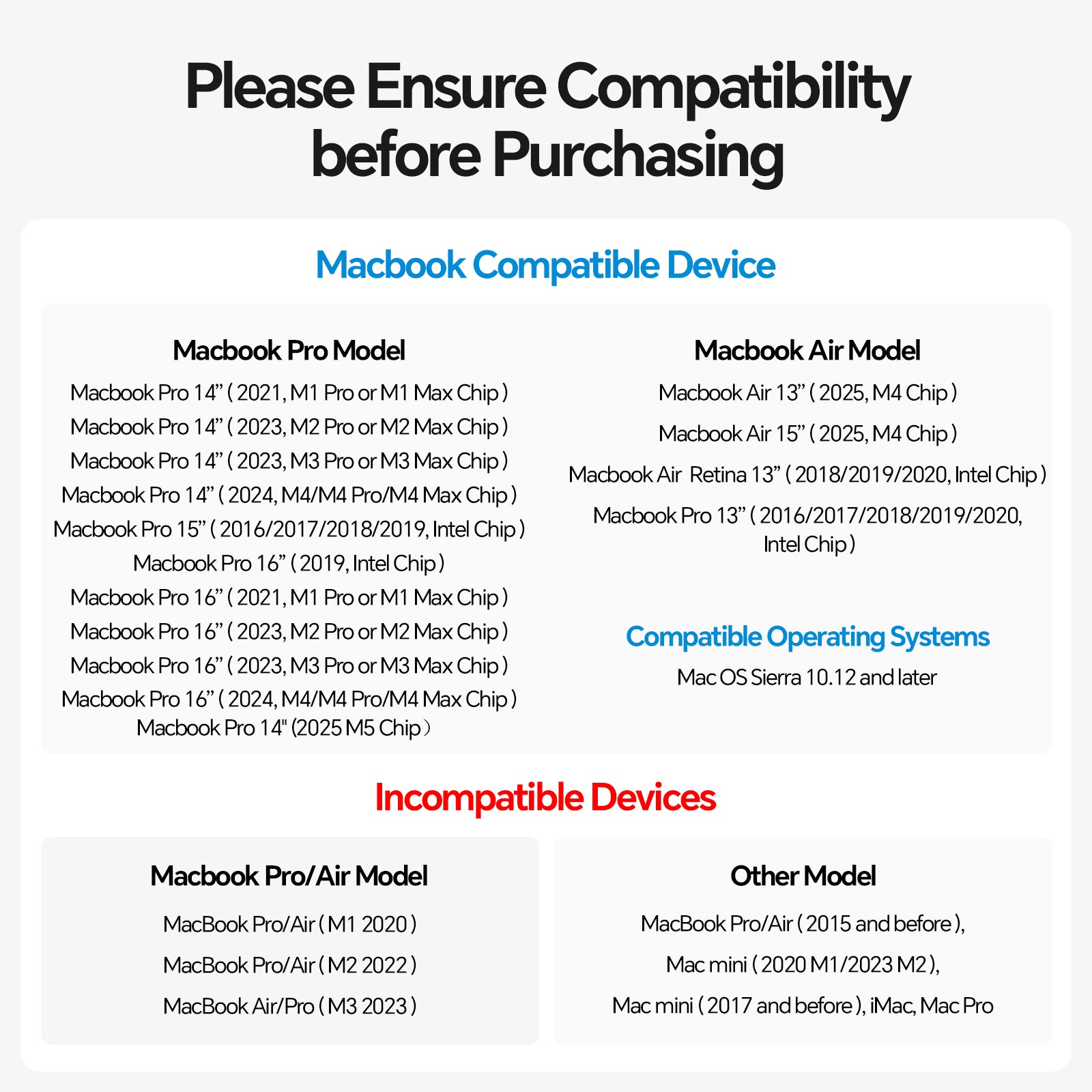
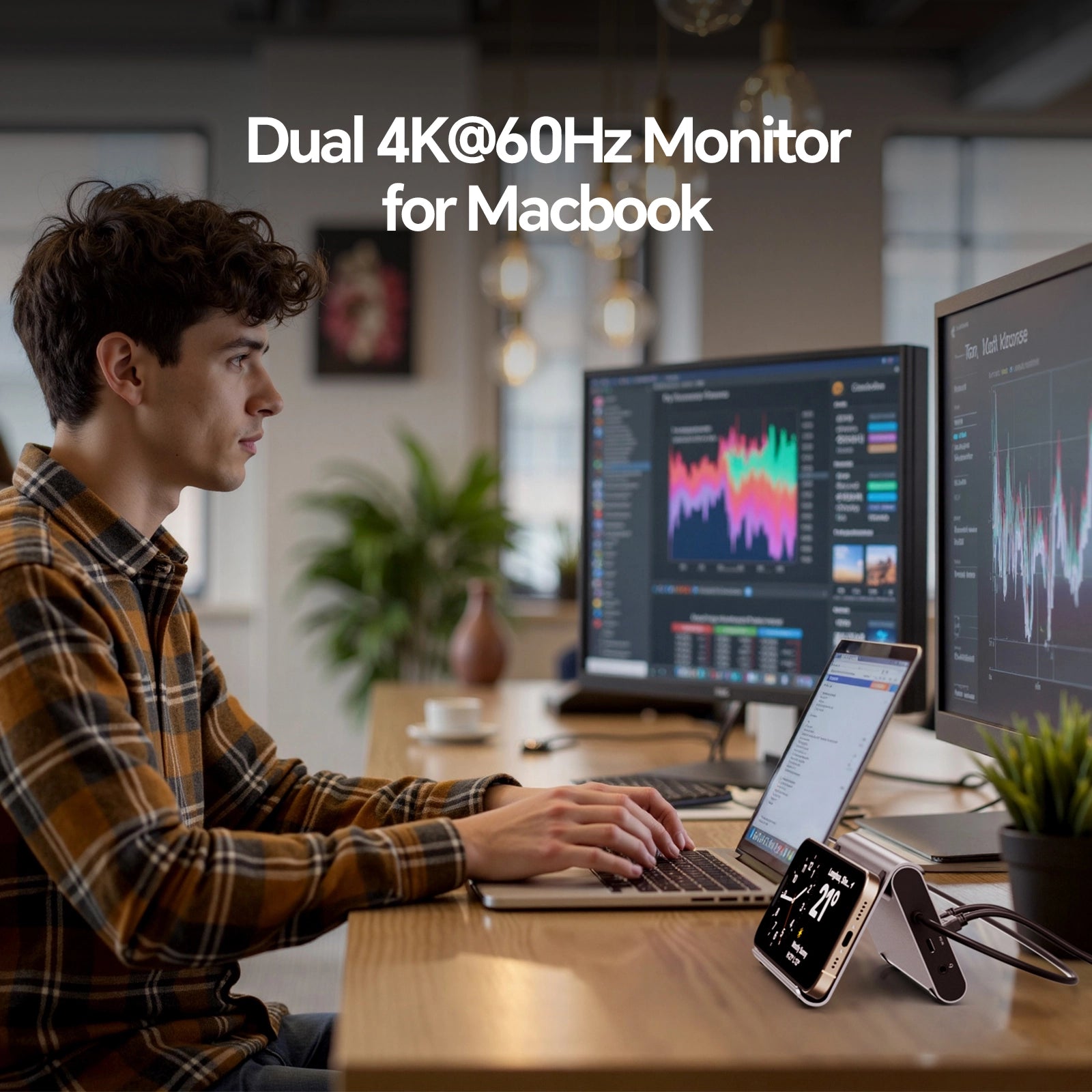
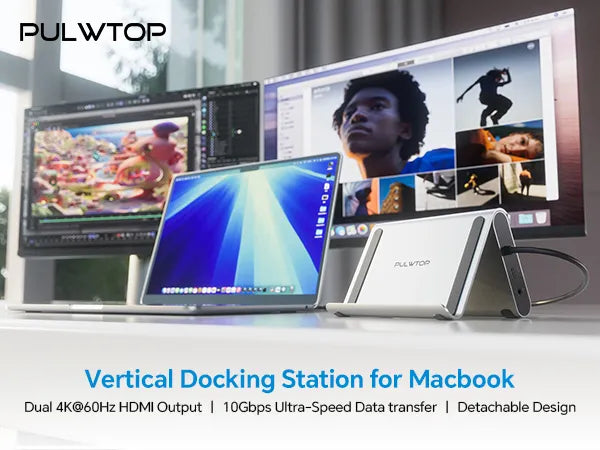
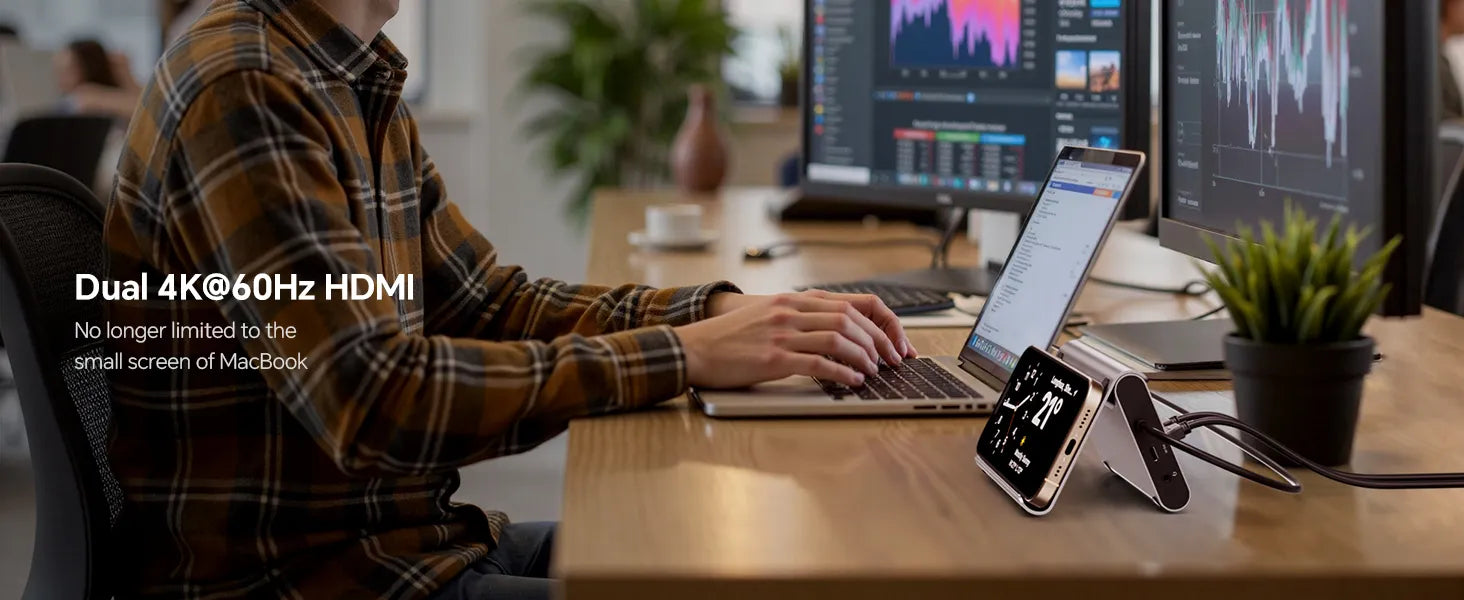
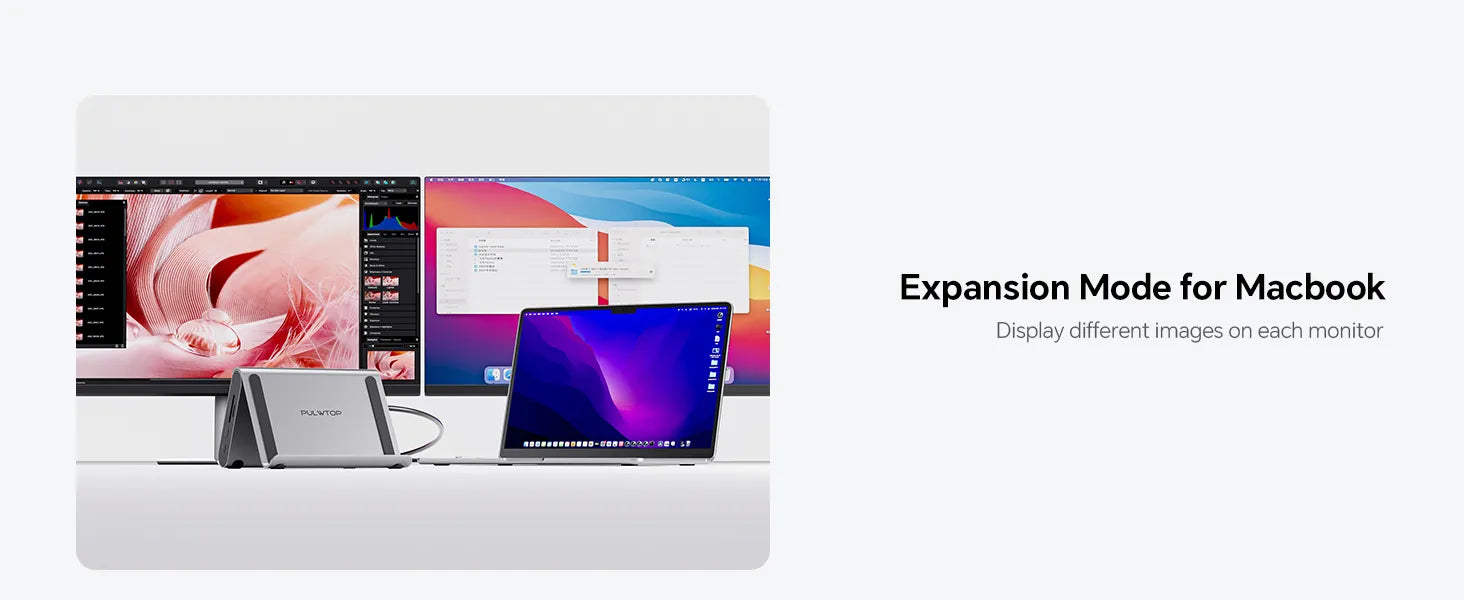
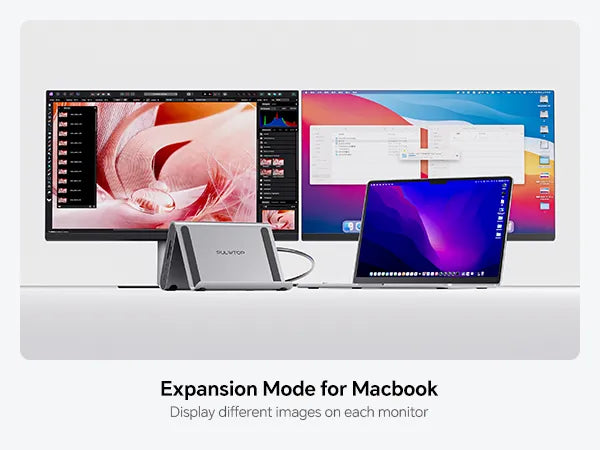
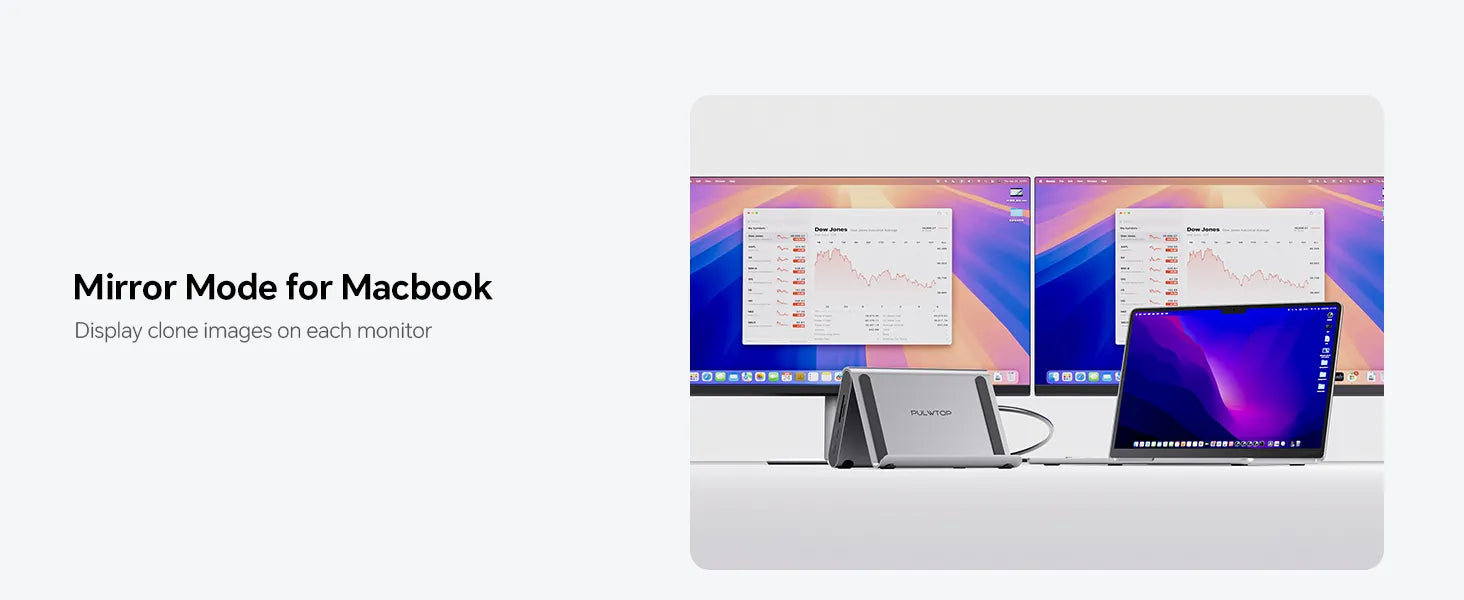
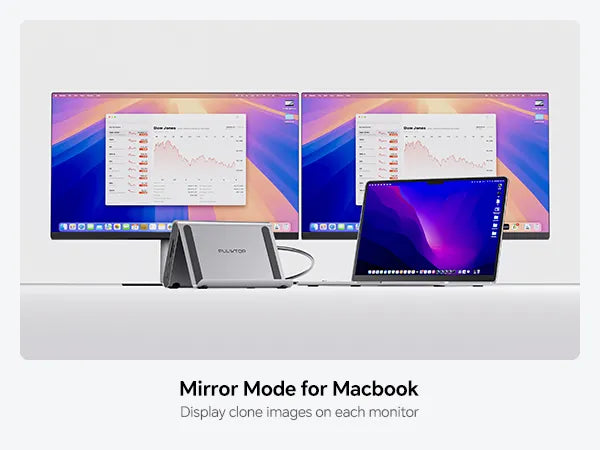
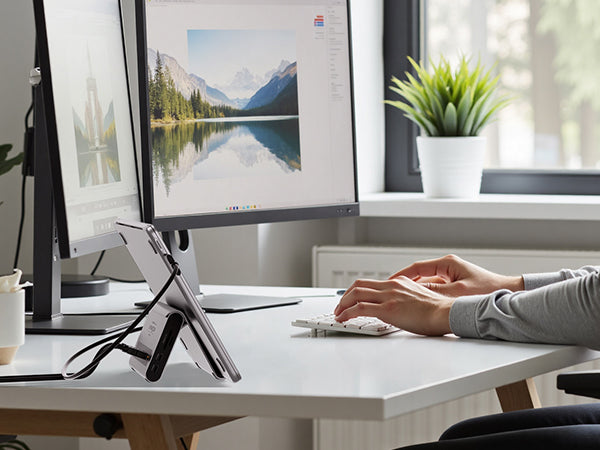
- 【4K HDMI HD Output】: The macbook air docking station dual monitor output up to 2 *4K@60Hz, the Mac Dock can perfectly mirror or extend your screen to HDTV, monitor or projector, suitable for full HD movies, 3D video Games, office meetings and entertainment. Surf the web, watch video clips, transfer data, all in one.【Compatibility】This Dual USB C Dock is compatible with MacBook Pro/Air 2016–2026 (Intel, M1–M5 Pro/Max, M4/M5 base chips).※ NOTE: This Macbook Pro docking Station is NOT compatible with M1/M2/M3 Base Chips/ Macbook Neo and Windows Laptops.
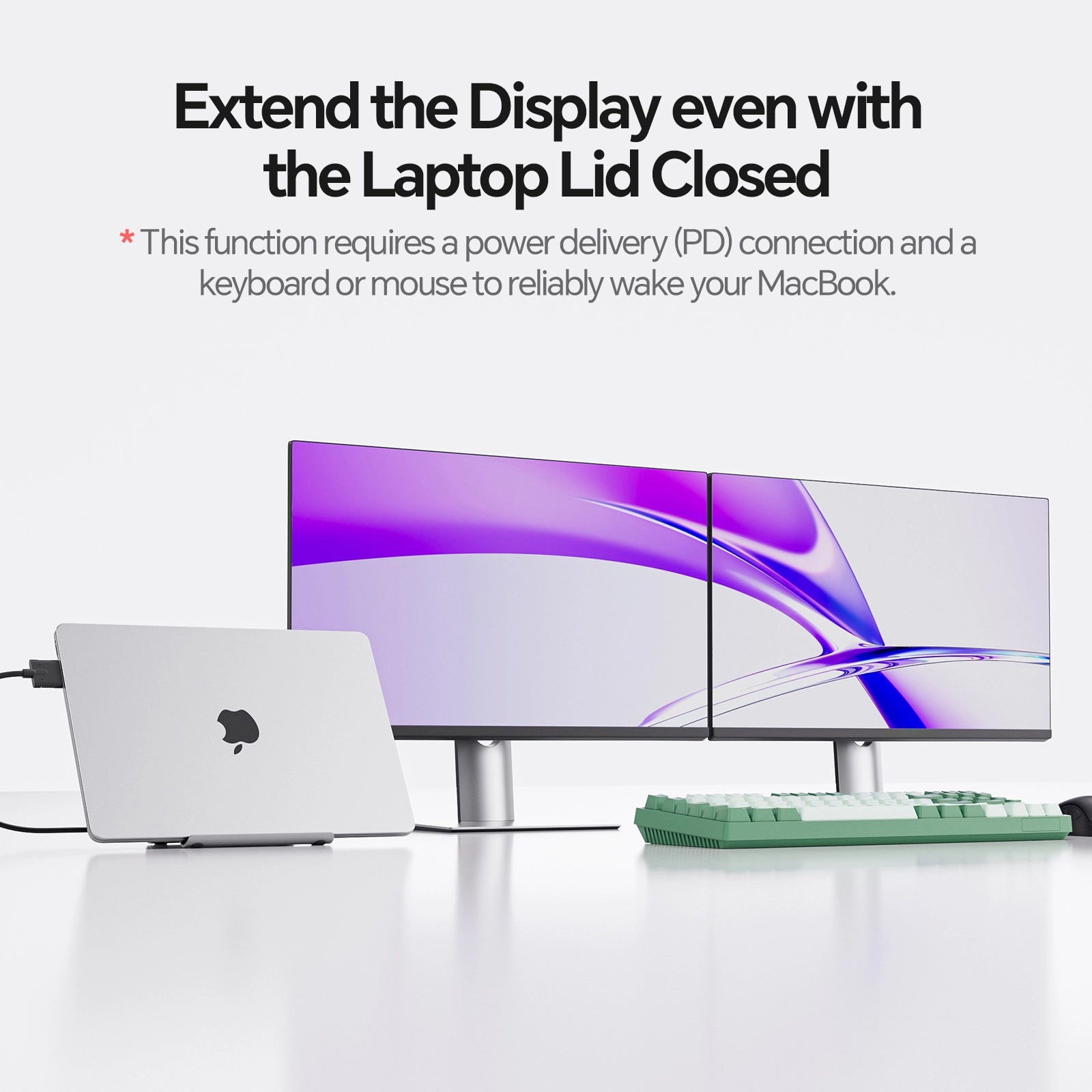
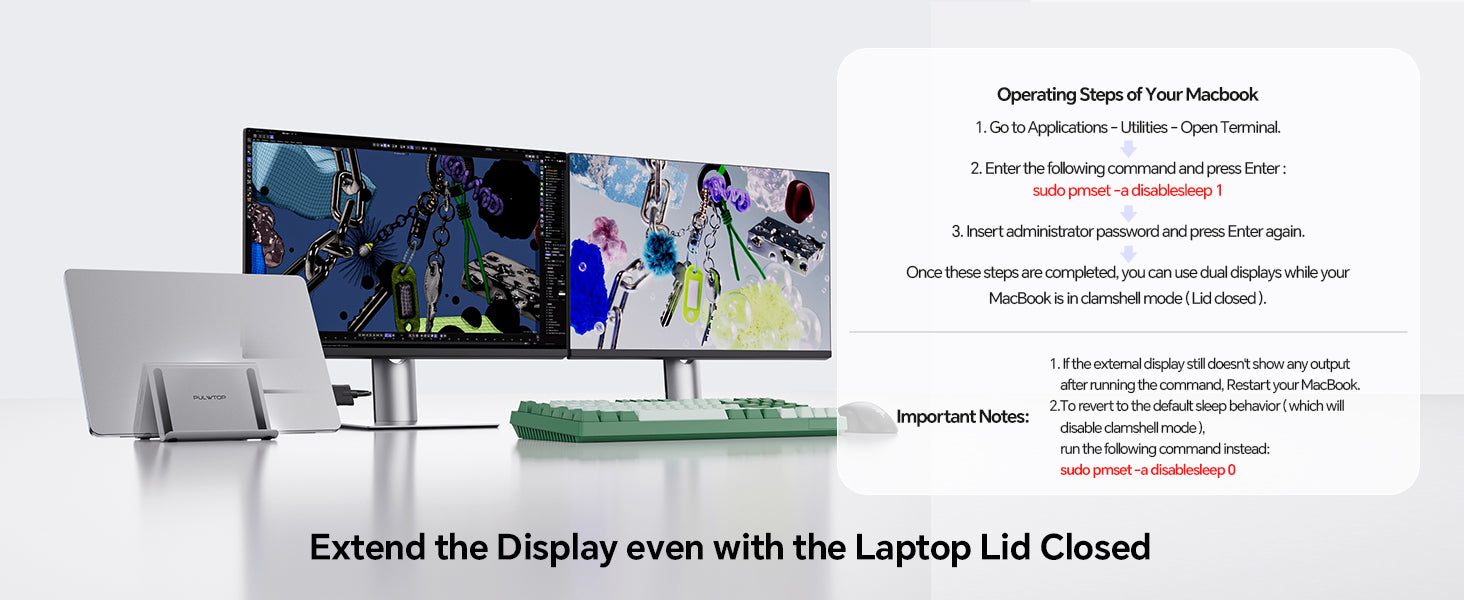
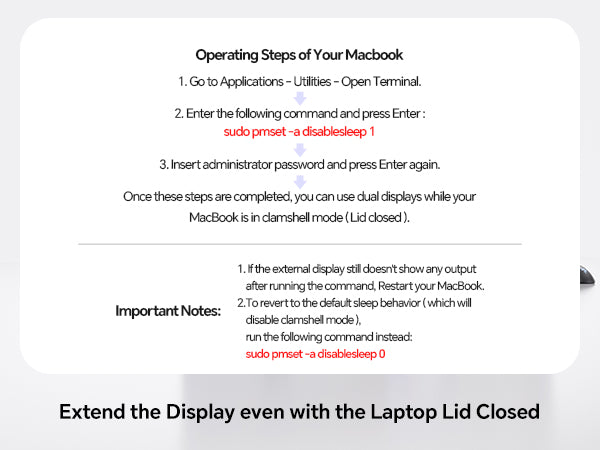
- 【Clamshell Mode Setup】① Open MacBook's Application → Utilities→Terminal).② Type the following command and press Enter:sudo pmset -a disablesleep 1 ③ Enter your administrator password and press Enter again. ④ Your MacBook is now ready for dual displays with the lid closed. Notes: 1) If the external display doesn't work, restart your MacBook. 2) To revert to default sleep behavior (disable clamshell mode), run: sudo pmset -a disablesleep 0
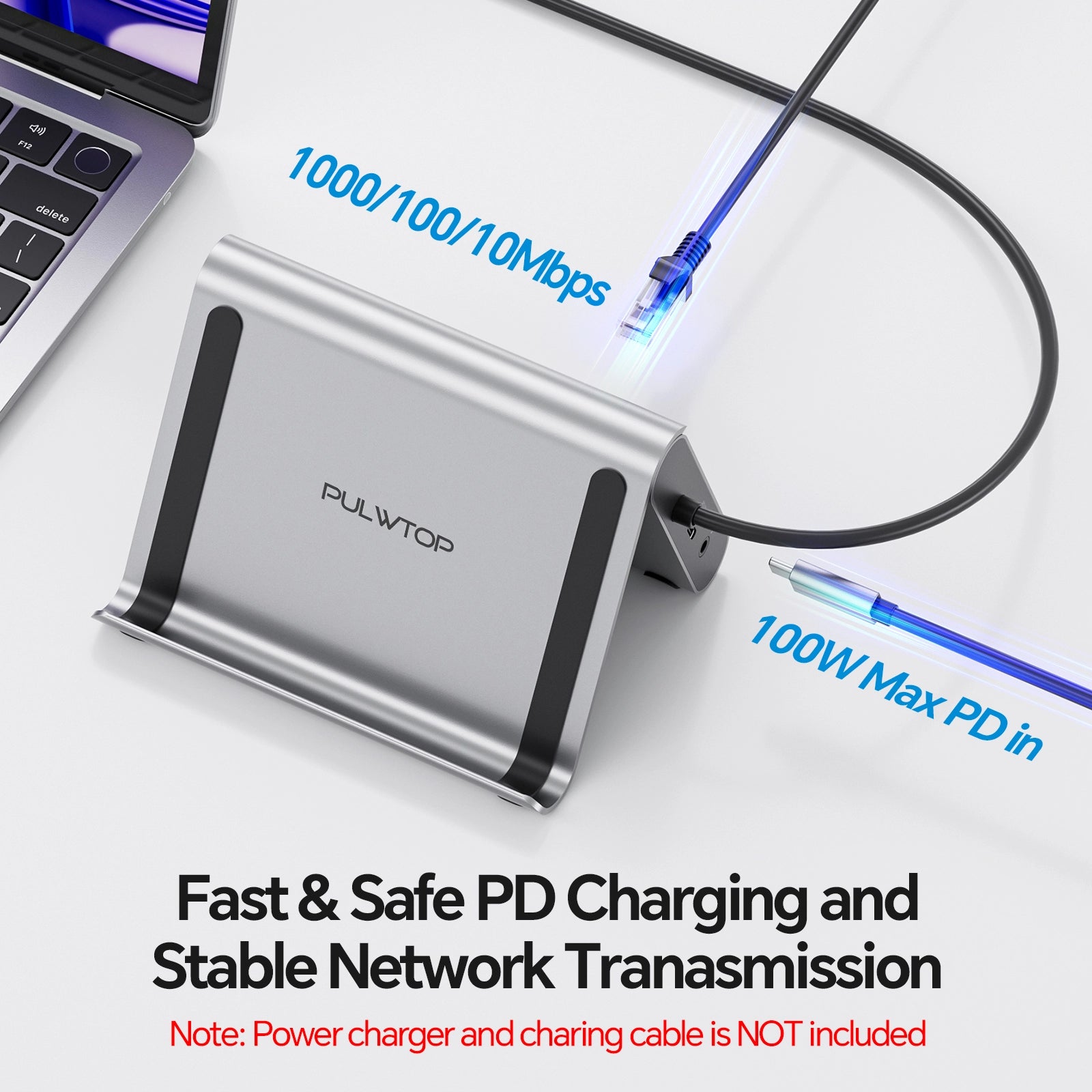
- 【Super Speed Data Transfer Dock】: This docking station for macbook air has 2 USB C 10Gbps port (Not Support video and charging) , 1 *USB A 10Gbps 5Gbps and 1 *USB A 2.0 to transfer files. The USB A 2.0 Port allows you to connect mouse/keyboard without lag. It improves your work efficiency. The USB C docking station With Max PD 100W Charge Port and RJ45 Wired Gigabit Ethernet (10/100/1000Mbps).
-
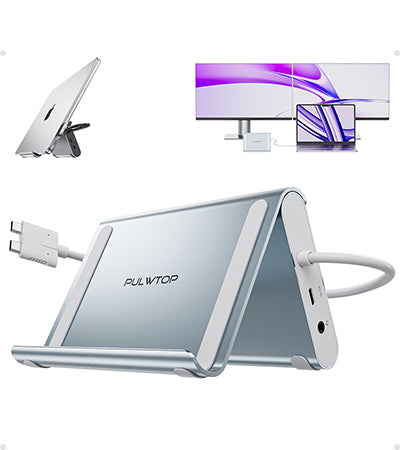
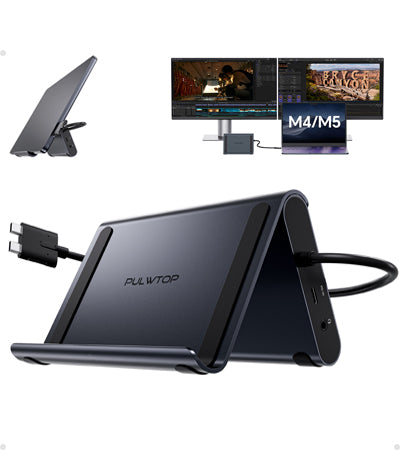
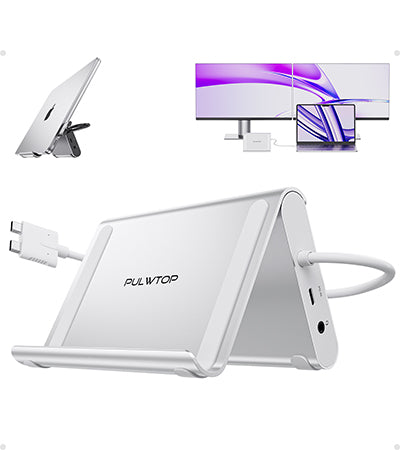
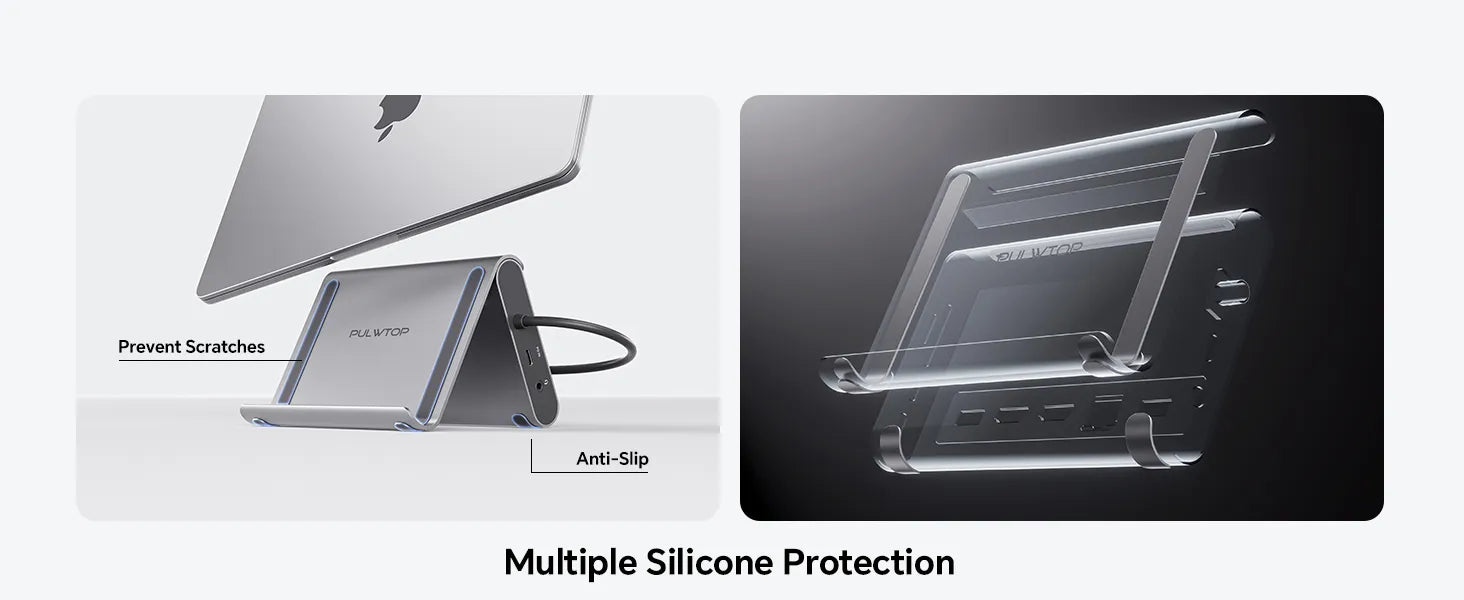
【2 in 1 Docking Station with Stand】This macbook pro docking station dual monitor not only can meet the various needs of users, but also meet the laptop stand function (improve desktop utilization). The demolished bracket is enough to act as a laptop bracket to help increase space, create more working space, and increase productivity.










This product is rated 5.0 of 5.0 stars.
It has received 4 reviews.
Been through so many hubs to find this one, works perfectly with dual monitor set up and mouse / headphones USB adapter. Connects to a dual KVM for perfect WFH set up
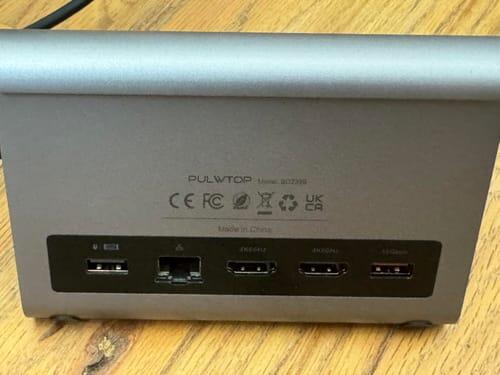
Looking to supercharge your MacBook setup? This 11-in-1 USB-C Docking Station with Stand is tailor-made for professionals and creatives who need to extend screens, boost connectivity, and stay powered throughout the day. Designed specifically for MacBook Pro and Air models with M1 Pro/Max, M2 Pro/Max, M3, and M4 chips, it combines form and function in a space-saving vertical stand.
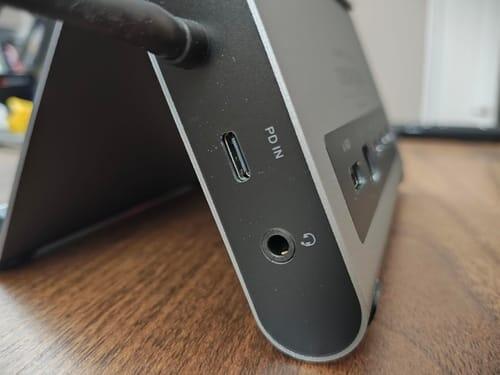
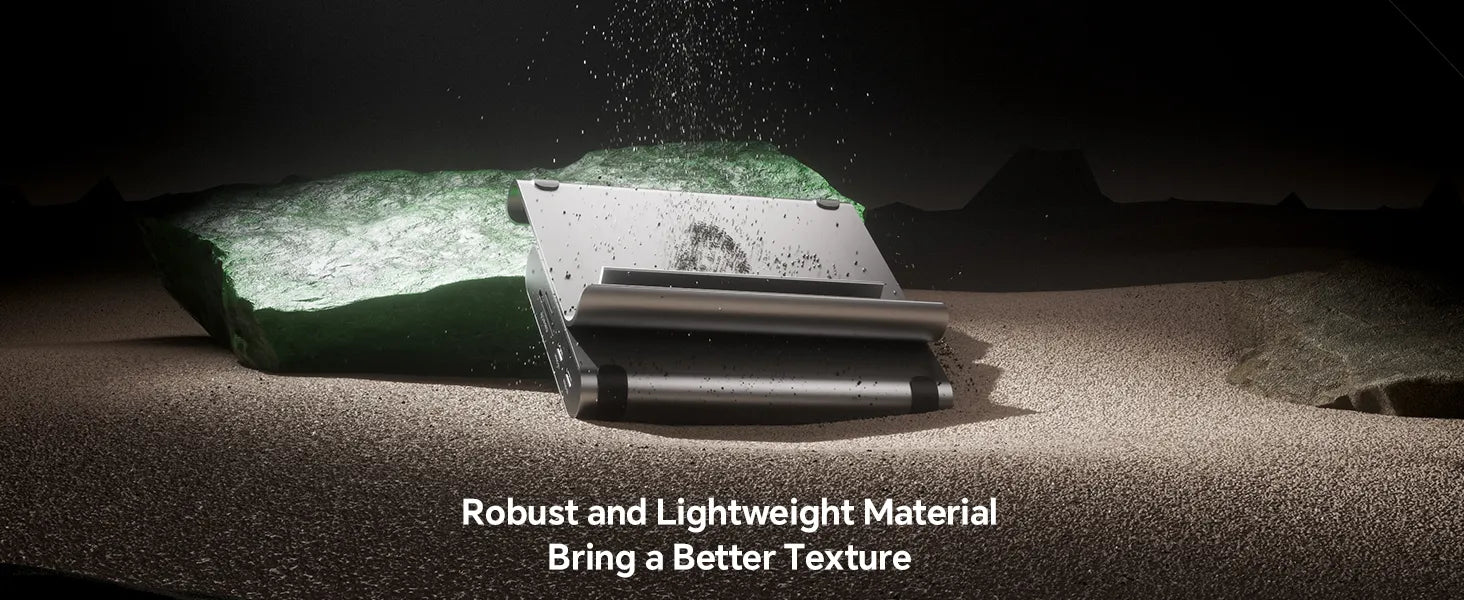
This dock does almost everything right. The build feels premium �� solid, weighty aluminum with secure-feeling ports and a reassuring base. All advertised functions work as claimed, and it keeps the desk footprint minimal by combining a stand and hub in one.
The issue? It won��t accommodate a 16�� MacBook Pro with even a basic plastic shell. That��s a shame because the design feels like it should �� the front plate is detachable, so there��s clearly room for modularity. If the manufacturer had included a secondary bracket or spacer for thicker laptops, this would be an easy five-star recommendation.

As a professional working extensively in broadcasting environments, I approached the PULWTOP MacBook Docking Station with a focus on its capability to handle high-resolution multi-monitor output and data-intensive workflows. This device is engineered with dual HDMI ports supporting 4K at 60Hz, ensuring seamless mirroring or extension of my MacBook Pro��s Retina display to external UHD monitors with zero latency or frame dropping��critical for color-accurate video editing and real-time content review.