
When you place your brand-new iMac 24" (with M1/M3/M4 chip) on your desk, you're immediately drawn to its ultra-thin body and stunning 4.5K display. But soon, you run into a familiar frustration: not enough ports. Apple's minimalist design often forces you to reach awkwardly behind the display or deal with a mess of dongles.
That's exactly the problem the PULWTOP BD182C 11-in-1 Docking Station solves. It's more than just a hub — it's a productivity companion custom-built for the iMac 24". Let's take a closer look at how it can transform your desktop workflow.
Designed for iMac 24": A Perfect Match
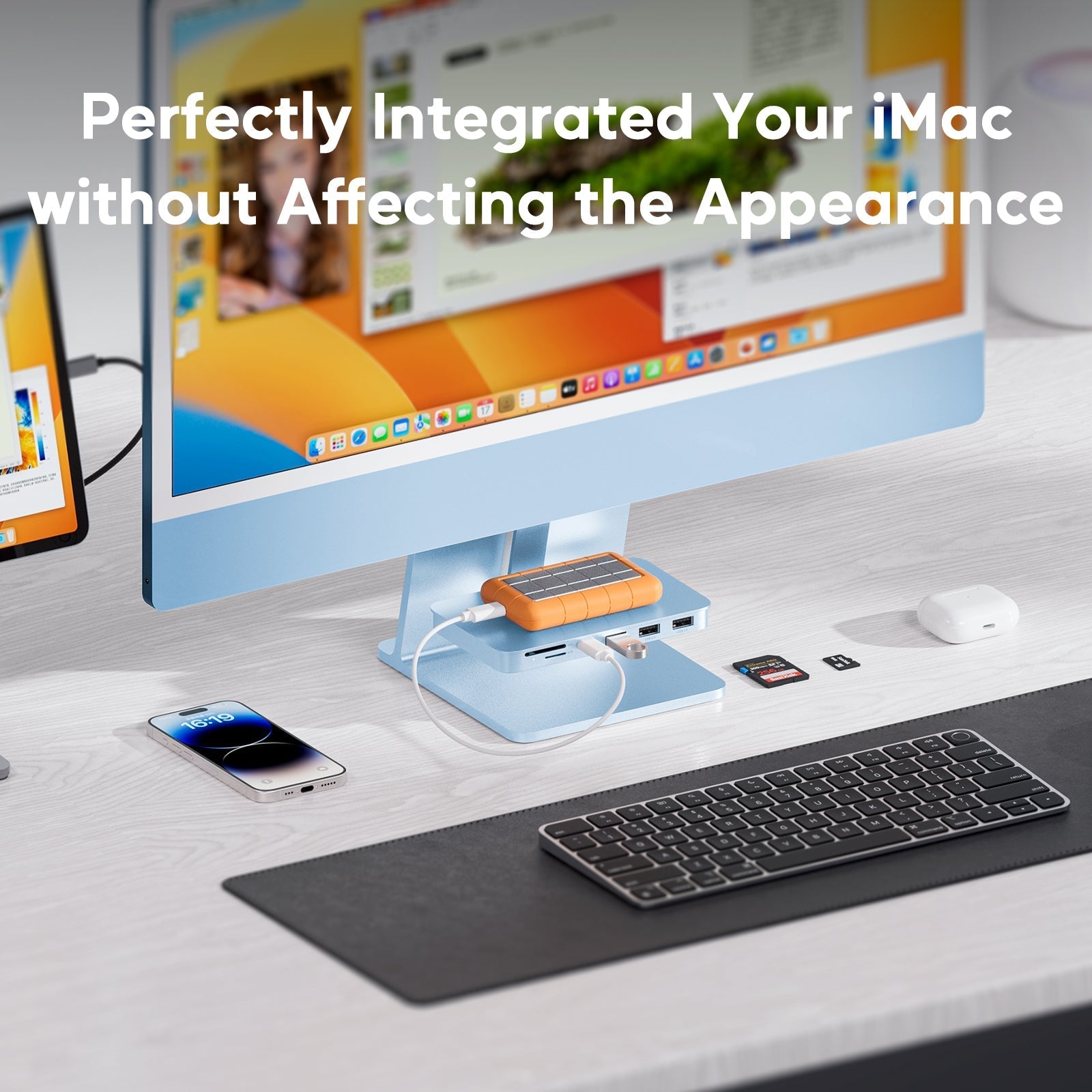
Many universal docking stations look out of place next to an iMac. The BD182C features an integrated, embedded design crafted from aluminum alloy, perfectly matching the iMac's industrial aesthetics. It fits securely under the iMac's base, feeling like a natural extension of your computer. No drivers, no complicated setup — just plug and play.
Say Goodbye to Storage Anxiety: Built-in M.2 SSD Slot
One of the biggest pain points for users who buy a base-model iMac (256GB or 512GB) is running out of storage. The BD182C offers an elegant solution with a hidden M.2 NVMe/SATA SSD slot at the bottom.
-
Supports up to 4TB (SSD not included)
-
Compatible with M.2 2230/2242/2260/2280 form factors
-
10Gbps transfer speed — read/write up to 1000–1200MB/s, moving large project files in seconds
You no longer need to pay Apple's premium for storage upgrades. You get fast, expandable storage on your own terms.
Note: Before using a new SSD, format it as
exFatorAPFSin Disk Utility. Also, SSDs with heatsinks are not supported.

From One Screen to Two: Smooth 4K Video Output
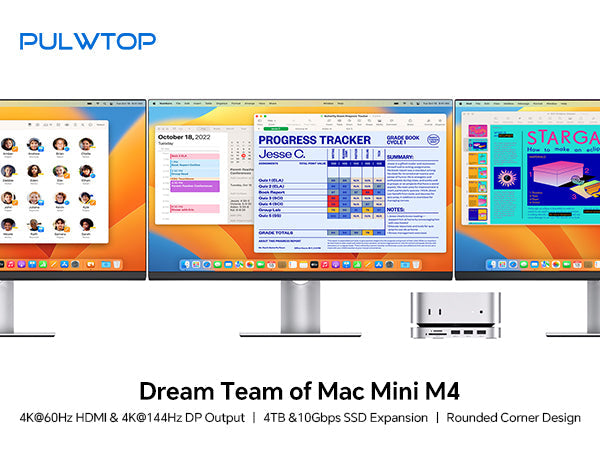
The iMac's built-in display is fantastic, but many professional workflows — video editing, stock trading, or coding — benefit from dual screens. The BD182C provides an HDMI port that supports 4K at 60Hz.
-
Key reminder: You must connect the docking station to one of your iMac's Thunderbolt ports for external display output.
-
Result: Mirror or extend your display to a larger monitor or projector, keeping your timeline or reference materials on a second screen while maintaining a clean workspace on your iMac.

Blazing Fast Network & Full Port Expansion
While the iMac includes a Gigabit Ethernet port, the BD182C upgrades it to a 2.5Gbps wired Ethernet port. For tasks like connecting to a NAS, editing RAW photos online, or cloud gaming, 2.5Gbps delivers a lag-free experience.
All ports are conveniently placed for easy access:
| Port Type | Specification / Purpose | Benefit |
|---|---|---|
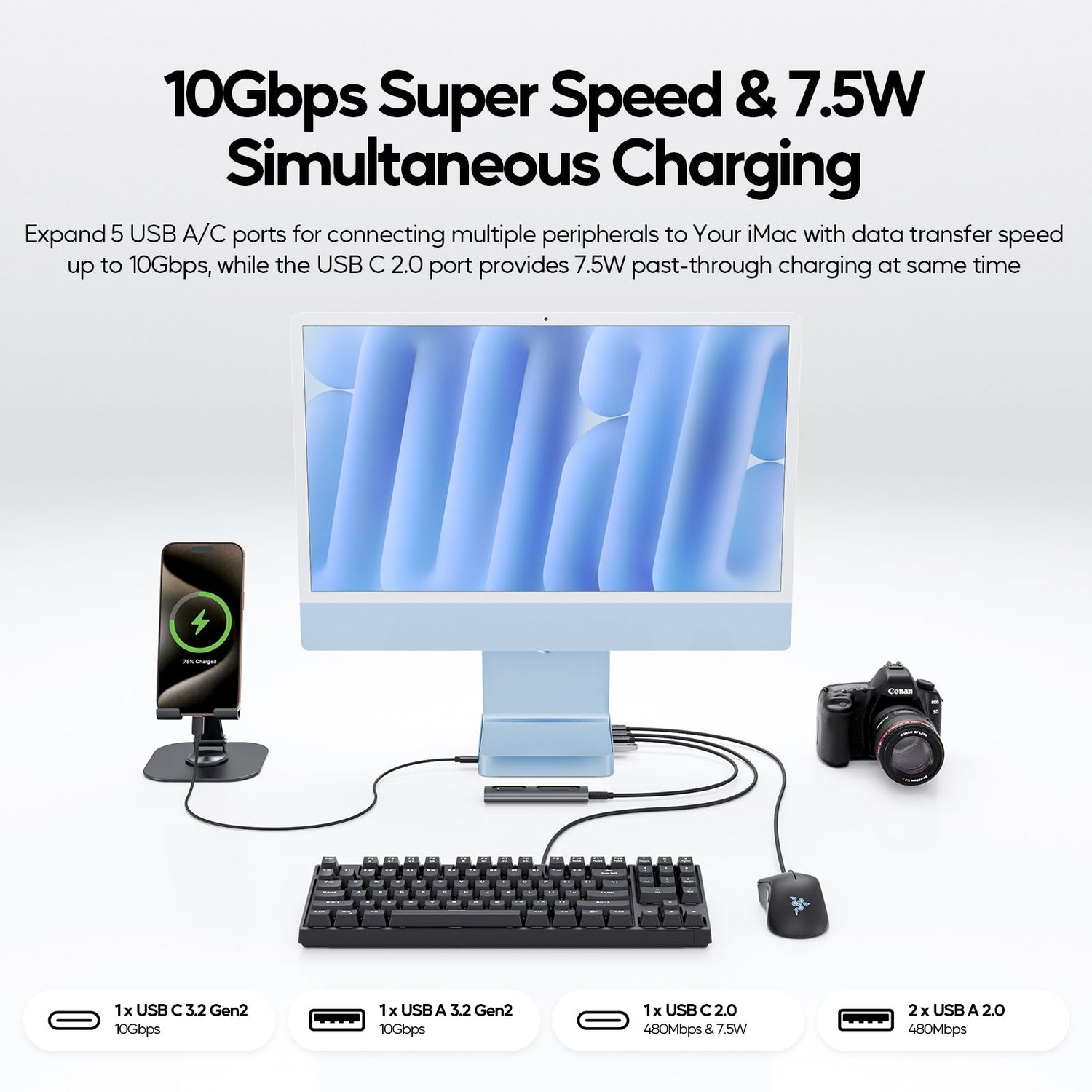
| USB-C 3.2 Gen2 | 10Gbps ultra-speed | Connect high-speed portable SSDs |
| USB-A 3.2 Gen2 | 10Gbps ultra-speed | Legacy high-speed drives |
| USB-C 2.0 | BC1.2 (7.5W charging) | Charge phones, AirPods, etc. |
| 2 x USB-A 2.0 | 480Mbps | Keyboard, mouse, printer |
| SD / Micro SD Card Reader | UHS-I | Essential for photographers and drone pilots |
| 3.5mm Audio Jack | Mic-supported | Wired headphones or speakers |

A Few Important Details
To ensure a smooth experience, keep these points in mind:
-
Compatibility: This docking station is only for 2021 and later iMac 24" models (M1/M3/M4 chips). It does not fit older 21.5" or 27" iMacs.
-
No charging via USB-A: The USB-A ports do not support charging iPads or large devices, nor do they work with optical drives like the Apple SuperDrive.
-
SSD Heatsink: When installing an M.2 SSD, do not use models with large heatsinks — they won't fit into the slot.
What Users Are Saying: 4.9-Star Rating
With 14 verified reviews, the BD182C holds an almost-perfect 4.9 out of 5 stars. Many users praise how it "completely solves the lack of ports on the iMac," and the SSD slot is a frequent highlight — "it gives my 256GB iMac a new life."
Verdict: A Must-Have for iMac 24" Users
If you're looking for a single solution that combines elegant design, massive storage expansion, fast networking, and multi-display output for your iMac 24", the PULWTOP BD182C is an outstanding choice.
It replaces a tangle of adapters, external drive enclosures, and bulky network converters with one clean device. For video creators, photographers, and anyone looking to declutter their desk, this is an investment that pays off daily.
Check out the PULWTOP BD182C in Blue today and turn your iMac into the ultimate productivity workstation.
Note: Features described are based on the product listing. M.2 SSD is sold separately. For external display output, ensure the dock is connected to one of your iMac's Thunderbolt ports.

Leave a comment
This site is protected by hCaptcha and the hCaptcha Privacy Policy and Terms of Service apply.