
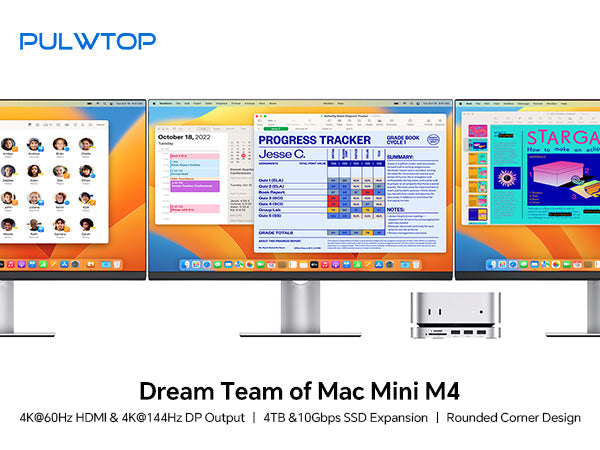
If you've just picked up Apple's new Mac Mini M4 or M4 Pro, you already know it's a powerhouse in a tiny package. But like many modern Macs, it comes with a couple of common challenges: limited built-in storage and fewer ports than many pros need.
Enter the PULWTOP Mac Mini M4 Dock (Model: BD240D) – a purpose-built accessory that transforms your Mac Mini into a true workstation. This isn't just a simple USB hub. It's a stand, an M.2 NVMe SSD enclosure, and a dual-monitor adapter all in one sleek, aluminum package.
In this detailed review, we'll break down every feature, from its clever WiFi-friendly design to its impressive 4K video output, and help you decide if this is the missing piece for your M4 Mac Mini setup.
What Exactly is the PULWTOP Mac Mini M4 Dock?
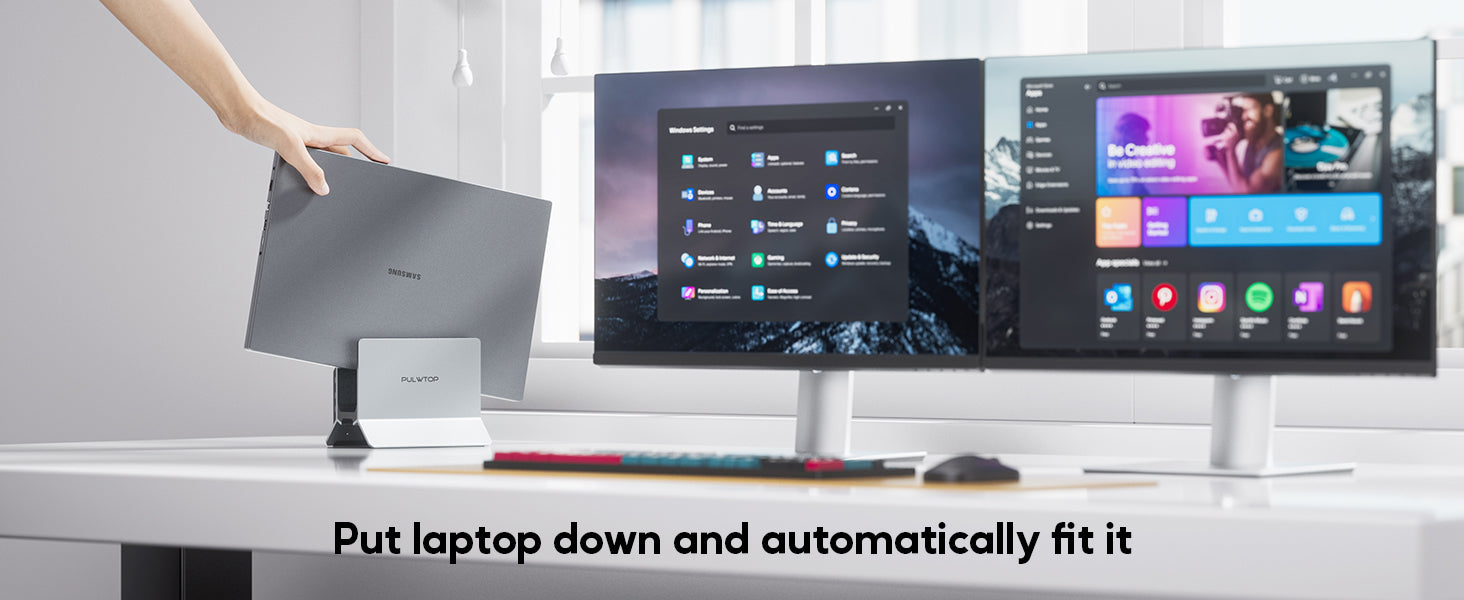
At first glance, the PULWTOP BD240D looks like a custom stand designed to cradle your Mac Mini M4. But look closer, and you'll see it's a full-featured USB-C docking station that sits perfectly under your Mac.
It connects to your Mac Mini via an integrated 80mm dual USB-C 3.2 Gen 2 cable (10Gbps), and in return, it gives you:
-
An internal bay for a speedy M.2 NVMe SSD (up to 4TB)
-
Dual 4K video outputs (DisplayPort 1.4 and HDMI 2.0)
-
Three USB-A 2.0 ports for peripherals
-
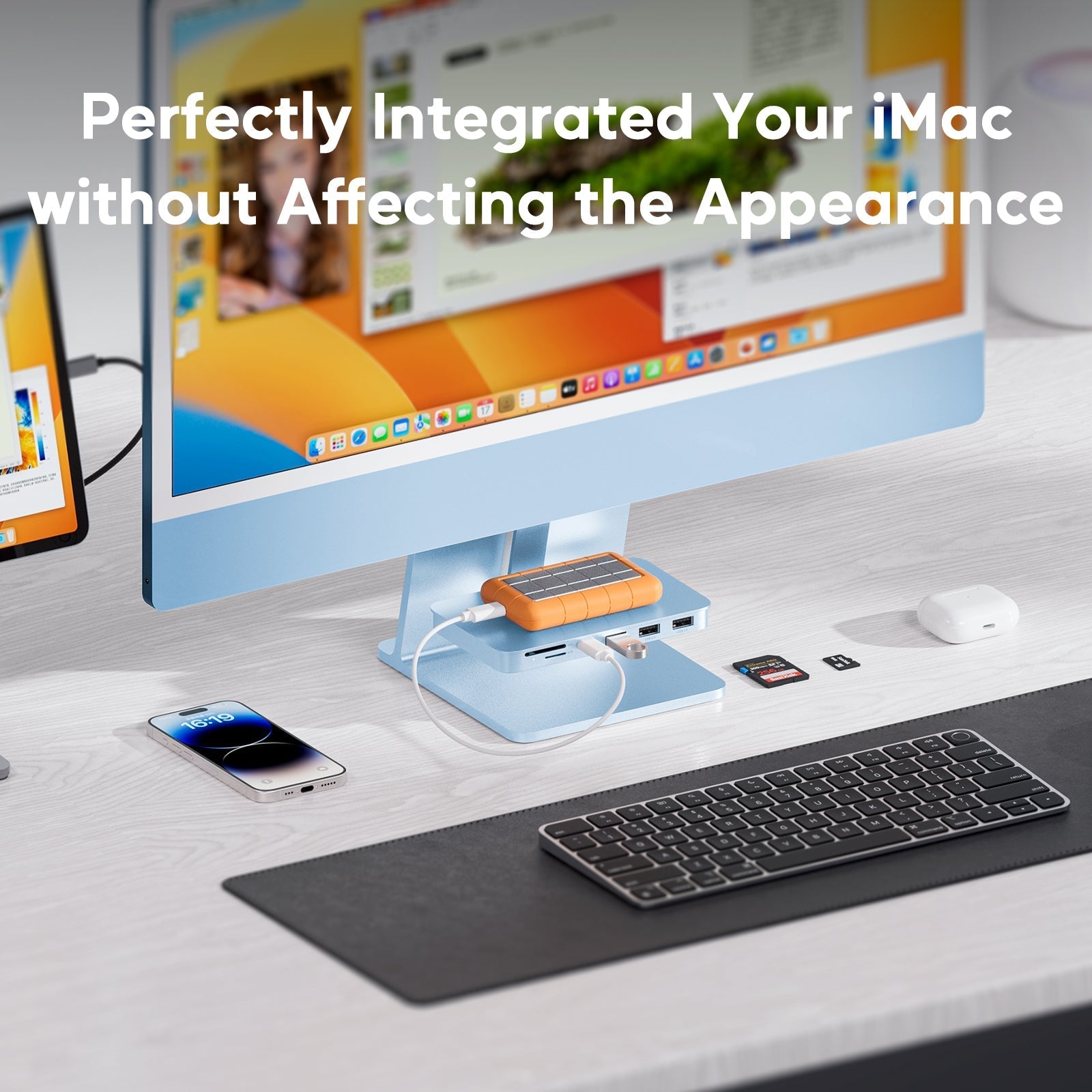
SD and MicroSD card readers
-
A 3.5mm audio/mic combo jack
The best part? Its design lets you easily access the Mac Mini M4's notoriously hard-to-reach power button on the bottom. A small detail, but a huge win for daily usability.
Key Feature Deep Dive
1. Expand Your Storage with Internal M.2 NVMe SSD
One of the most expensive upgrades on any Mac is internal storage. Apple charges a premium for every extra GB. The PULWTOP dock offers a brilliant alternative: an internal M.2 NVMe SSD slot that supports drives up to 4TB with 10Gbps transfer speeds.
-
Supported Sizes: 2230, 2242, 2260, and the common 2280 drives.
-
Important Note: This slot is for NVMe (PCIe) SSDs only. It does not support older, slower SATA SSDs.
-
Setup Tip: If you install a brand new SSD, you'll need to format it first. The manufacturer recommends using exFat or APFS format for compatibility with your Mac.
This effectively turns your Mac Mini M4 into a storage beast for video editing, large photo libraries, or game storage without paying Apple's prices.
2. Dual 4K Video Outputs for Maximum Productivity
The Mac Mini M4 itself is capable of driving multiple displays, but the PULWTOP dock makes connecting them incredibly convenient. It adds:
-
DisplayPort 1.4 – Supports up to 4K @ 144Hz
-
HDMI 2.0 – Supports up to 4K @ 60Hz
This is perfect for creators and professionals who need a multi-screen setup. You can have a high-refresh-rate monitor for smooth motion on one side (via DP) and a secondary 4K display for reference materials or timelines (via HDMI). It's plug-and-play, so no drivers or complicated setups are required.
3. Smart Solution to Wi-Fi Interference (The USB 2.0 Choice)
You might notice the three USB-A ports are USB 2.0 (480Mbps), not USB 3.2. At first, this might seem like a downside. However, PULWTOP made a deliberate and intelligent choice here.
USB 3.0 and higher are known to interfere with 2.4GHz Wi-Fi and Bluetooth signals due to electromagnetic interference. Many Mac Mini users have experienced dropped Wi-Fi connections or laggy mice when using USB 3.0 hubs.
By using USB 2.0 ports, the PULWTOP dock eliminates Wi-Fi interference entirely. These ports are ideal for stable, no-delay connections for your keyboard, mouse, and other peripherals where multi-gigabit speeds aren't necessary.
Note: As stated by the manufacturer, these USB-A ports do not support charging devices and are for data transfer only. They also won't work with CD readers or Apple's SuperDrive.
4. Elegant, Functional Design
The dock features a sleek, slim aluminum construction with a rounded notch design that visually matches the Mac Mini's aesthetic. It comes with:
-
An anti-slip ring and four silicone pads to keep your Mac Mini rock-solid on your desk.
-
Easy access to the power button – a thoughtful design element.
-
Front-facing SD/MicroSD card slots (104 Mbps) and a 3.5mm audio jack for quick access.

Things to Keep in Mind (Bandwidth & Audio)
Like any device that shares a single 10Gbps connection, there are some natural limitations you should be aware of:
-
Shared Bandwidth: All ports on the dock share the 10Gbps bandwidth. If you're transferring files from your SSD, copying from an SD card, and using a USB drive simultaneously, the speeds won't hit the maximum of each individual port.
-
Audio Output Prioritization: If you have speakers or headphones plugged into both your Mac Mini and this dock, the system will only output audio to one device at a time. You'll need to go into your Mac's Sound Settings to select which output you want to use.
Who Is This Dock For?
The PULWTOP Mac Mini M4 Dock is an excellent choice for:
-
Video Editors & Photographers – Who need fast, expandable NVMe storage and SD card slots for their workflow.
-
Office & Power Users – Who rely on multiple monitors and a stable, lag-free connection for their wired keyboard and mouse.
-
Anyone Frustrated by Wi-Fi Drops – Who wants to use USB peripherals without causing interference.
-
Mac Mini Gamers – Who want a high-refresh-rate DisplayPort connection for smoother gameplay.
Final Verdict
The PULWTOP Mac Mini M4 Dock (BD240D) solves three of the biggest pain points for new Mac Mini owners: limited storage, not enough ports, and Wi-Fi interference.
While the USB-A ports are limited to 2.0 speeds (a necessary trade-off for stability), the inclusion of a 10Gbps NVMe slot and dual 4K video outputs makes this one of the most practical and well-thought-out docks available for the 2024 Mac Mini M4.
If you're ready to turn your compact Mac Mini into a full-fledged creative studio or productivity powerhouse, this dock is worth every penny.
Ready to upgrade your Mac Mini M4 setup? Check the latest price for the PULWTOP Mac Mini M4 Dock here.

Leave a comment
This site is protected by hCaptcha and the hCaptcha Privacy Policy and Terms of Service apply.